4.2 Basic Operation
BP4610
4-9
4.2.6 Execution input
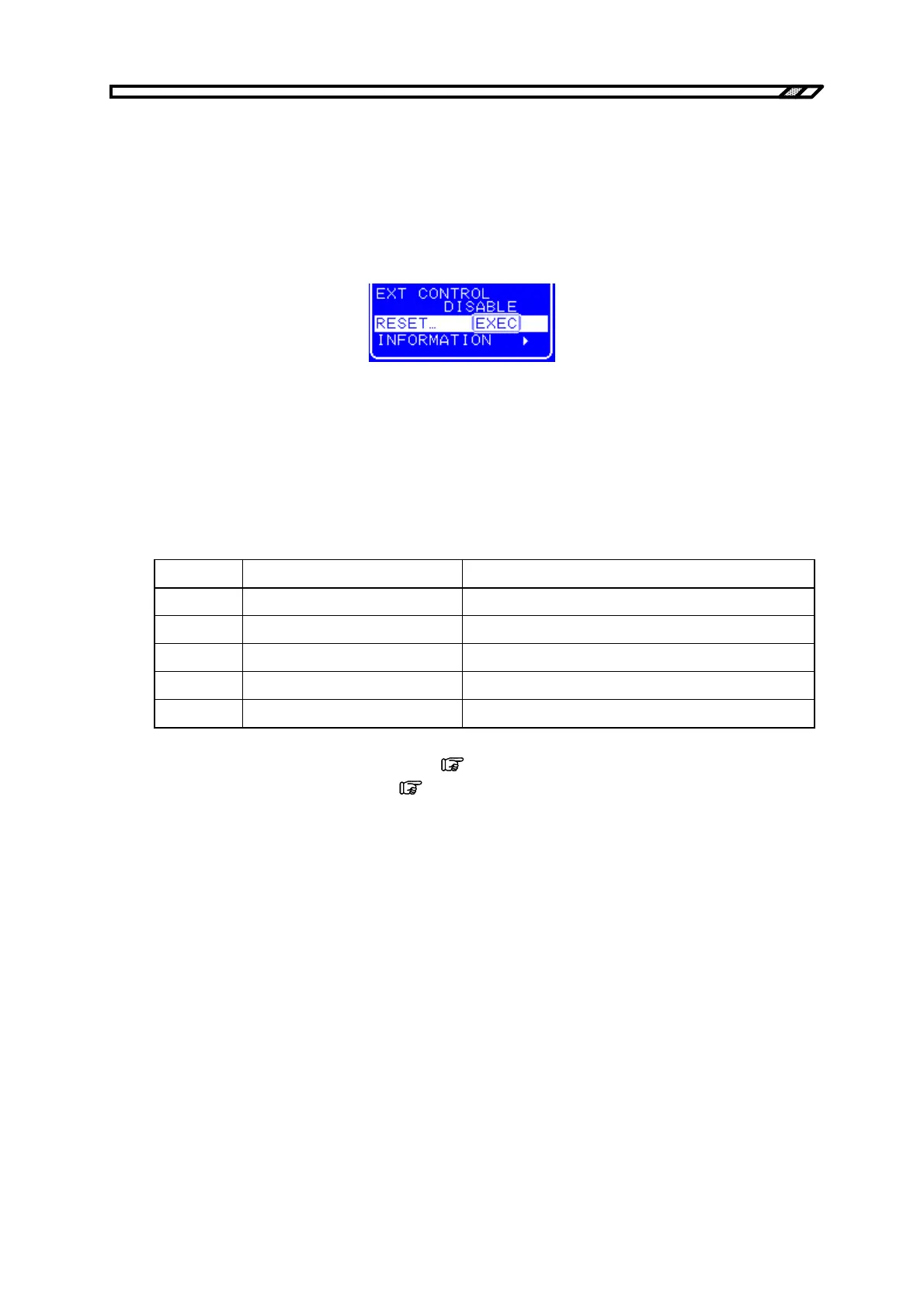
Items that are actually executed by pressing the [ENTER] key are displayed in the Exe box.
Only one item recommended for execution is displayed in the Exe box at a time, and the execution
cursor is located over that item.
The item is actually executed when the [ENTER] is pressed, and the Exe box then closes. If the Exe box
is closed by pressing the [CANCEL] key, the item is not executed.
Figure 4-6. Exe Box
4.2.7 Shortcut keys
The following operations can be performed using shortcut keys on the BP4610.
Table 4-9. Shortcut Key List
Key No. Display on Operation Panel Function
1 TOP MENU Return to normal display (menu top)
2 START Start sequence
3 STOP Stop sequence
4 HOLD Hold sequence
5 LOCAL Return to local
For details on the functions of keys No. 2 to 4,
refer to “4.5 Sequence Operation”.
For details on the function of key No. 5,
refer to “4.8.2 Switch to local mode”.



 To Next Page