4.3 Basic Functions
BP4610
4-14
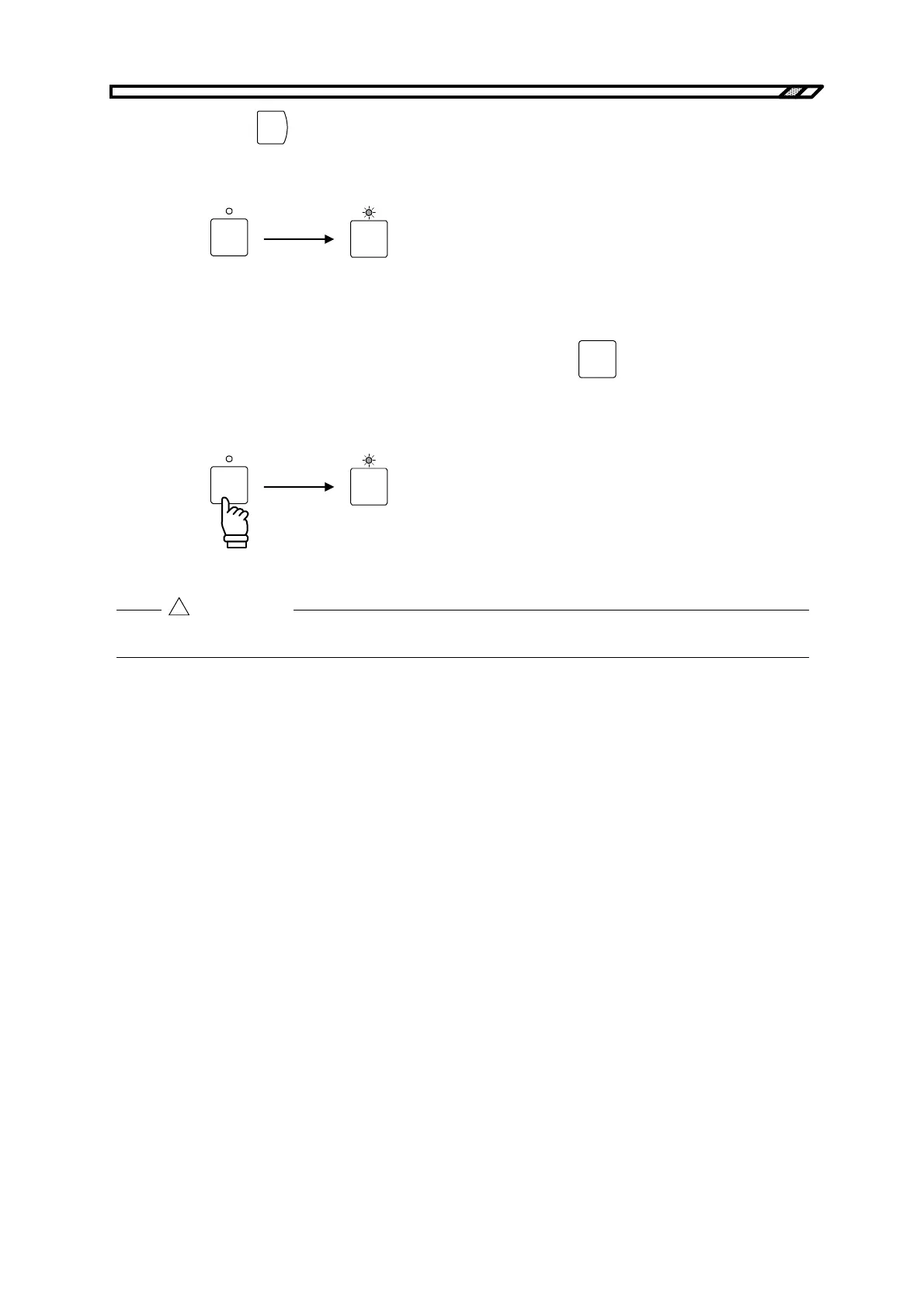
<4> Press the
ENTER
key to switch the output on/off.
When the output is switched on, the on/off LED lights, and when the output is switched off,
the LED goes out.
OUTPUT
OUTPUT
Output off Output on
Operation procedure (using OUTPUT key)
The BP4610 allows output on/off control by simply pressing the
OUTPUT
key.
When the output is switched on, the on/off LED lights, and when the output is switched off, the LED
goes out.
OUTPUT
OUTPUT
Output off Output on
When switching the power off, be sure to check that OUTPUT is off.
!
CAUTION



 To Next Page