Key operator settings 133
Also, when you change certain settings, such as measurement unit or paper
series, all related settings are instantaneously converted to the new setting
(with a bullet for the settings that are changed).
[69] Settings Editor
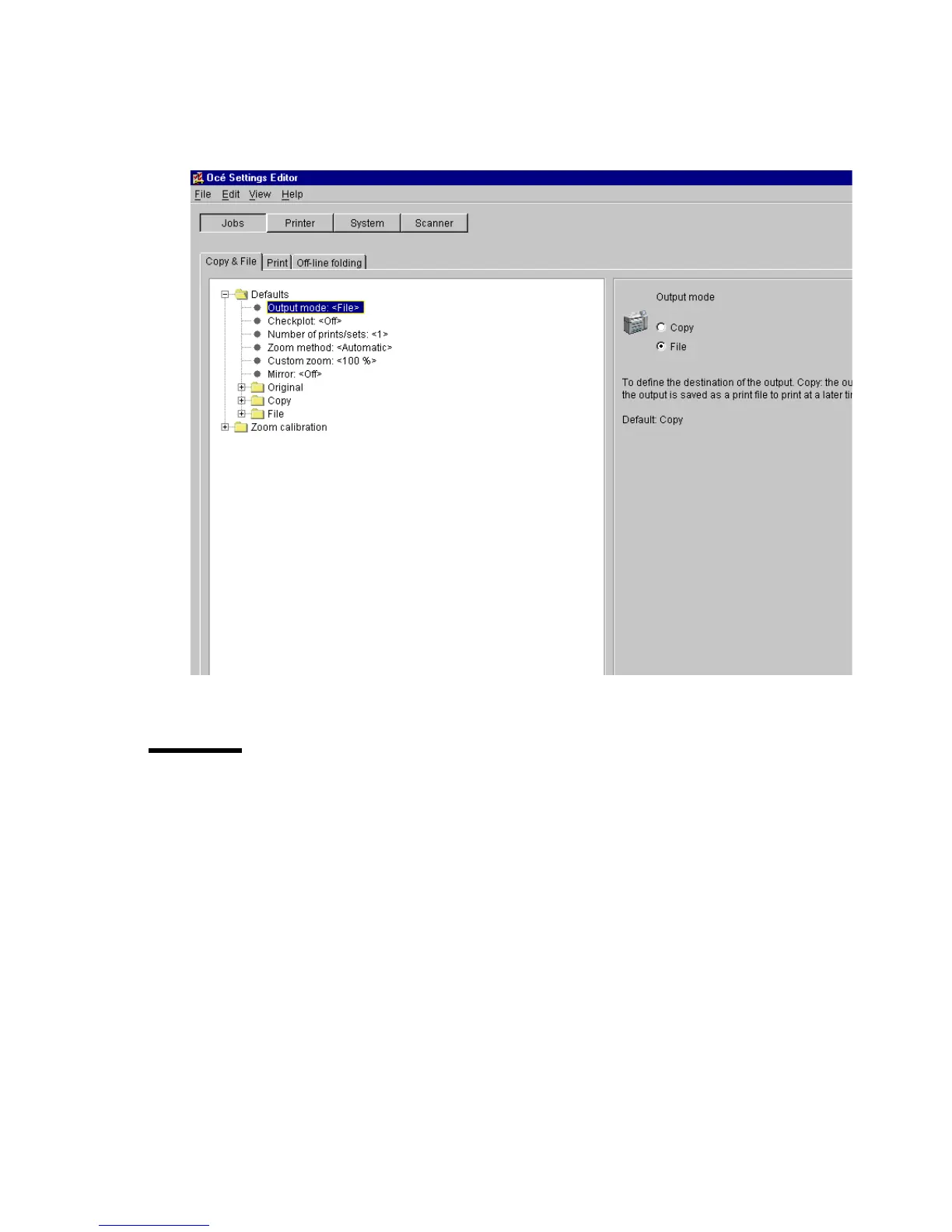
General structure
The Settings Editor is structured as follows:
■
Menu bar
■
Row of buttons
■
Settings area
■
General control buttons
■
Status bar



 To Next Page