174 Océ 9600 Copier/Printer User Manual
Printer-related settings
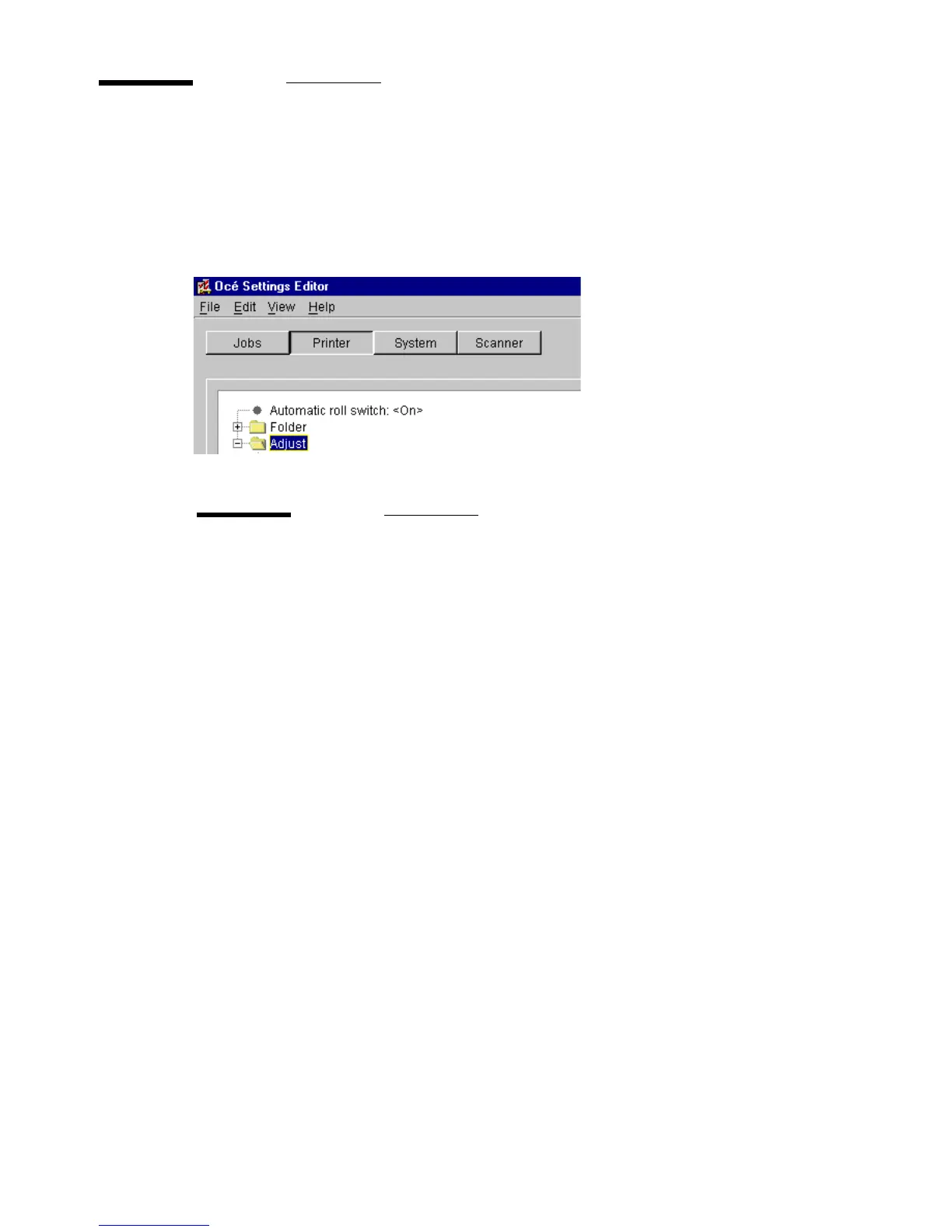
There are two printer-related settings for a key operator (see figure 84):
■
Automatic roll switch
■
Block number with correct light intensity
[84] Printer related settings
Automatic roll switch
Description
When you enable ‘Automatic roll switch’, the Océ 9600
switches to another roll or cassette tray (depending on the
specified feed preference) with the same material type and
size, as soon as a roll or cassette tray is empty.
If ‘Set next larger fit’ is active, a larger size of material will
be used for printing. Only when all corresponding rolls or
cassette trays are empty, will you have to refill media.
Note:
The Océ 9600 will not switch to a roll or cassette tray which
is specially configured.
Min/max values
N/A
Menu path
Printer - Automatic roll switch - <value> - Apply



 To Next Page