Key operator settings 177
Single options
Localization (group)
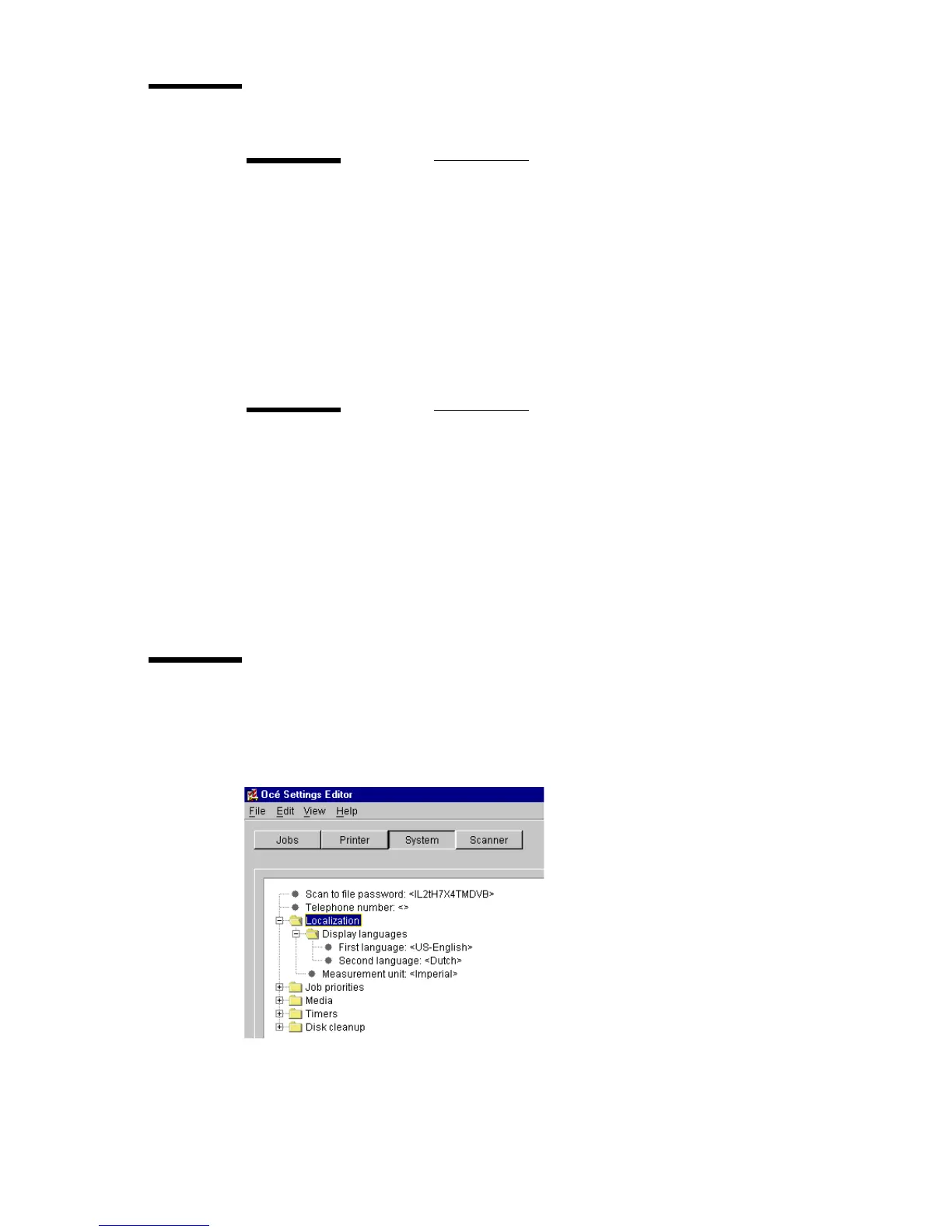
Under localization, you can change the display languages and the
measurement unit (see figure 86).
[86] Localization settings for key operators
Scan-to-file password (single)
Description
Scan-to-file is an optional module.
To activate this option, a password is required. Call your lo-
cal dealer for this password.
After you have entered the password, you can use
Scan-to-file.
Min/max values
N/A
Menu path
System - Scan-to-file - <value> - Apply
Telephone number
Description
Use ‘Telephone number’, to display a telephone number,
when a permanent error occurs.
This can be the number of the key operator but also that of
the local service organization.
Min/max values
N/A
Menu path
System - Telephone number - <value> - Apply



 To Next Page