Problem solving 245
Original jams in scanner
If during scanning, an original becomes jammed, you can stop the original
transport with the red Stop button.
▼
▼▼
▼
Removing a jammed original
1
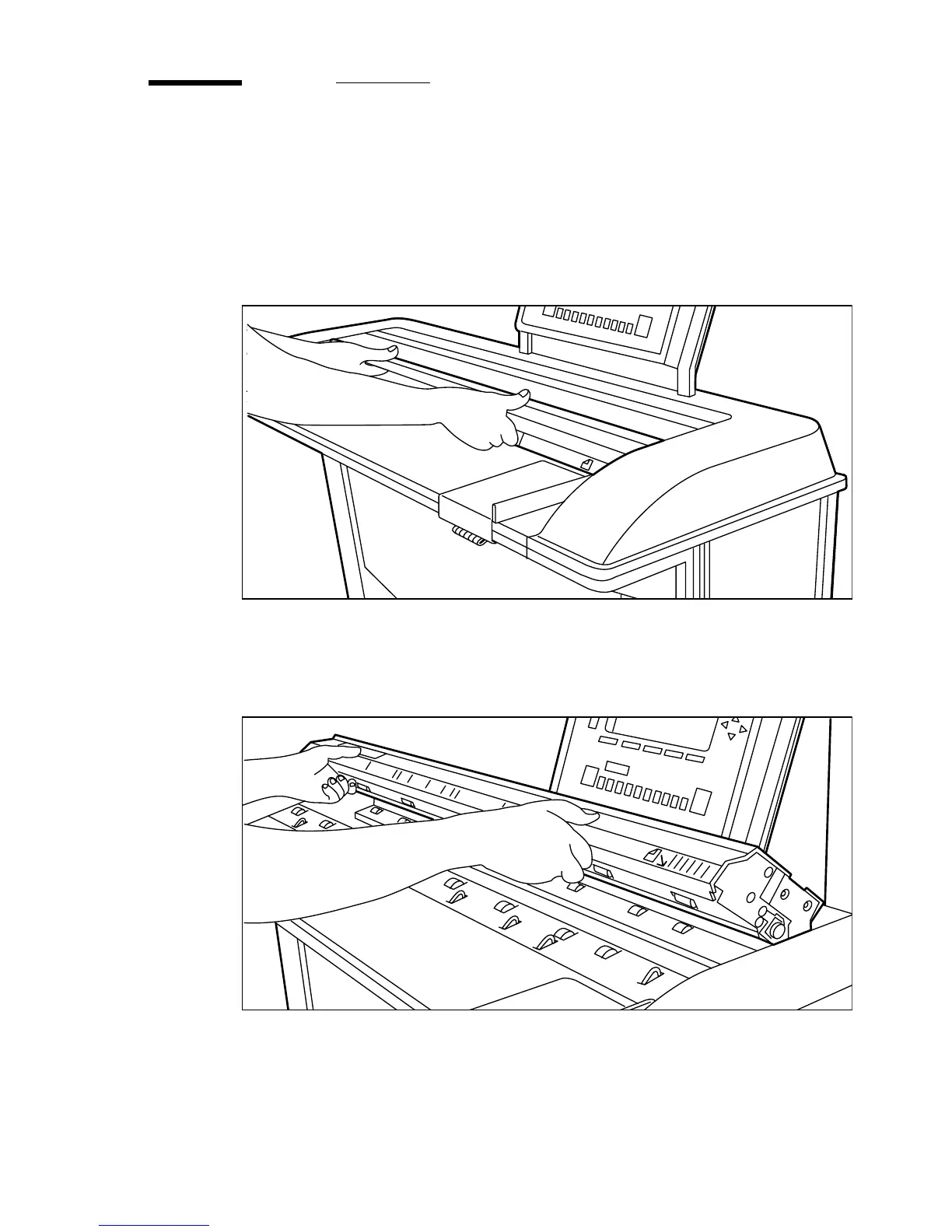
Open the top scanner cover (see figure 134).
[134] Opening the top scanner cover
2
Remove the original.
3
Lift the top cover of the scanner to release the hinge lock, then close the cover
(see figure 135).
[135] Closing the top scanner cover
4
If applicable, smooth out the original and feed it in again.



 To Next Page