48 Océ 9600 Copier/Printer User Manual
Make copies
1
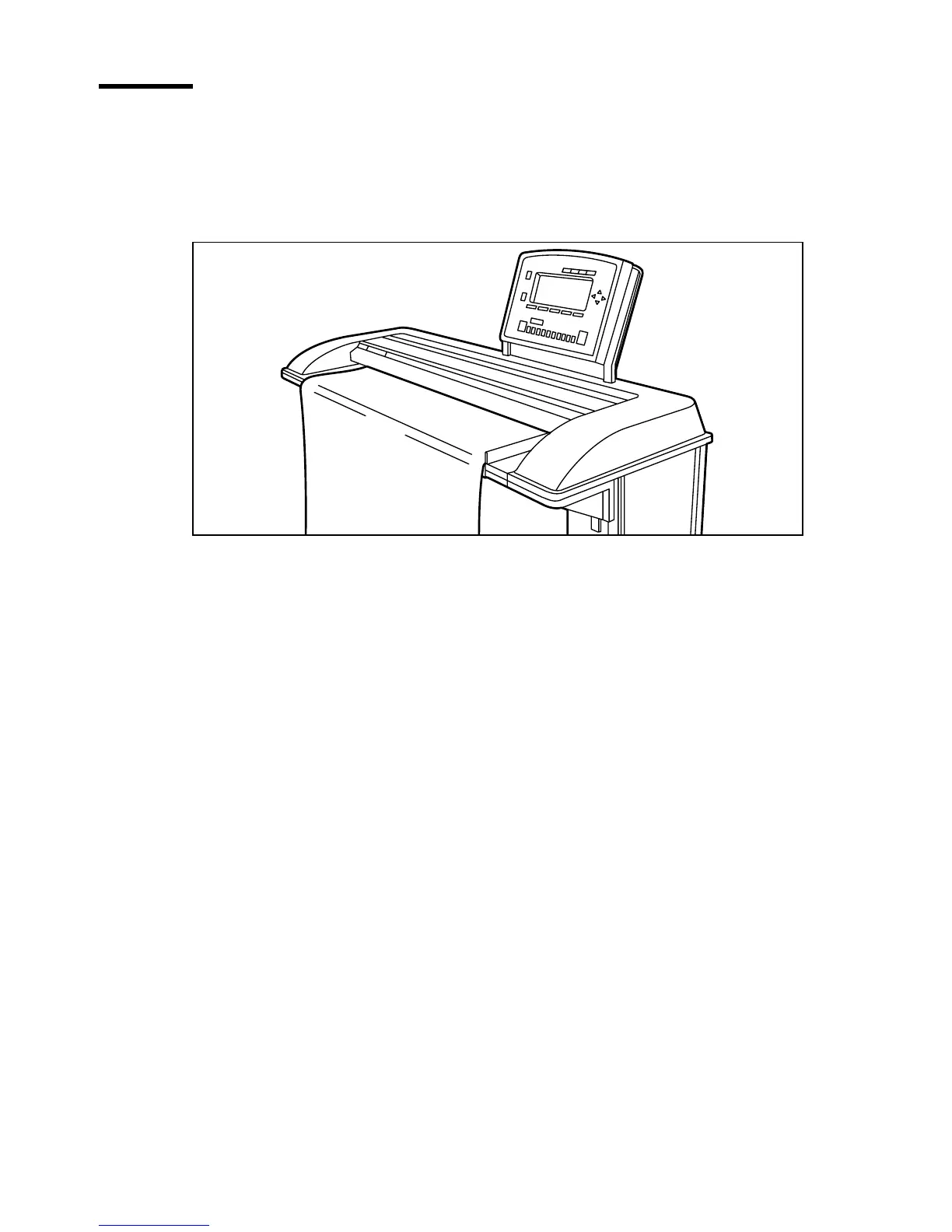
Place your original face-down, aligned to the right along the original guide.
Keep the legend at your right-hand side.
Note:
When feeding the original, keep it in place until it is transported
(about 1 cm) into the machine.
[16] Inserting the original
Note:
Inserting the original
2
Specify the number of copies using the numeric buttons.
3
Specify the desired copy material on the operating panel.
If you select ‘Automatic’ the Océ 9600 Copier will try to use a roll format that
matches the specified size.
Note:
After inserting the original, the roll or cassette tray that is used is
indicated by the ‘
❍
’ symbol.
Use the ‘Media’ function to select copy material and format.
4
Specify how a job will be sorted: ‘Single sheet’, ‘Multiple sheets’ (output: 1-1,
2-2, 3-3) or ‘Set’(output: 1-2-3, 1-2-3).
The currently selected input mode is indicated by the ‘
●
’ symbol.
5
Specify a reduction or enlargement factor on the operating panel by using the
‘Zoom’ function.
If you select ‘Automatic’, the Océ 9600 Copier will use a zoom factor that is
needed to obtain a copy without loss of information. After inserting the
original, the zoom factor that is used is indicated by the ‘
❍
’ symbol.
6
Specify the desired brightness on the operating panel.
You can use the ‘Brightness’ setting to correct for a lighter or darker original.
7
Specify folding options on the operating panel.
If the optional folder is installed, you can use the ‘Folding’ settings to get a
neatly folded copy.



 To Next Page