Key operator settings 157
Zoom calibration
■
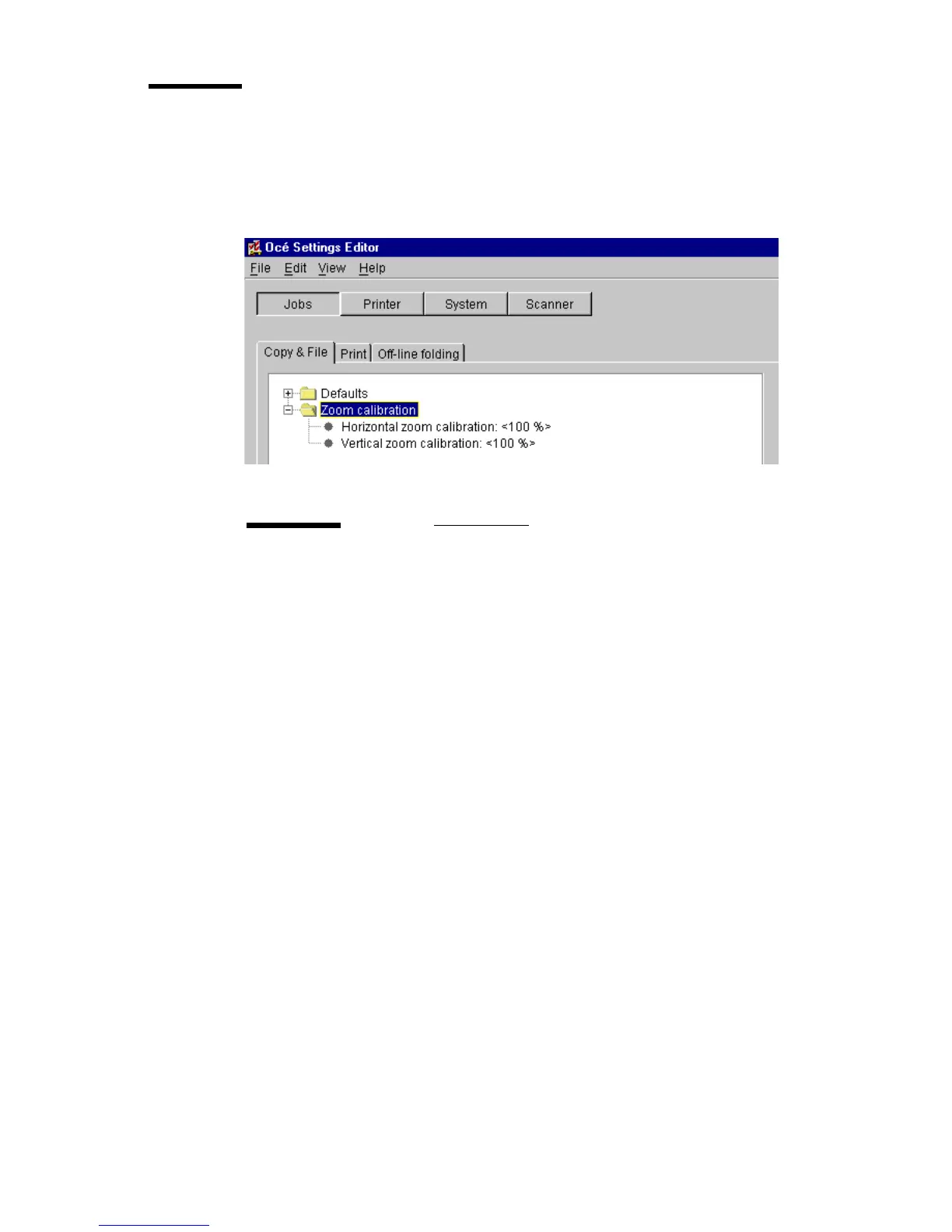
On the Océ 9600 there are two options available for zoom calibration:
‘Horizontal zoom calibration’ and ‘Vertical zoom calibration’ (see
figure 78).
[78] ’Zoom calibration’ Folder for ‘Copy & File’
Horizontal / vertical zoom calibration
Description
In order to optimize the 1 to 1 copy and print quality, the key
operator can adjust the zoom calibration factor to an accura-
cy of 0.1%.
The zoom factor can be adjusted by means of two correction
factors, one for the vertical zoom direction and the second for
the horizontal zoom direction.
Min/max values
97 - 103%
Menu path
Jobs - Copy & File - Zoom calibration - Horizontal / Vertical
zoom calibration - <value> - Apply



 To Next Page