52 Océ 9600 Copier/Printer User Manual
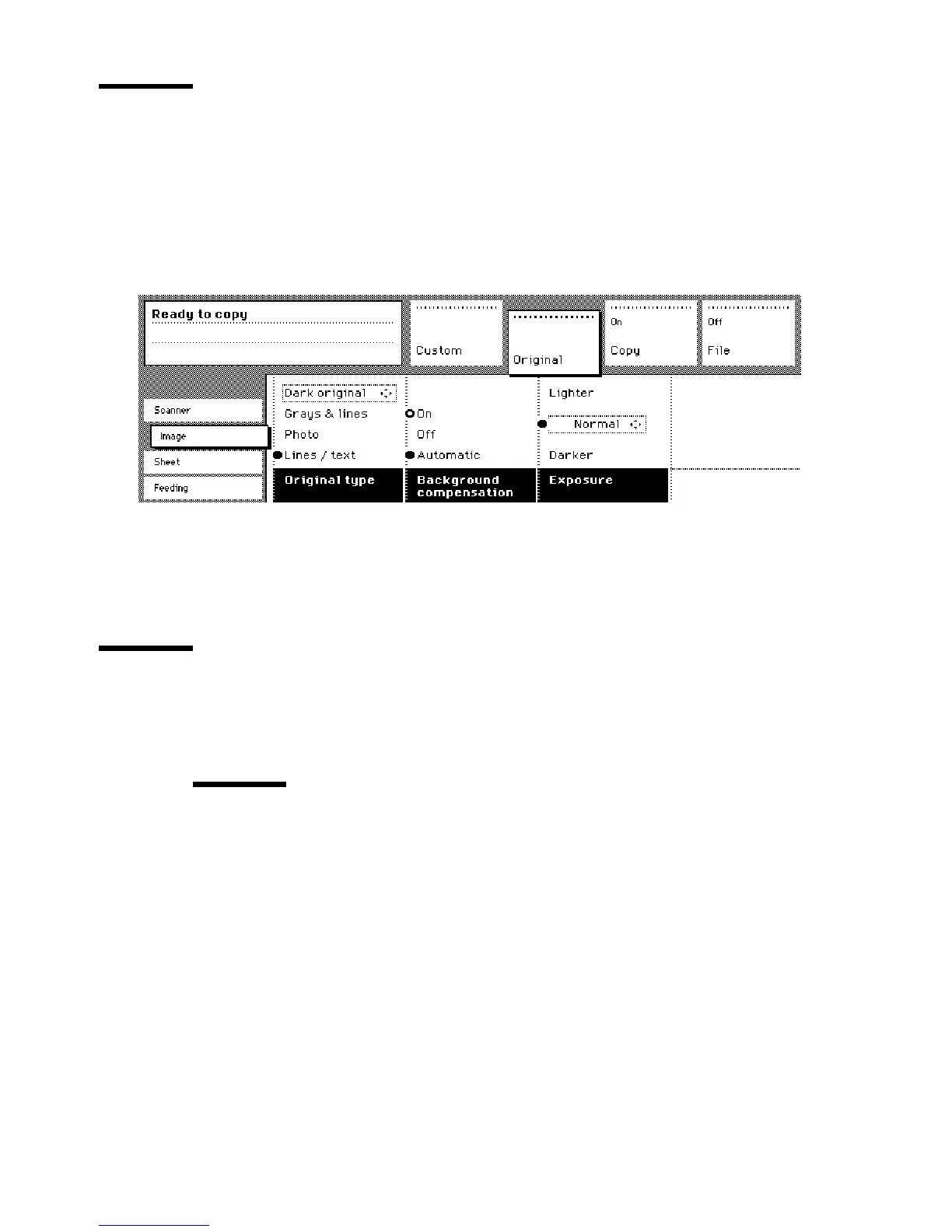
Select the exposure
You can use the ‘Exposure’ setting to correct for a lighter or darker original.
▼
▼▼
▼
Selecting the exposure setting
1
Select the ‘Image’ card in the ‘Original’ section.
2
Select the desired exposure level by using the Arrow buttons to the right of the
display (see figure 12 on page 40).
[20] Selecting the exposure level
Note:
You can also select the exposure level from the ‘Custom’ section (if this
setting has been defined for this).
Delivering originals after scanning
You can choose for delivery of the original at the front (rewind) or the rear side
of the scanner.
Attention:
The ‘Rewind’ function is disabled if the optional copy delivery
tray is installed.
Note:
If you are copying thick or very thin originals, originals that are
damaged or originals in a carrier sheet, it is recommended to use the output at
the rear side of the scanner to ensure correct delivery (‘Rewind’ function off).
Access to
ial
Access to
Page
Interrupt
job



 To Next Page