18 Océ 9600 Copier/Printer User Manual
Océ 9600 scanner
The Océ 9600 scanner supports a wide range of copy activities. It provides a
large number of functions for defining original and copy-related settings.
Users can specify particular layout, media, finishing, feeding and quality
enhancement options from the scanner operating panel. In combination with
the Océ 9600 printer, it constitutes a powerful productivity tool.
The Océ 9600 scanner is also used to carry out ‘scan to file’ operations.
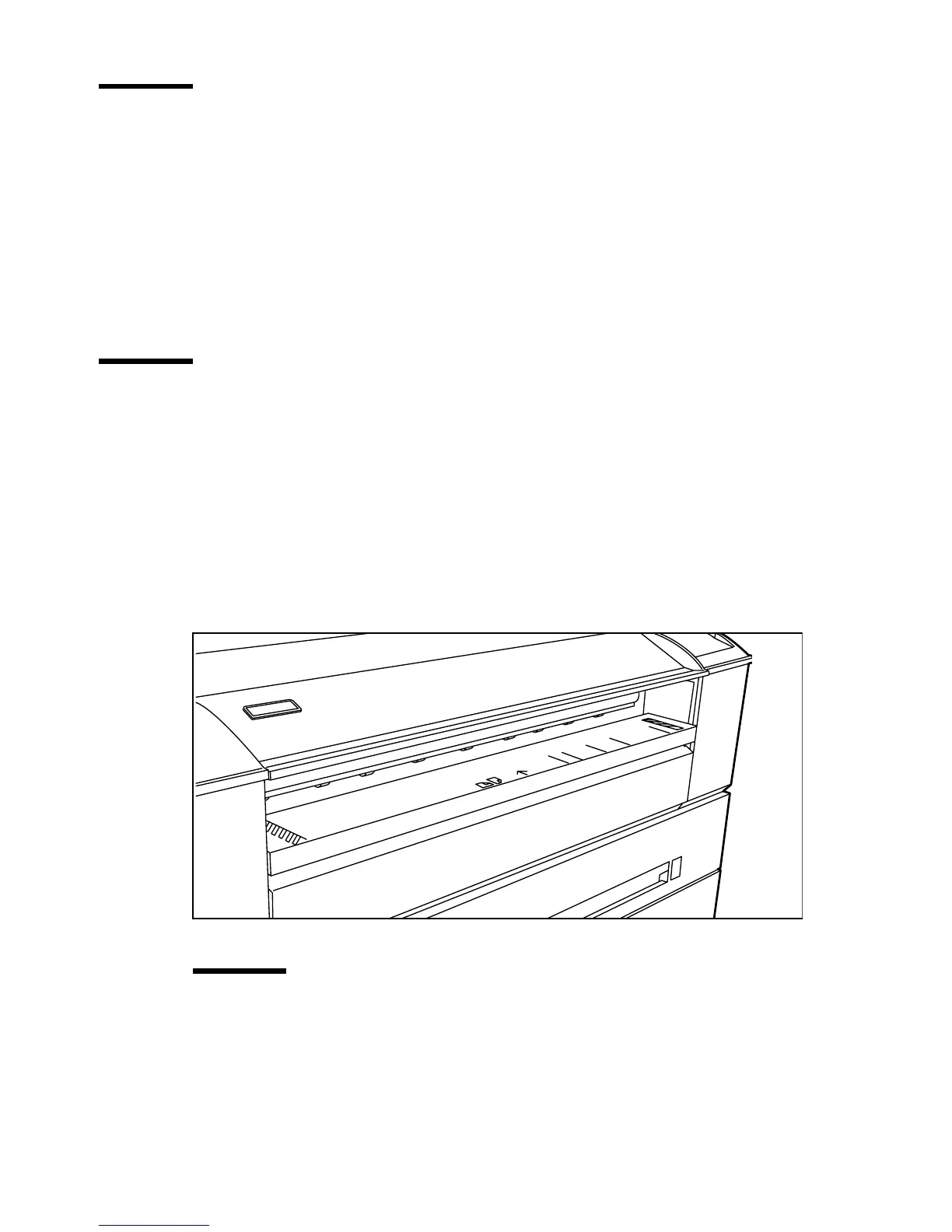
Océ 9600 manual feeder
The Océ 9600 offers you the ability to manually feed sheets of printing
material. This can be convenient if you want to print a job on a media type
and/or size that is not available on one of the paper rolls or in one of the cassette
trays. The manual feed is a special slot just above the paper drawers on the
engine. You can insert cut sheet material in this slot, one sheet at a time.
Note:
Only use material as specified in ‘List of available material types and
sizes’ on page 288.
[2] Océ 9600 manual feeder
Attention:
When you feed a sheet of printing material in the manual feeder
while a normal print job is being executed, a media jam may occur.



 To Next Page