Loading supplies 225
Cut sheet material
When a cassette tray is empty during a print job, a ‘Cassette tray x empty’
message is displayed at the printer operating panel and in the System Control
Panel (SCP) application. You then have to load new cut sheet print material.
Note:
Polyester cut sheets must be ventilated before use in order to prevent
sticking together. Also, avoid the use of sheets that have already been printed
on one side.
▼
▼▼
▼
Loading cut sheet material
1
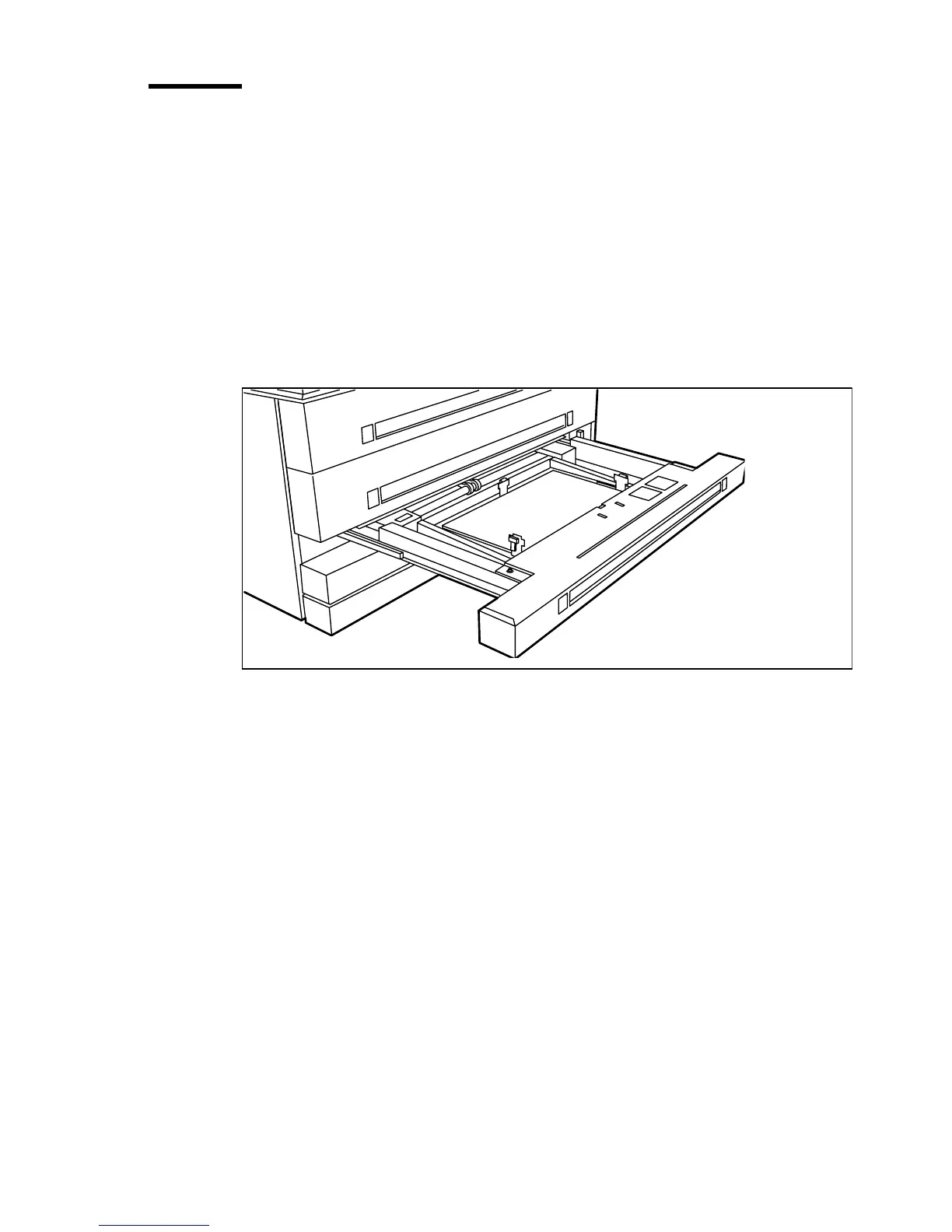
Open the appropriate drawer (see figure 106).
[106] Opening the appropriate drawer



 To Next Page