Using the Océ 9600 Copier 47
Starting up and shutting down the scanner
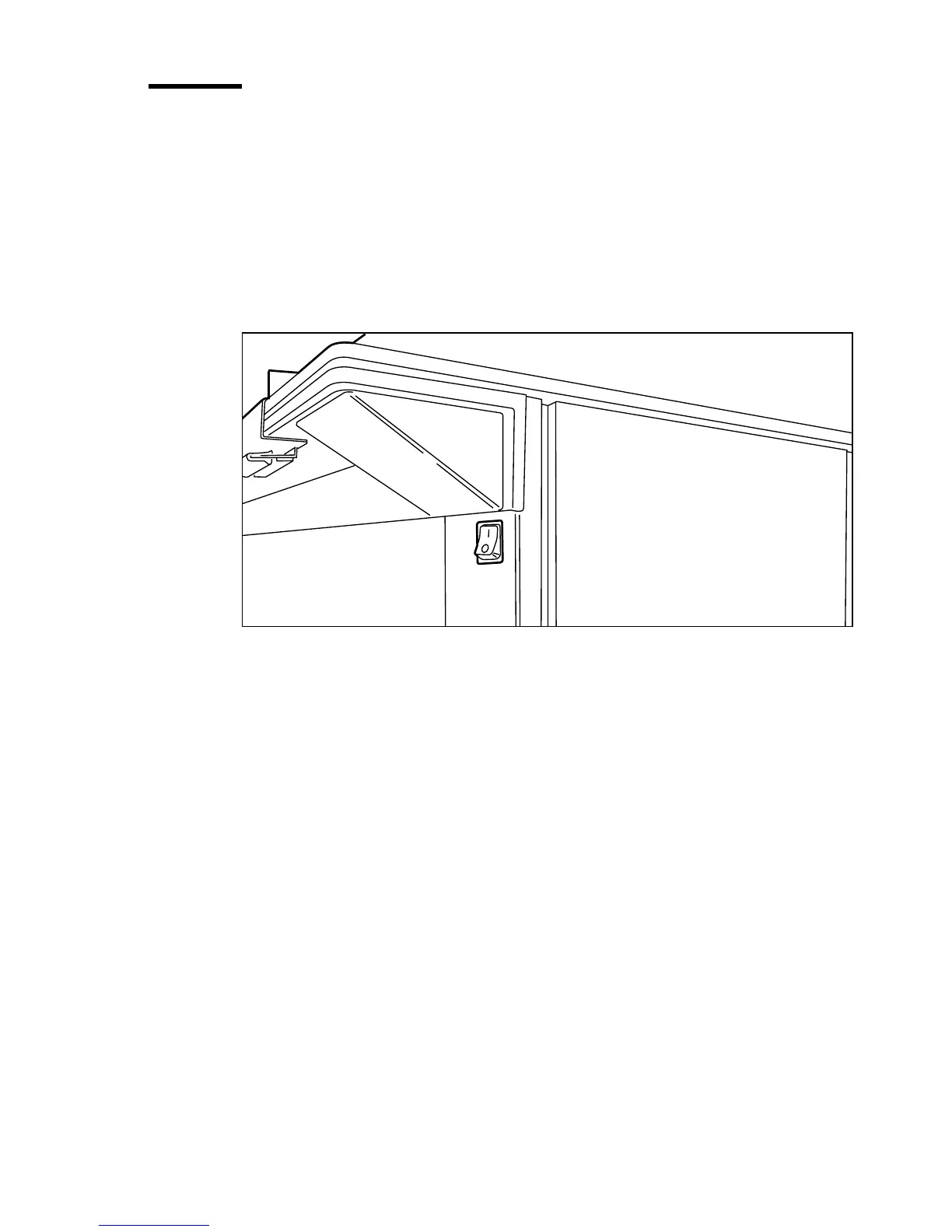
TheOcé 9600 Copier can be started up and shut down with the on/off switch,
which is located on the scanner underneath the original feed table (see
figure 15).
The on/off switch has two settings:
■
on: the scanner is switched on
■
off: the scanner is switched off.
[15] On/off switch
▼
▼▼
▼
Start up
1
Push the switch to the ‘on’ position.
The system is immediately available for work. The message ‘Ready to copy’
appears.
Note:
Make certain the printer and controller are started as well.
▼
▼▼
▼
Shut down
1
Push the switch to the ‘off’ position.
Note:
The scanner can be turned off while the printer is still working.



 To Next Page