248 Océ 9600 Copier/Printer User Manual
Cut sheet feed section
The cut sheet feed section is indicated as section A in figure 136 on page 247.
▼
▼▼
▼
Clearing a jam in the cassette tray
1
Open the appropriate cassette tray.
Note:
Only one cassette tray can be open at a time.
2
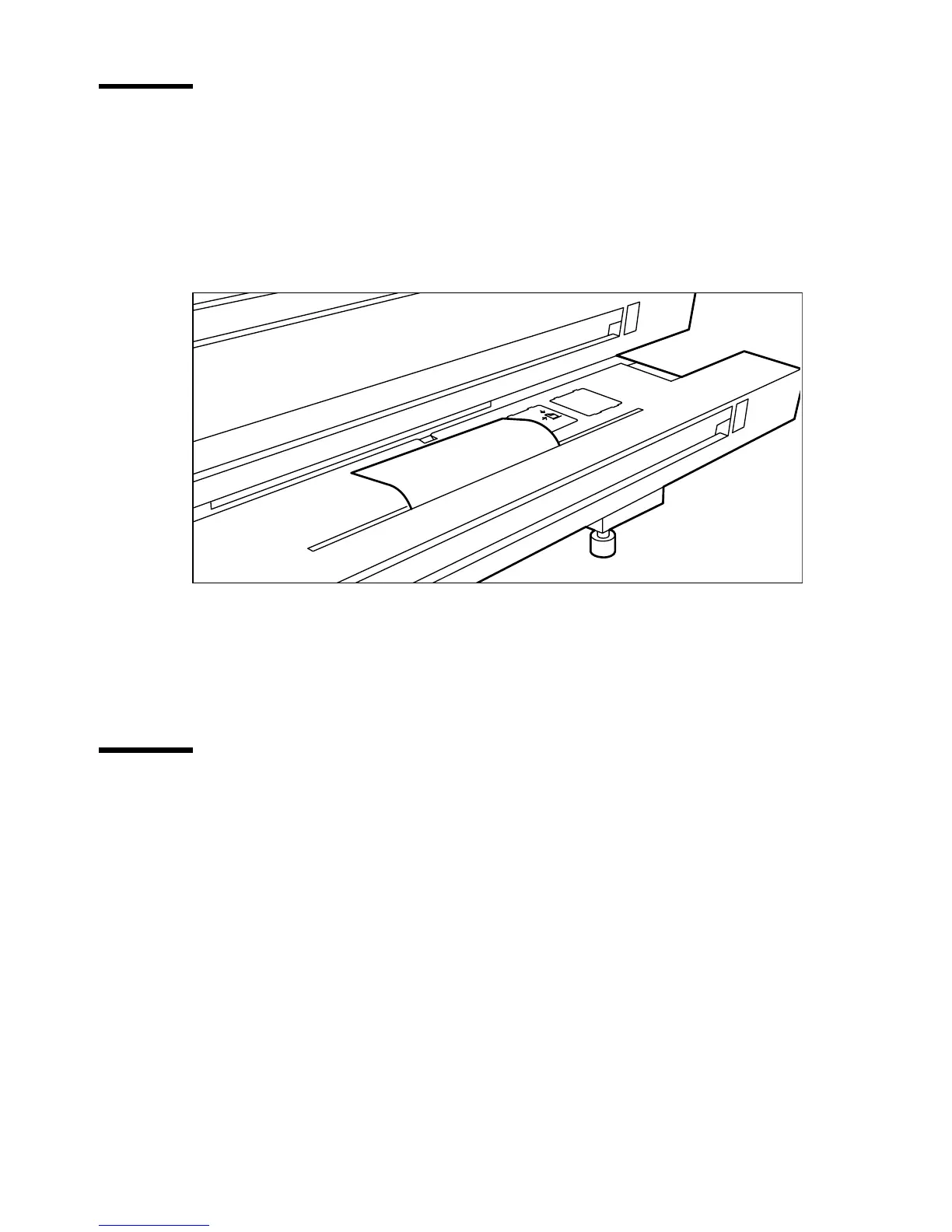
Remove any jammed printing material from the paper path (see figure 137).
[137] Removing jammed material from the paper path
3
Close the cassette tray again.
Note:
If the cut sheet feed covers are still flashing on the display, re-check the
cassette tray section.
Roll feed section
The roll feed section is indicated as section B in figure 136 on page 247.
▼
▼▼
▼
Clearing a jam in the roll compartments
1
Open the appropriate roll compartment.
Note:
Only one compartment can be open at a time.
2
Remove any jammed printing material from the paper path (see figure 137)
and, if necessary, pull back the paper and rewind it.
Note:
Occasionally, a jam may occur before the printing material has been
cut. In that case, you can cut the material manually by pressing the
appropriate green load button in the roll compartment.
3
Reload the roll if the system asks you to do so (see ‘Rolls’ on page 220).
4
Close the roll compartment again.



 To Next Page