136 Océ 9600 Copier/Printer User Manual
Apply
When you click on the ‘Apply’ button, the changes you have made
become effective. Initially, this button is disabled. It is enabled after the first
setting is changed and disabled again after the apply action is performed or
after an undo action.
Undo
This button restores the settings to the state it was in the last time the
settings were applied (and not back to the factory default). The ‘Undo’ button
is disabled at first. This button is enabled the moment the first setting is
changed. It is disabled after an Apply action is performed or after an undo
action.
[73] Control buttons
Status bar
The Settings Editor has a status bar displaying the following information (left
to right):
■
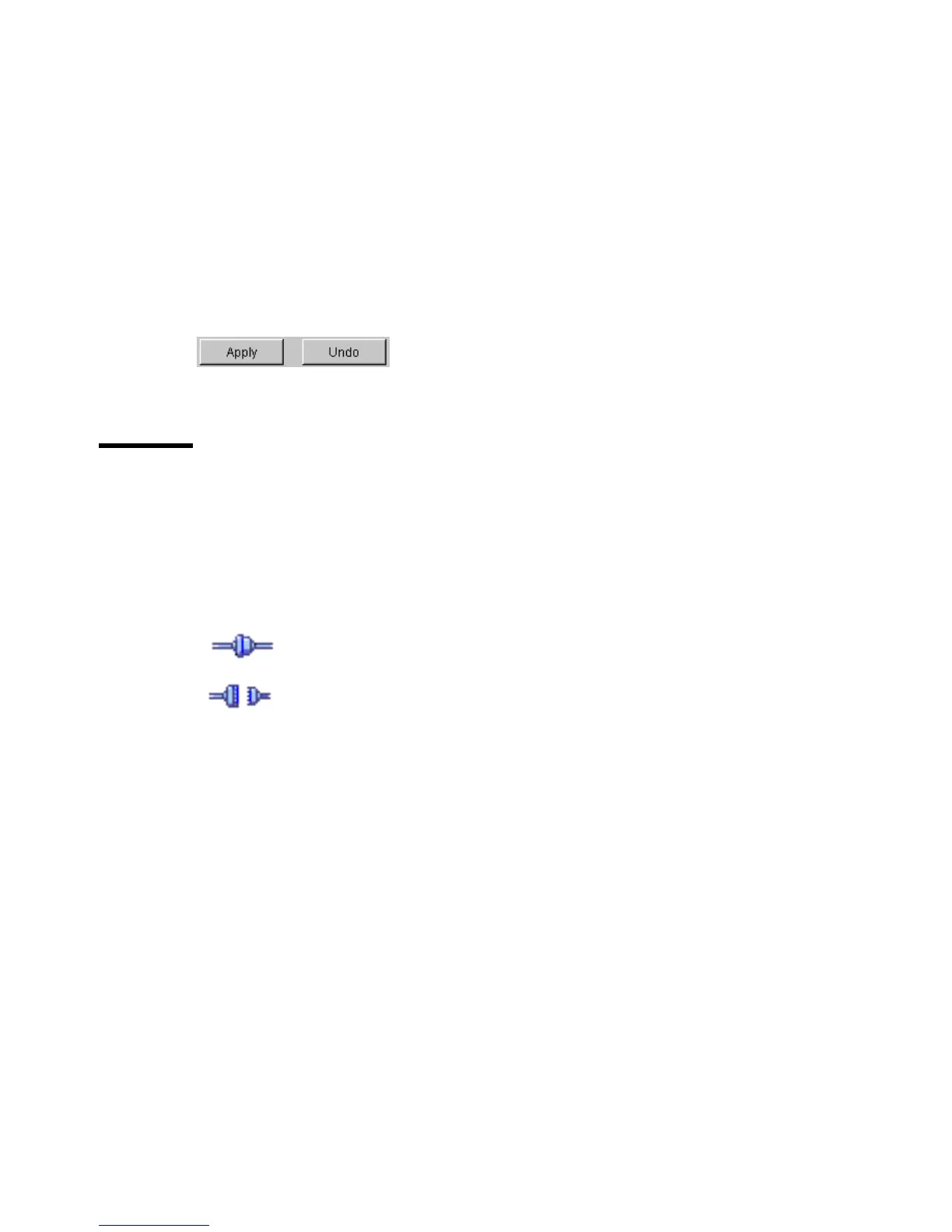
System status (icon for connected or disconnected)
The following icons are used:
The Settings Editor is connected to a system.
The Settings Editor is disconnected from a system.
■
System name (‘localhost’ if you are working at the controller)
■
User mode (Repro operator, Key operator, System administrator or
anonymous)
■
View mode (KO settings or SA settings).



 To Next Page