250 Océ 9600 Copier/Printer User Manual
Fuser section
The fuser section is indicated as section D (see figure 136 on page 247).
Caution:
During normal use the fuser must be closed. Open it only to
remove paper after a media jam. Because of hot surfaces, the operator
always has to be cautious and wear heat-protective gloves when removing
printing material from the fuser section.
▼
▼▼
▼
Clearing a jam in the fuser section
1
Turn off the printer.
2
Wait a few moments to let the fuser cool down.
3
Open the manual feeder to release the printing material.
Attention:
If you fail to do so, the OPC drum might get damaged when you
remove jammed material.
4
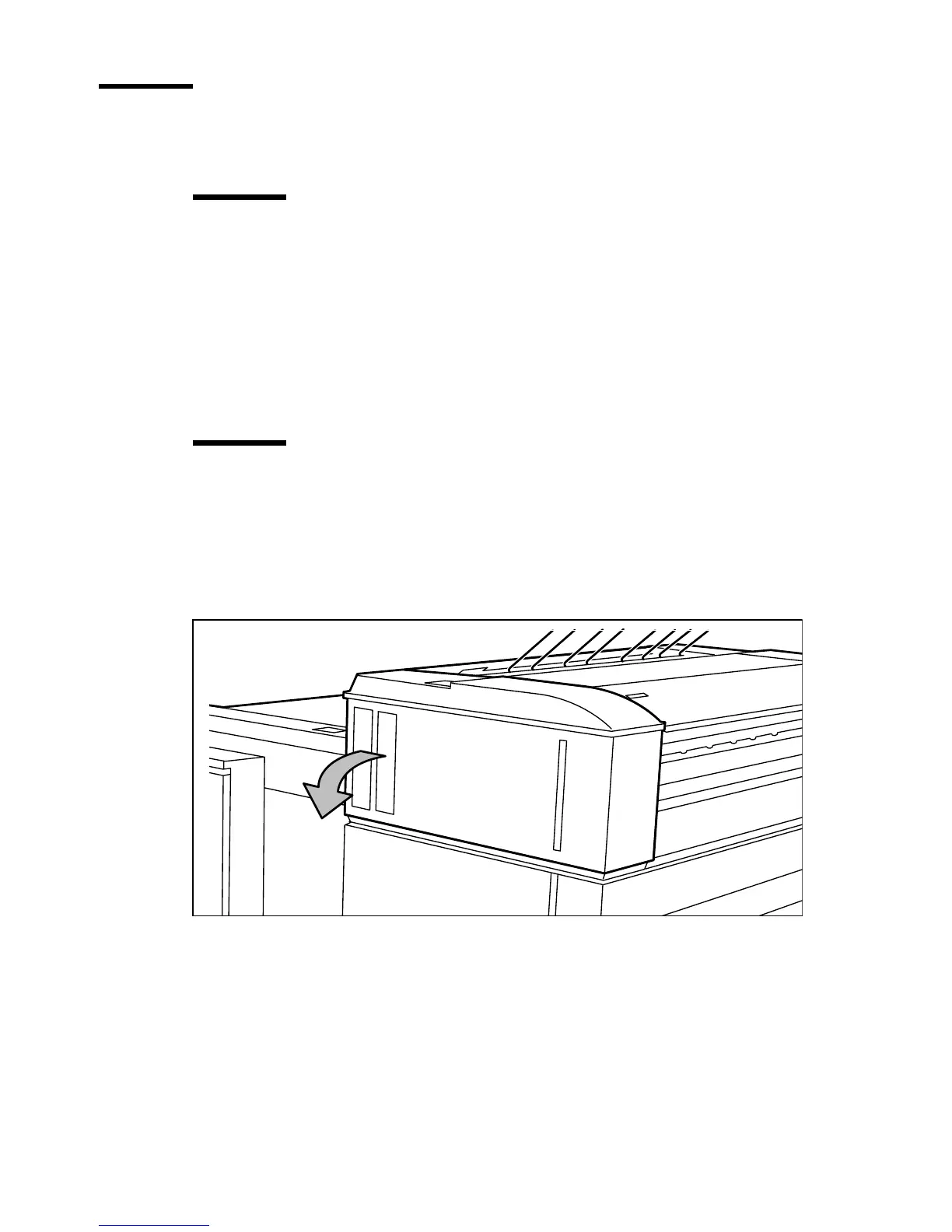
Open the cover on the left side (see figure 139).
Note:
During normal use, the left cover has to be closed. This is necessary to
ensure proper operation.
[139] Opening the left side cover



 To Next Page