188 Océ 9600 Copier/Printer User Manual
The defaults for the 8 zoom steps are:
■
Reduction step 1: 70.7 %
■
Reduction step 2: 50 %
■
Reduction step 3: 35.5 %
■
Reduction step 4: 25 %
■
Enlargement step 1: 141.4 %
■
Enlargement step 2: 200 %
■
Enlargement step 3: 282.8 %
■
Enlargement step 4: 400 %
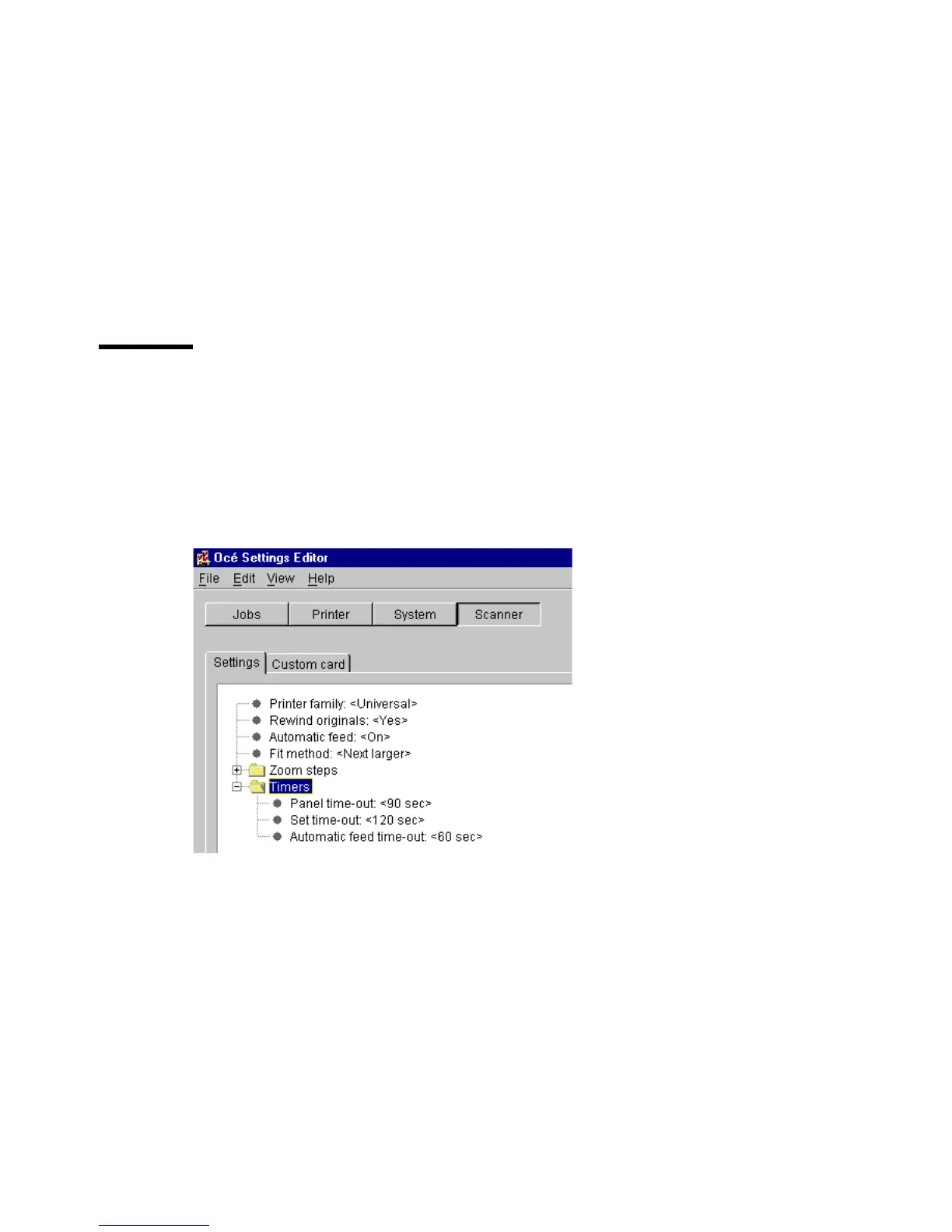
Timers (group)
There are three scanner-related timer settings a key operator can change (see
figure 93):
■
Panel time out
■
Set time out
■
Automatic feed time out
[93] Scanner related Timer settings for key operators



 To Next Page