26 Océ 9600 Copier/Printer User Manual
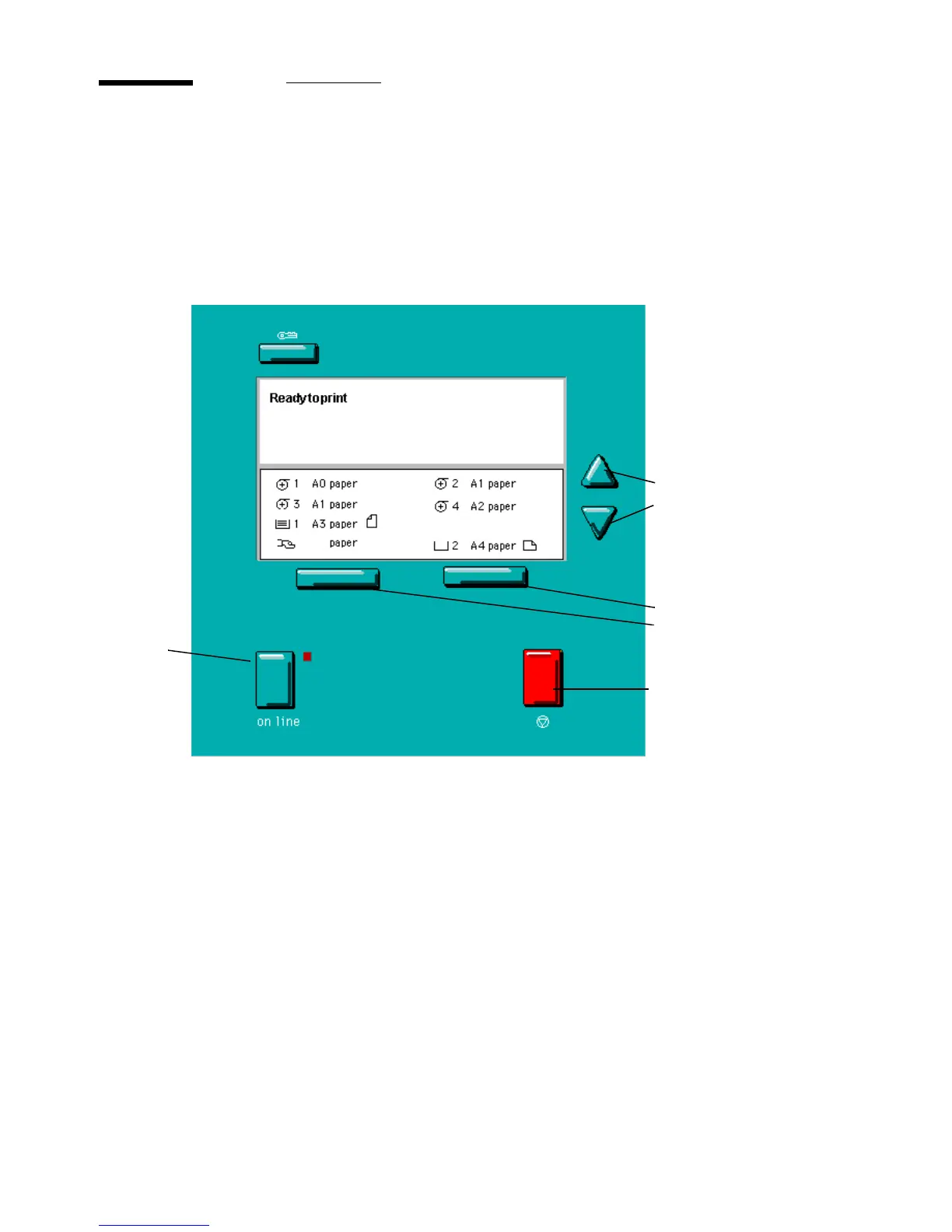
Printer operating panel
The printer operating panel, located on the right-hand side of the printer
console, is easy to use (see figure 8). The panel consists of a number of buttons
and a graphical display. At the top of the panel there is an indicator (a light)
which starts flashing when operator intervention is required.
[8] Printer operating panel
Stop button
On line
button
Up/Down
buttons
Selection
buttons



 To Next Page