Problem solving 247
Jams in printer
If printing material misfeeds, printing stops and instructions to the operator for
solving the media jam appear in the display and the error location is shown by
flashing covers or doors.
If print material misfeeds:
■
Follow the instructions on the display
■
Thoroughly remove scraps of print material from the machine.
■
Roll up the media and feed it in again.
If originals are mis-fed frequently, make sure that
■
the printing material is properly loaded (see ‘Rolls’ on page 220 or ‘Cut
sheet material’ on page 225)
■
the correct printing material is used (‘List of available material types and
sizes’ on page 288)
■
jammed printing material, scraps of printing material or foreign matter are
left in the paper path.
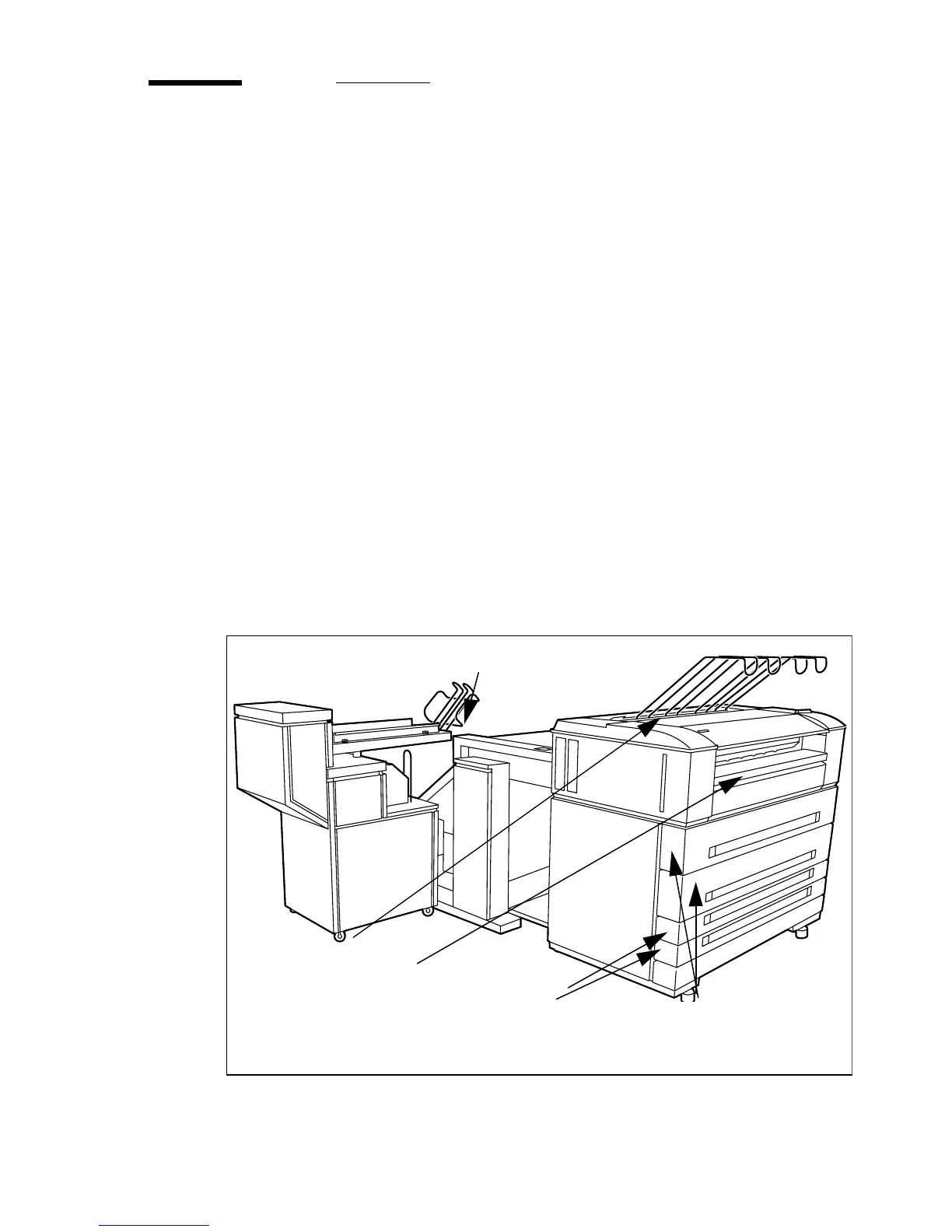
How to handle jams is described in detail in the following sub-sections.
[136] Sections for jams
D: Fusing section
E: Folding section
C: Manual feeder
B: Roll feed section
A: Cut sheet feed section



 To Next Page