90 Océ 9600 Copier/Printer User Manual
Scan Manager
The Scan Manager is an application available only locally on the controller.
With the Scan Manager you can configure the destinations for scan-to-file. To
increase your productivity, you can define automatic file naming. This way,
you can do batch scans without operating the controller.
During scan-to-file, Scan Manager displays the filename and the status of the
file generation process. When the scan is completed, a view of the scanned
image is automatically displayed on the controller.
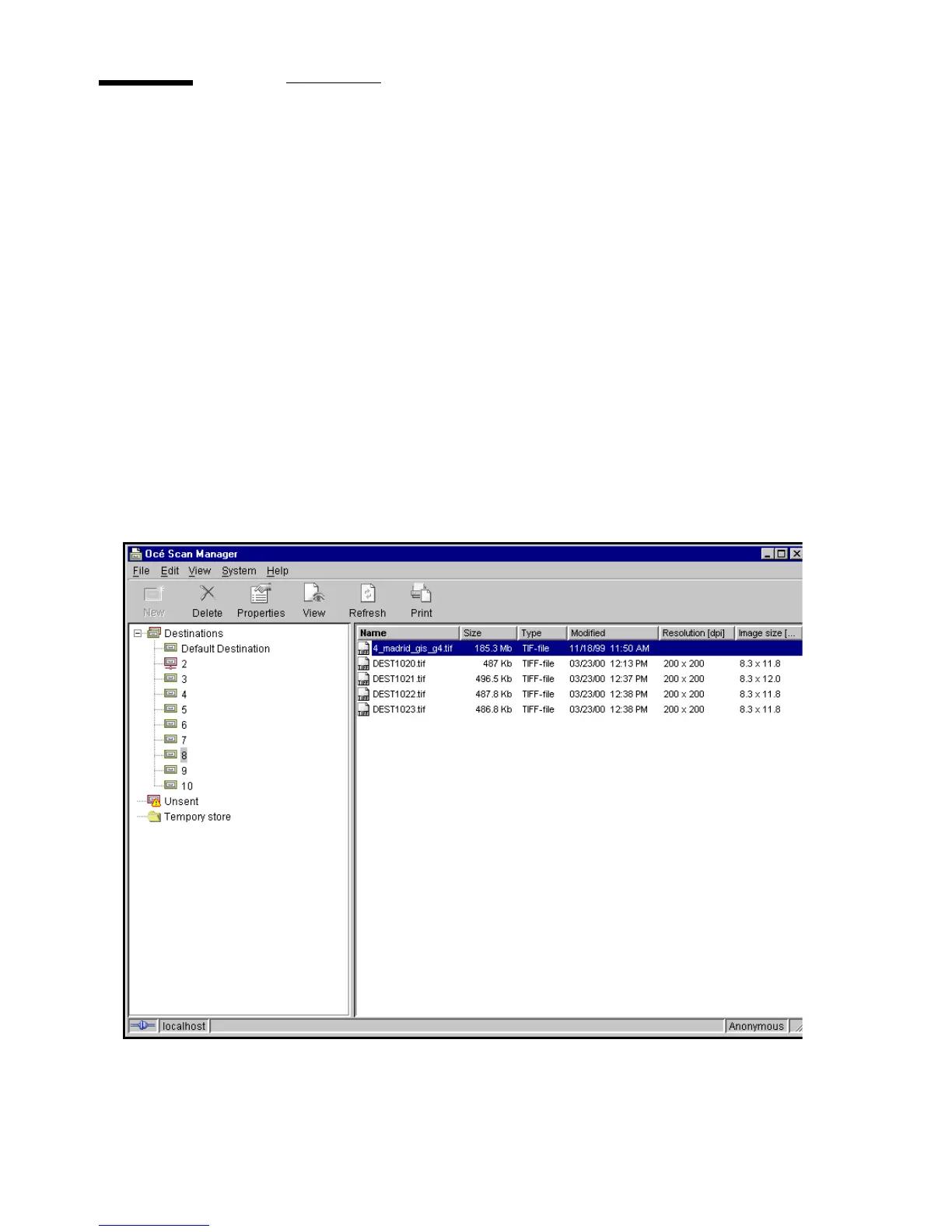
Figure 46 on page 90 shows the Scan Manager application. It has the looks and
functions of a Microsoft Windows ‘Explorer’. The left part displays a tree view
containing folders which contain destinations. The right part displays a table
view containing the content of the folder currently selected. In 46 on page 90
folder ‘Next Dest(8)’ is selected.
[46] Overview of the Océ 9600 Scan Manager application



 To Next Page