Problem solving 249
Note:
If the roll feed covers are still flashing on the display, re-check the roll
feed section.
Manual feeder
When printing material misfeeds in section C, as in figure 136 on page 247 a
jam has occurred in the manual feeder.
▼
▼▼
▼
Clearing a jam in the manual feeder
1
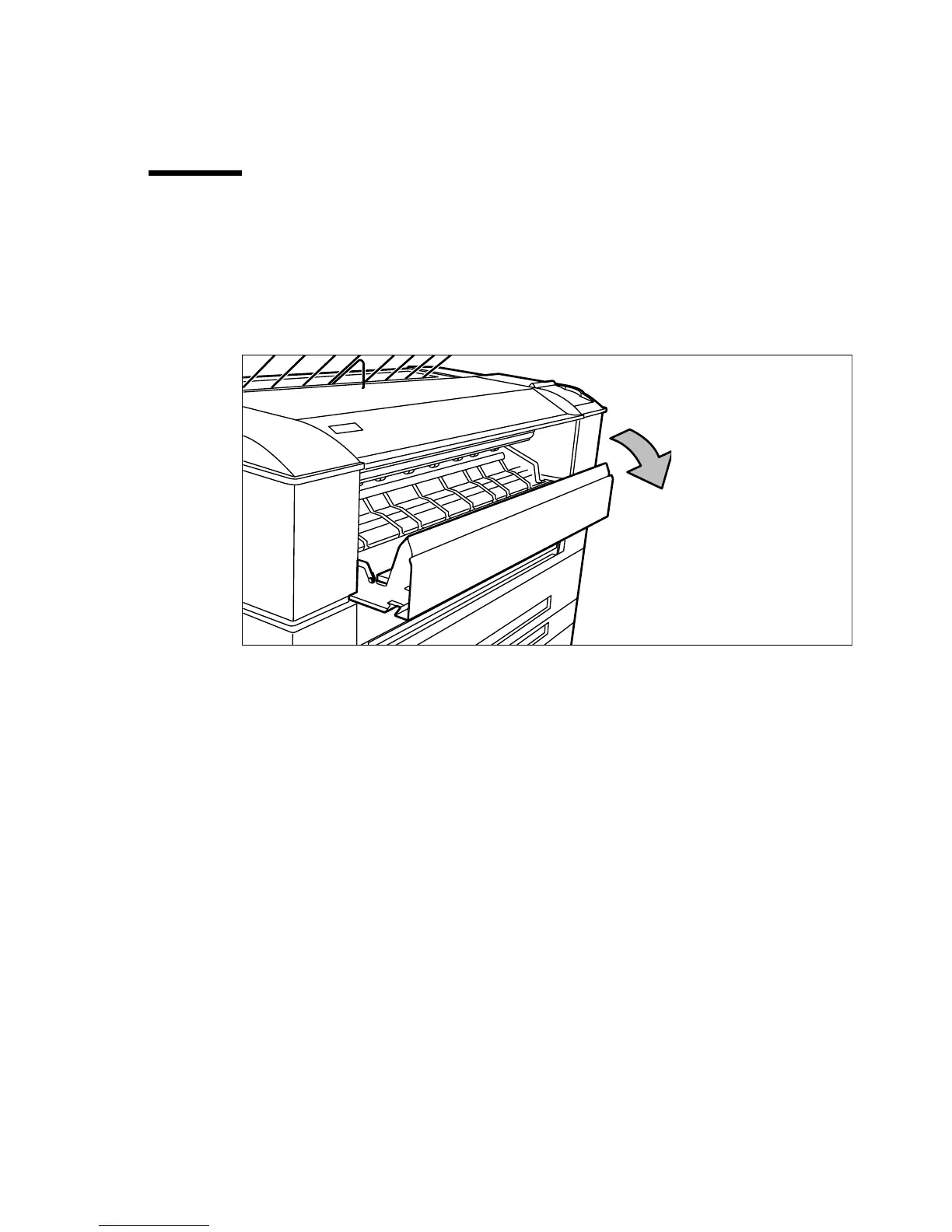
Open the manual feeder by tilting it toward you (see figure 138).
[138] Opening the manual feeder
2
Remove any jammed printing material.
Note:
If the material cannot be removed easily, you must open the cover of
the fusing section to get access to the jammed material. Otherwise, the
OPC drum may become damaged.
3
Close the manual feeder again.



 To Next Page