206 Océ 9600 Copier/Printer User Manual
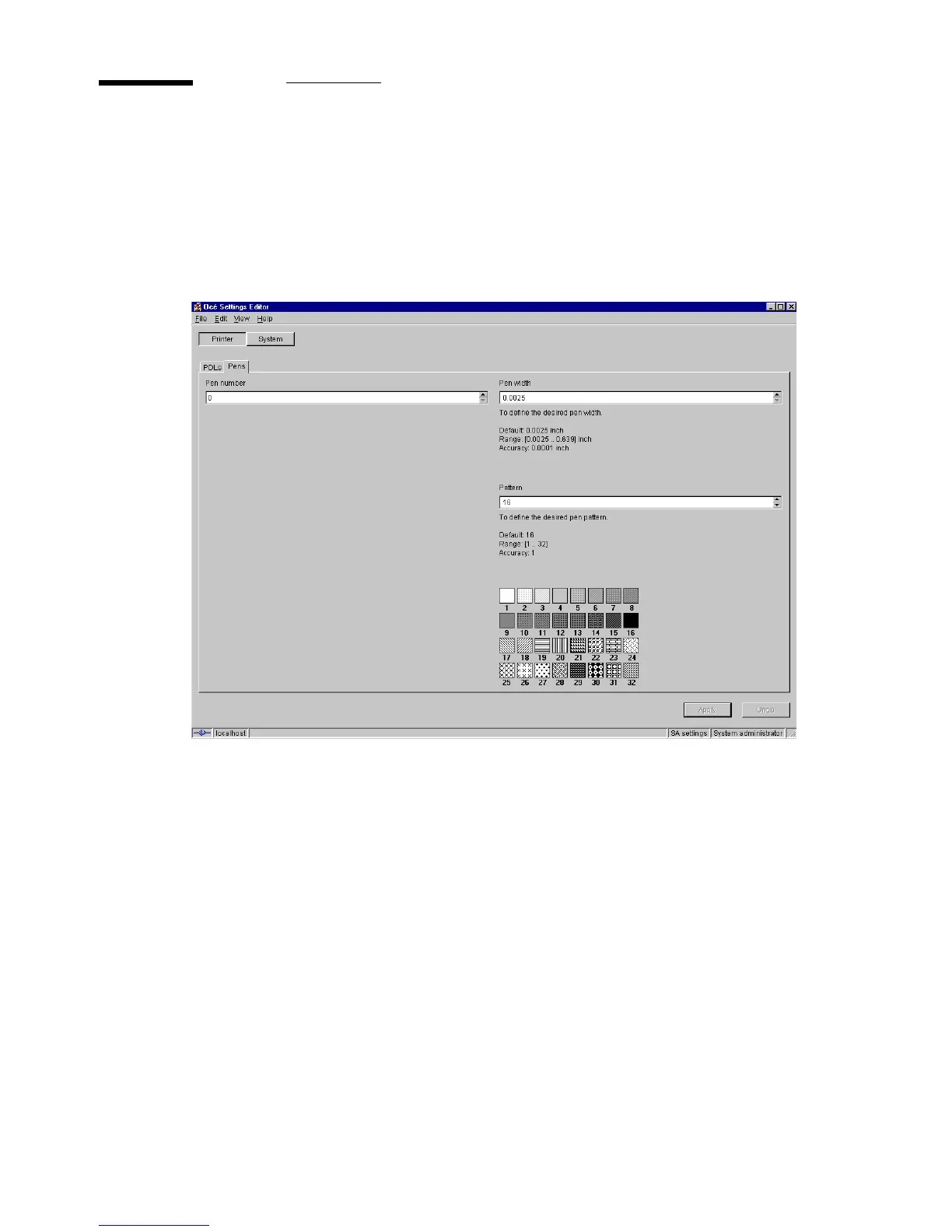
Pen settings
When printing files, the pen settings can be changed on the ‘Pens’ tab of the
‘Printer’ menu. You can change the default width and pattern for each pen
number. These settings apply to all vector languages: HP-GL, HP-GL/2 and
CalComp.
[95] Making pen settings
Pen width
Pen width can be defined from 0.12 up to 16.25 mm. By default, all
pen widths are set to 0.12 mm. Adjustment can be made in increments of 0.01
mm.
Pen pattern
A pen can be selected by the plot file to draw a line or to fill a
polygon. All lines or polygons on the plot can be drawn with a predefined
pattern or shade of grey. Default is pen pattern 16 (black).



 To Next Page