180 Océ 9600 Copier/Printer User Manual
Media (group)
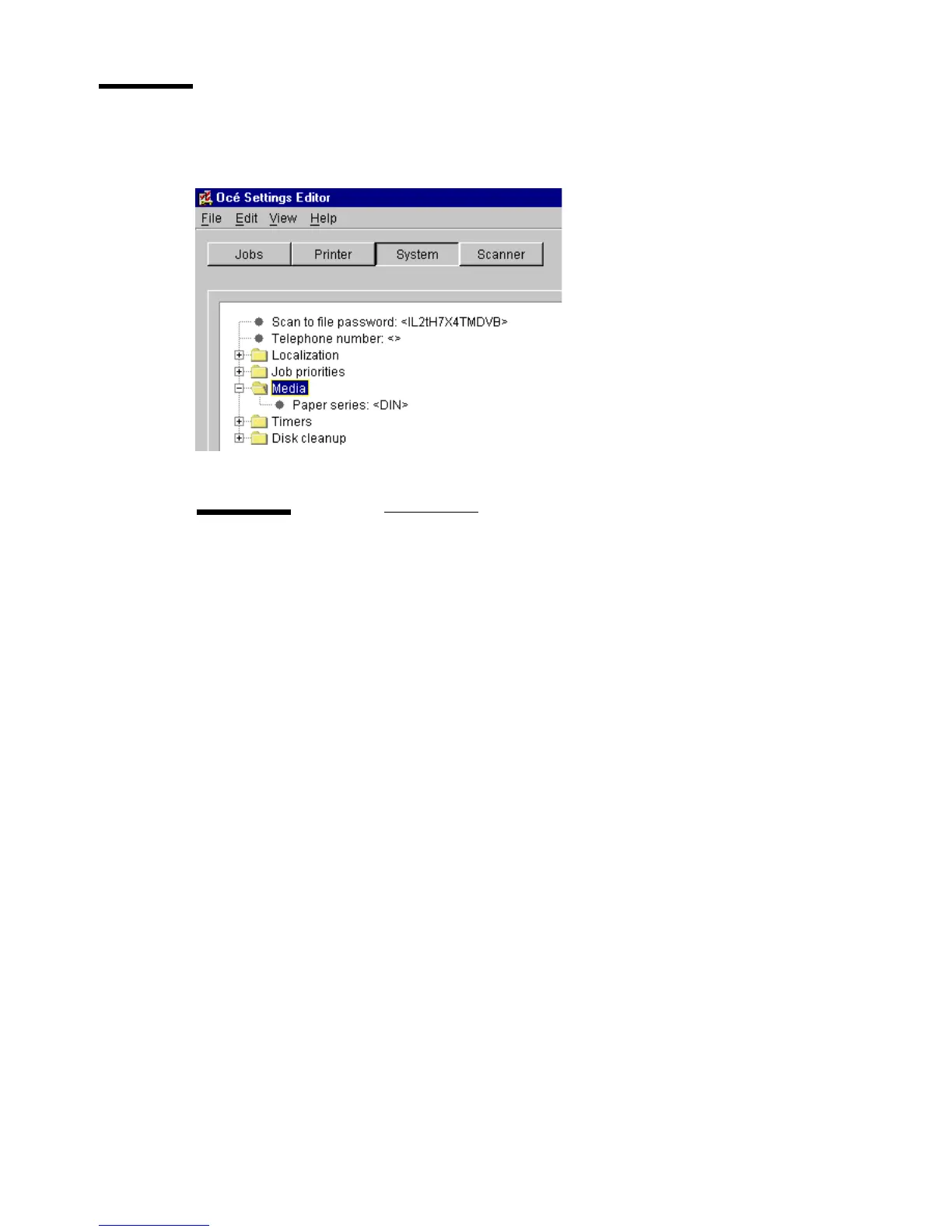
The Media group contains one setting: Paper series (see figure 88).
[88] Media settings for key operators
Paper series
Description
Use ‘Paper series’, to specify which paper range is to be used
as the default on your Océ 9600.
When the user sets a new media size on the printer operating
panel, only the sizes in the selected paper series are available.
If ‘Auto format’ is enabled, the ‘Paper Series’ setting deter-
mines which sizes will be used (only those present in the pa-
per series).
Choose from the following paper series:
DIN
DIN carto
Only 8.5 inch range
Mixed 8.5 inch and 9 inch range
Min/max values
N/A
Menu path
System - Media - Paper series - <value> - Apply



 To Next Page