158 Océ 9600 Copier/Printer User Manual
Job-related settings for printing
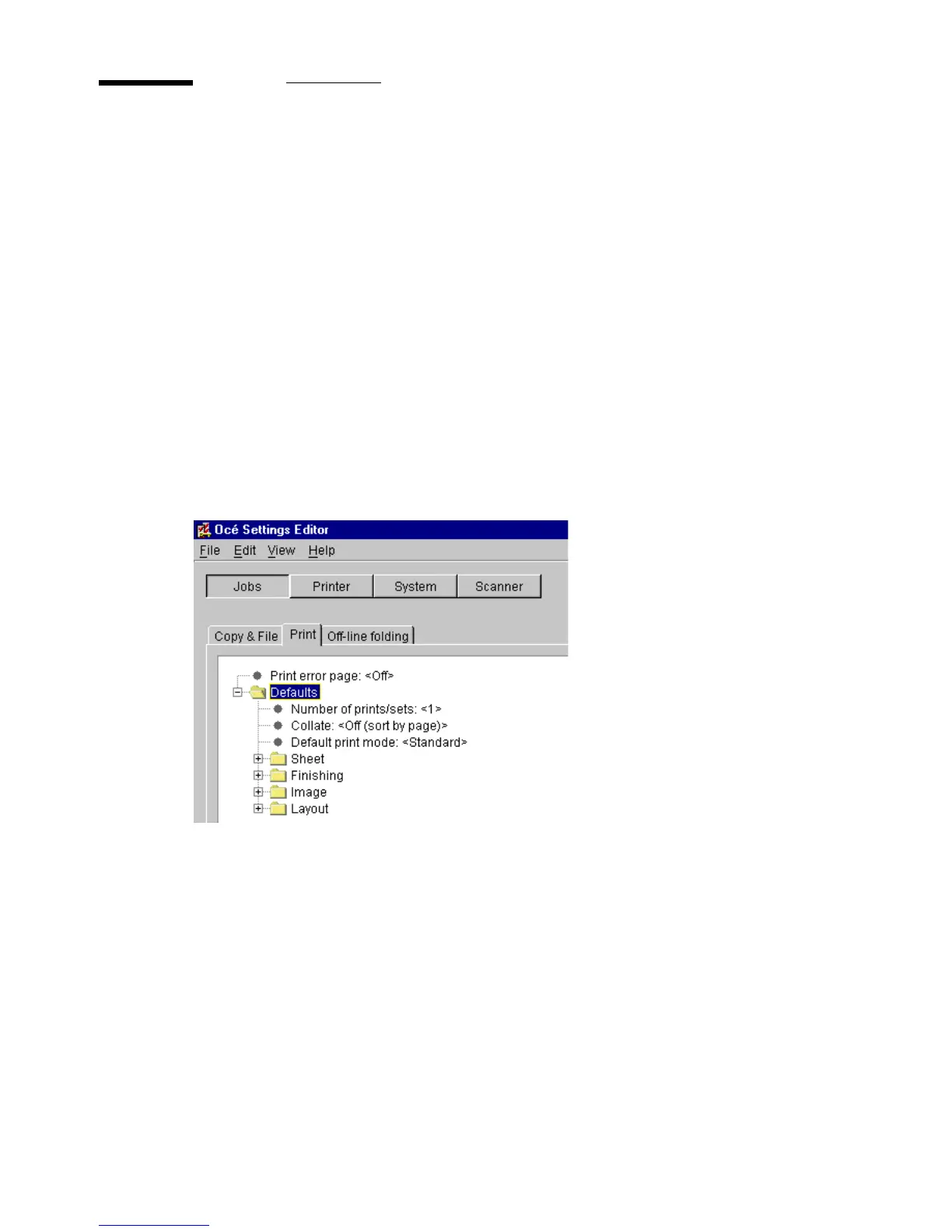
The ‘Print’ tab of the job-related settings contains a folder with default
settings, which can be overruled by settings that are sent along with the print
job, plus a setting for printing error pages (see figure 79).
The ‘Print’ tab contains 4 single options and 4 groups of options:
■
Print error page (single option)
■
Number of prints/sets (single option)
■
Collate (single option)
■
Default print mode (single option)
■
Finishing (group)
■
Sheet (group)
■
Image (group)
■
Layout (group)
[79] Tab for ‘Print’ with single options and grouped options



 To Next Page