Remote Logic 115
Installation procedure
Before installing Remote Logic you must take note of the following minimum
system requirements for the remote system. It has to be a Pentium 233 with 32
Mb RAM, running Windows 95, 98 or NT (service pack 3) or a HP-UX 10.20.
Contact your local Océ organization for other compatible systems.
Remote Logic (Queue Manager, System Control Panel and Settings Editor) are
located on the Océ 9600 User Documentation / Applications CD-ROM
provided with the system. The installation procedure for Remote Logic is quite
simple and self-explanatory. When you select the ‘Install remote applications’
option on this CD-ROM, a wizard is started which guides you through the
installation process. Once the installation process is completed, you can start
working with the applications without having to reboot your system.
Note:
Remote Logic works only when TCP/IP is enabled on your system. Refer
to your system administrator for assistance with the installation procedure for
TCP/IP.
▼
▼▼
▼
Install Remote Logic
1
Insert the Océ 9600 User Documentation / Applications CD-ROM into the
CD-ROM drive of your PC.
2
Select the ‘Install remote applications’ option.
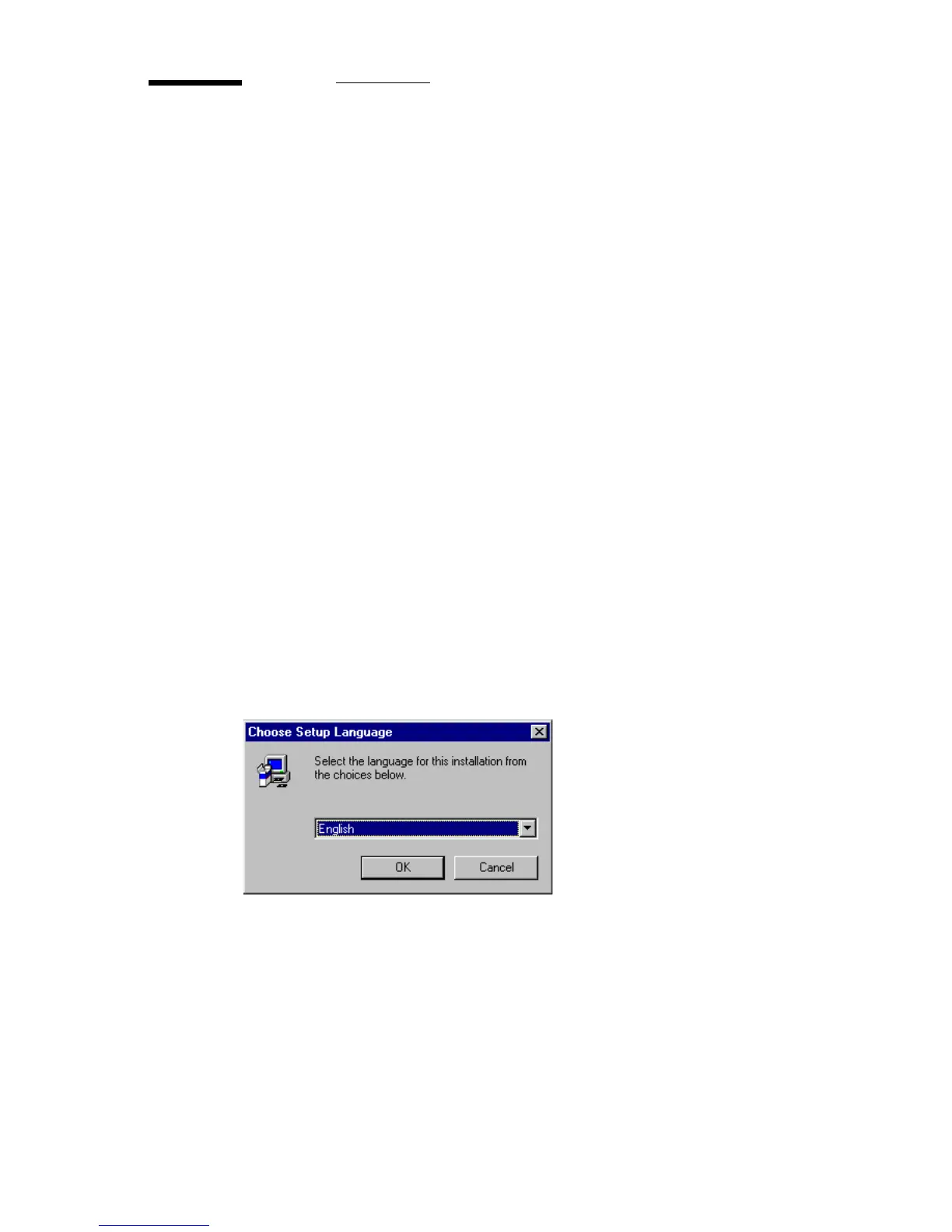
The installation wizard is started and you are asked to choose a setup language.
[62] Choosing a setup language



 To Next Page