116 Océ 9600 Copier/Printer User Manual
3
Specify the desired language and click ‘OK’.
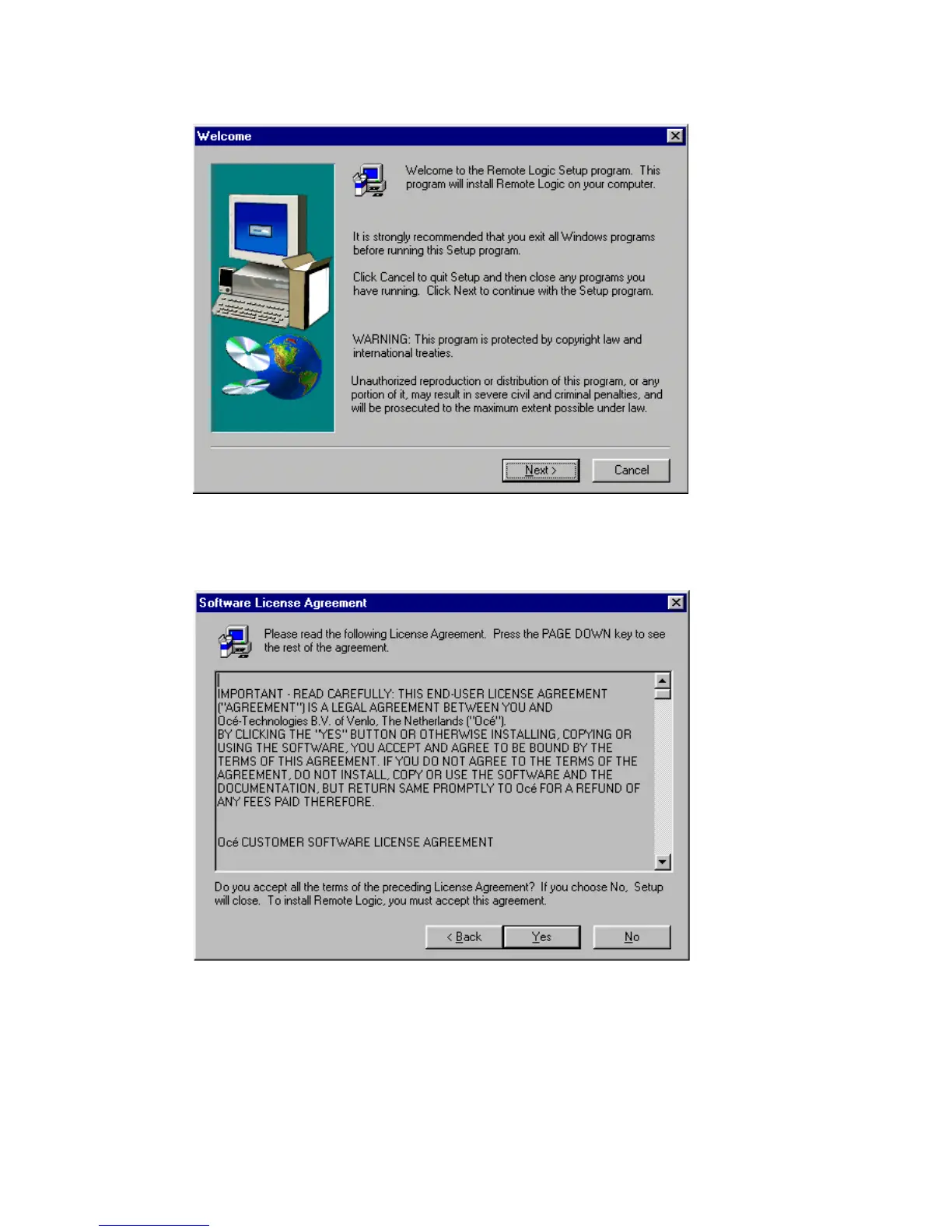
The Setup is now started and a Welcome window is displayed.
[63] ‘Welcome’ window
4
Exit all Windows programs (as recommended) and click the ‘Next’ button to
continue. The ‘Software License Agreement’ window is displayed
[64] ’Software License Agreement’ window
5
Click the ‘Yes’ button to accept the specified terms or click the ‘No’ button to
refuse.



 To Next Page