Remote Logic 117
Note:
If you click the ‘No’ button, the ‘Exit Setup’ window is displayed,
prompting you to click on the ‘Resume’ button to return to the ‘Software
License Agreement’ window or to click the ‘Exit’ button to terminate the
installation procedure.
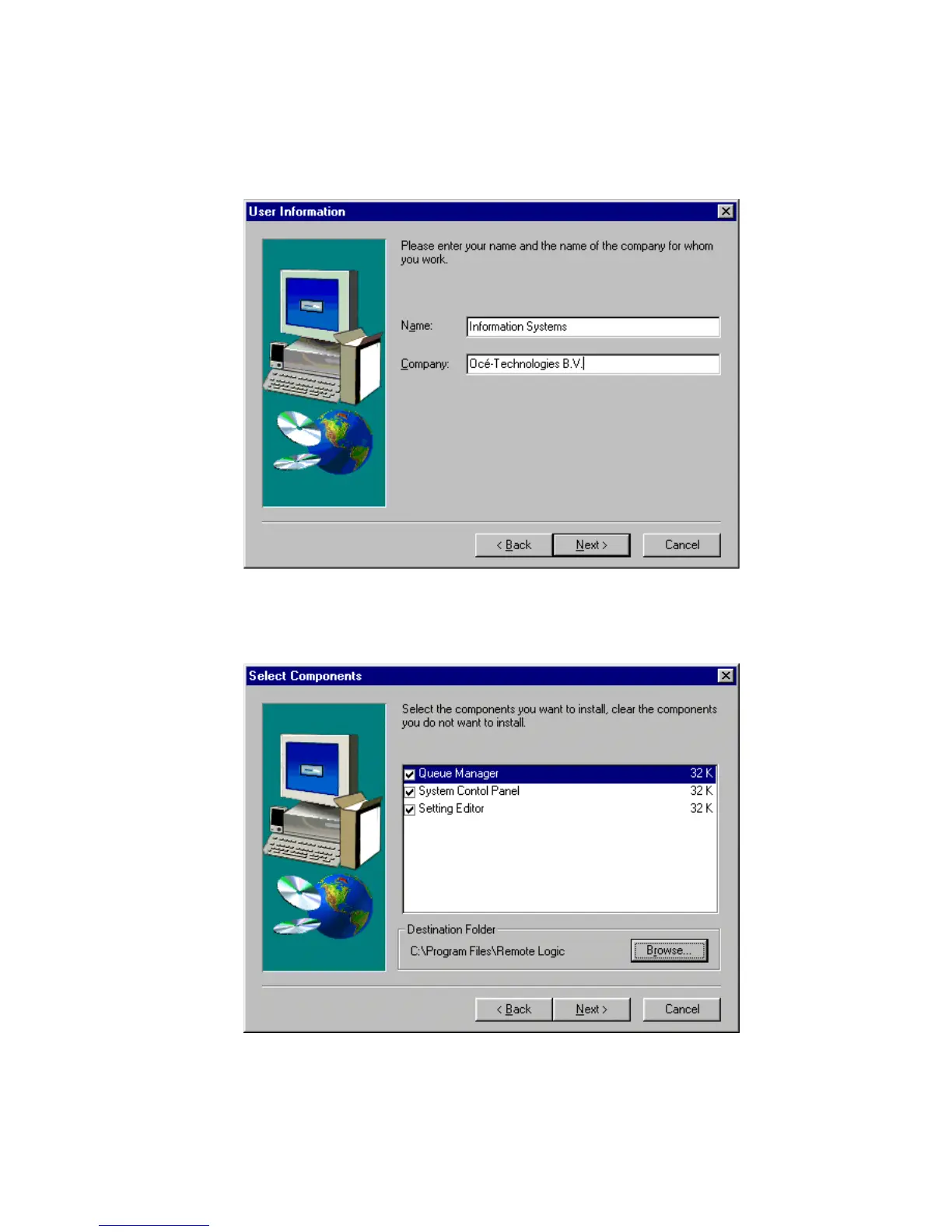
The ‘User Information’ window is now displayed
[65] ’User Information’ window
Enter your name and your company name in the appropriate fields and click
the ‘Next’ button. The ‘Select components’ window appears.
[66] ’Select components’ window



 To Next Page