Performing special copy jobs 71
Mirror-image copies
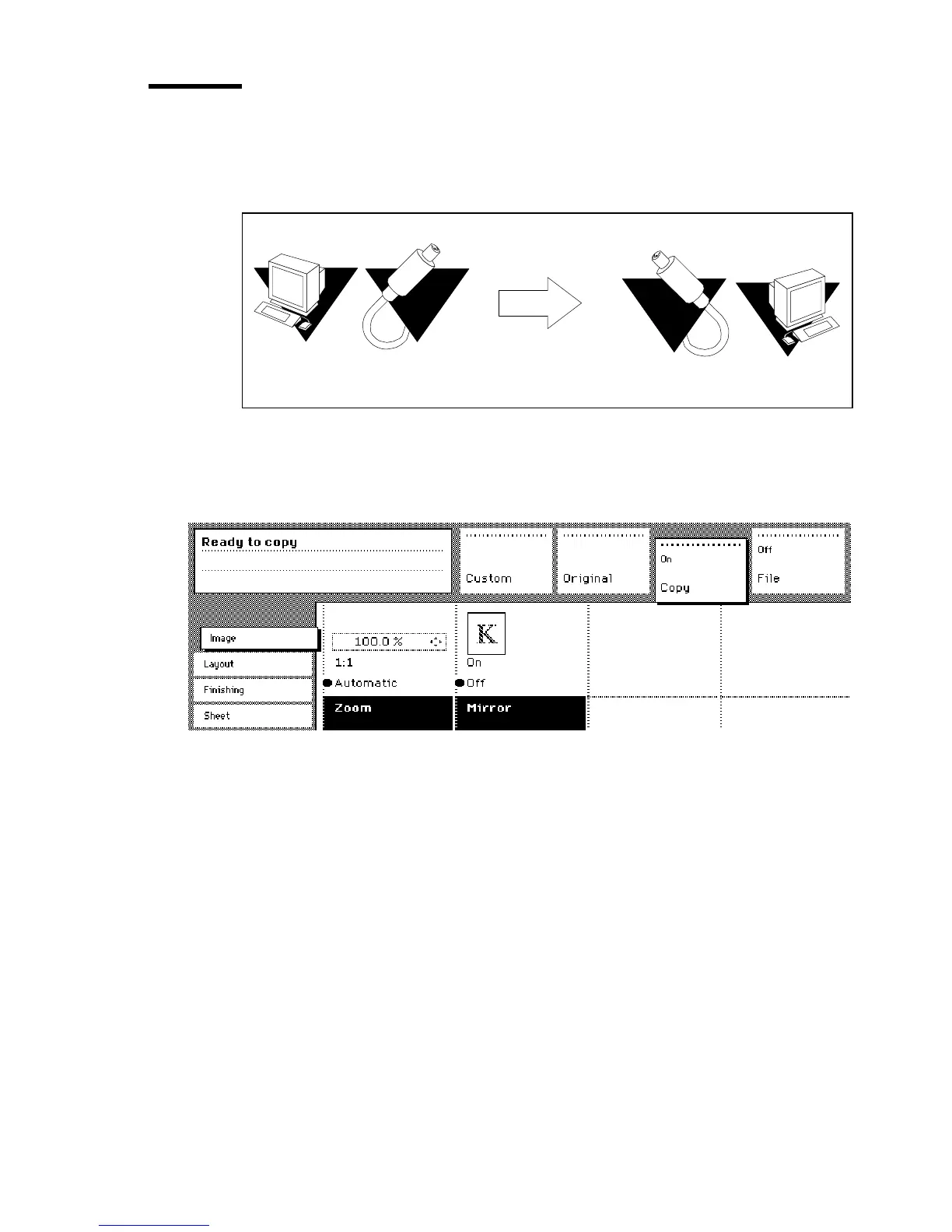
With the Océ 9600 Copier you can make a mirror-image copy of an original,
as shown in the next figure:
[38] Example of a mirror-image copy
▼
▼▼
▼
Make mirror-image copy
1
Open the ‘Image’ card in the ‘Copy’ section.
[39] Mirror-image
2
Press the ‘Mirror’ function button to enable the ‘Mirror’ function.
3
Specify other settings as required and feed in the original.
Roll 2
type
Process



 To Next Page