220 Océ 9600 Copier/Printer User Manual
Rolls
When a roll is empty during a print job, a ‘Roll empty’ message is displayed
at the printer operating panel and on the System Control Panel application. You
then have to load a new roll of print material.
Note:
The following media are currently supported on the Océ 9600:
■
Plain paper (Red label plus) 20 lb. bond
■
Plain paper (Red label) 6 lb. bond
■
Transparent paper 4.5-5 lb. bond
■
Polyester film (CPRF) 3.5mil
■
Polyester film 4.5mil
■
vellum (9020/9022) 20lbs.
Caution:
See Appendix B for more information about safely handling/
placing rolls of print material in the printer.
▼
▼▼
▼
Loading rolls
1
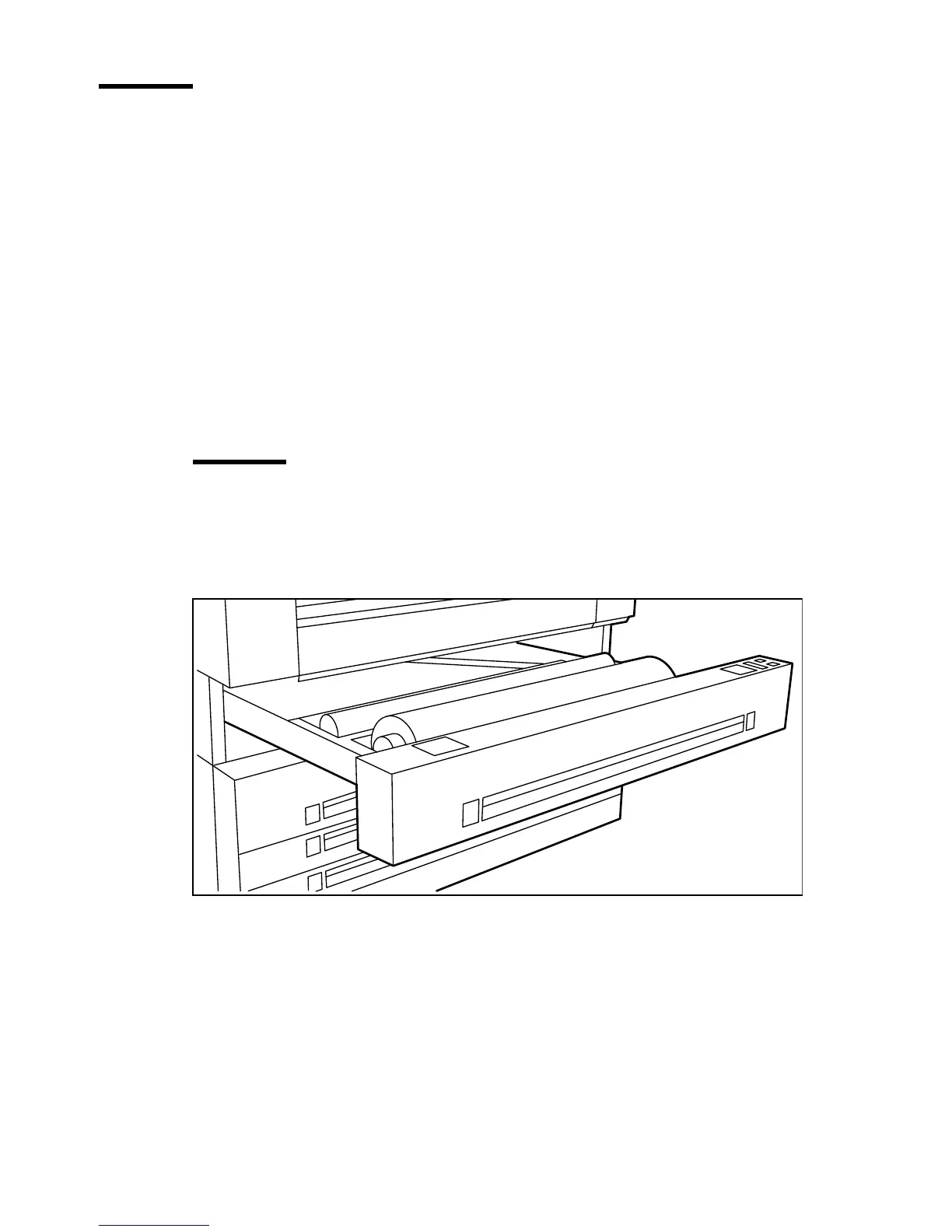
Open the appropriate roll compartment (see figure 99).
[99] Opening the appropriate roll compartment
2
If necessary, remove any scrap material from the paper roll compartment.
3
Remove the roll holder from the paper roll compartment.



 To Next Page