Using the Océ 9600 Printer 31
Starting up and shutting down the Océ 9600
After starting up the Océ 9600 Printer, it is ready for operation.
▼
▼▼
▼
Start up the system
1
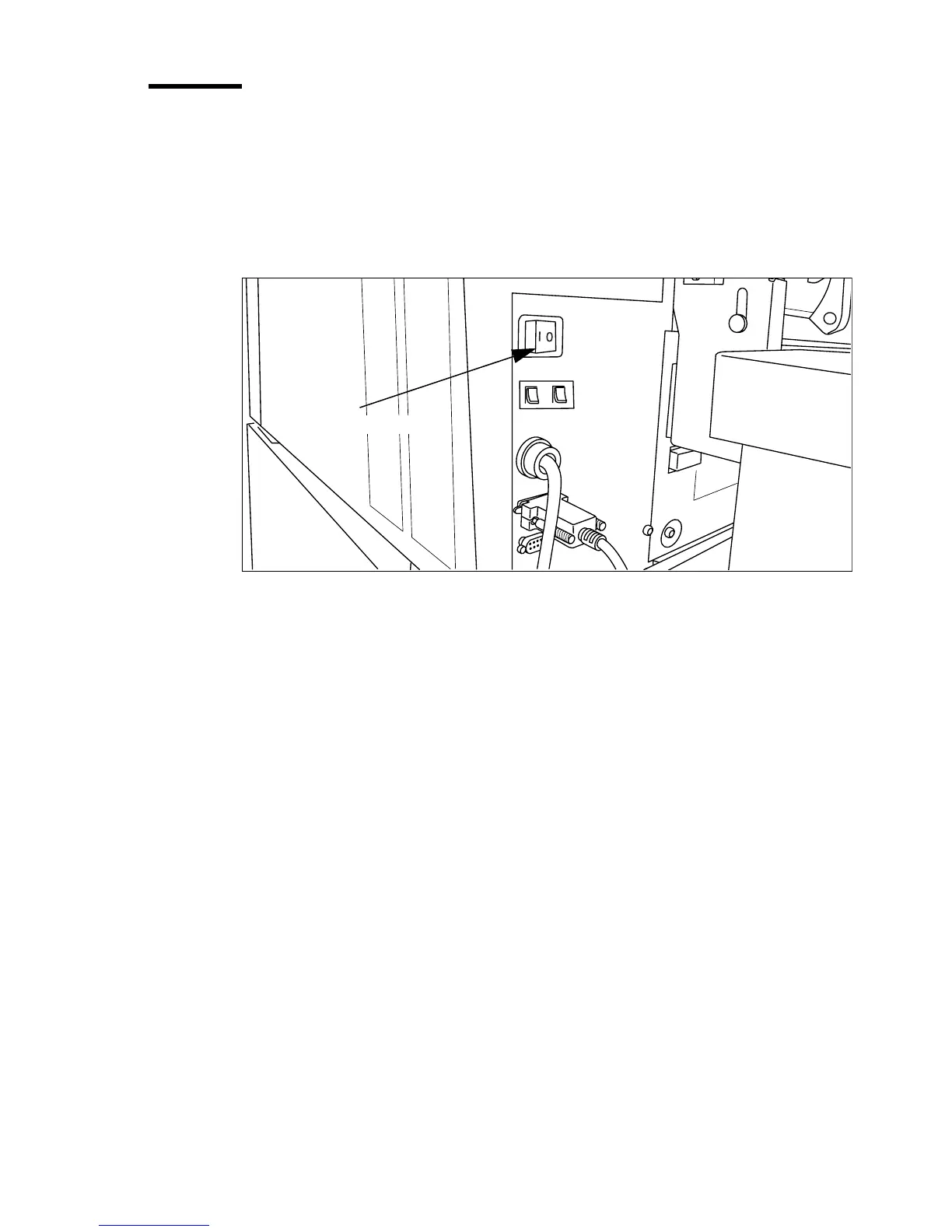
Set the on/off switch at the rear of the printer to position ‘1’ (see figure 9). If
the mains is connected correctly, the green switch will light up.
[9] Printer on/off switch
2
Turn on the scanner.
3
Turn on the controller and the monitor.
Note:
The Océ 9600 controller will be started up automatically.
▼
▼▼
▼
Turn off the system
1
Select the ‘Shut down’ option from the System Control Panel.
2
Turn off the controller and the monitor.
3
Set the on/off switch at the rear of the printer to position ‘0’ (see figure 9).
Note:
Turning off the printer during a print job may cause loss of
information or a paper jam.
Note:
After turning it off, wait at least 5 seconds before you restart the system.
On/off switch



 To Next Page