Using the Océ 9600 Copier 55
Note:
The image will be printed on the side of the sheet which is facing up.
Defining delivery of copies
Normally, your copies are delivered on the integrated receiving tray on top of
the Océ 9600 Printer. However, you can specify settings for the delivery of
your copies on the optional copy delivery tray or on a folder. If you want to use
your copy delivery tray, take the following steps.
▼
▼▼
▼
Deliver copies on the copy delivery tray
1
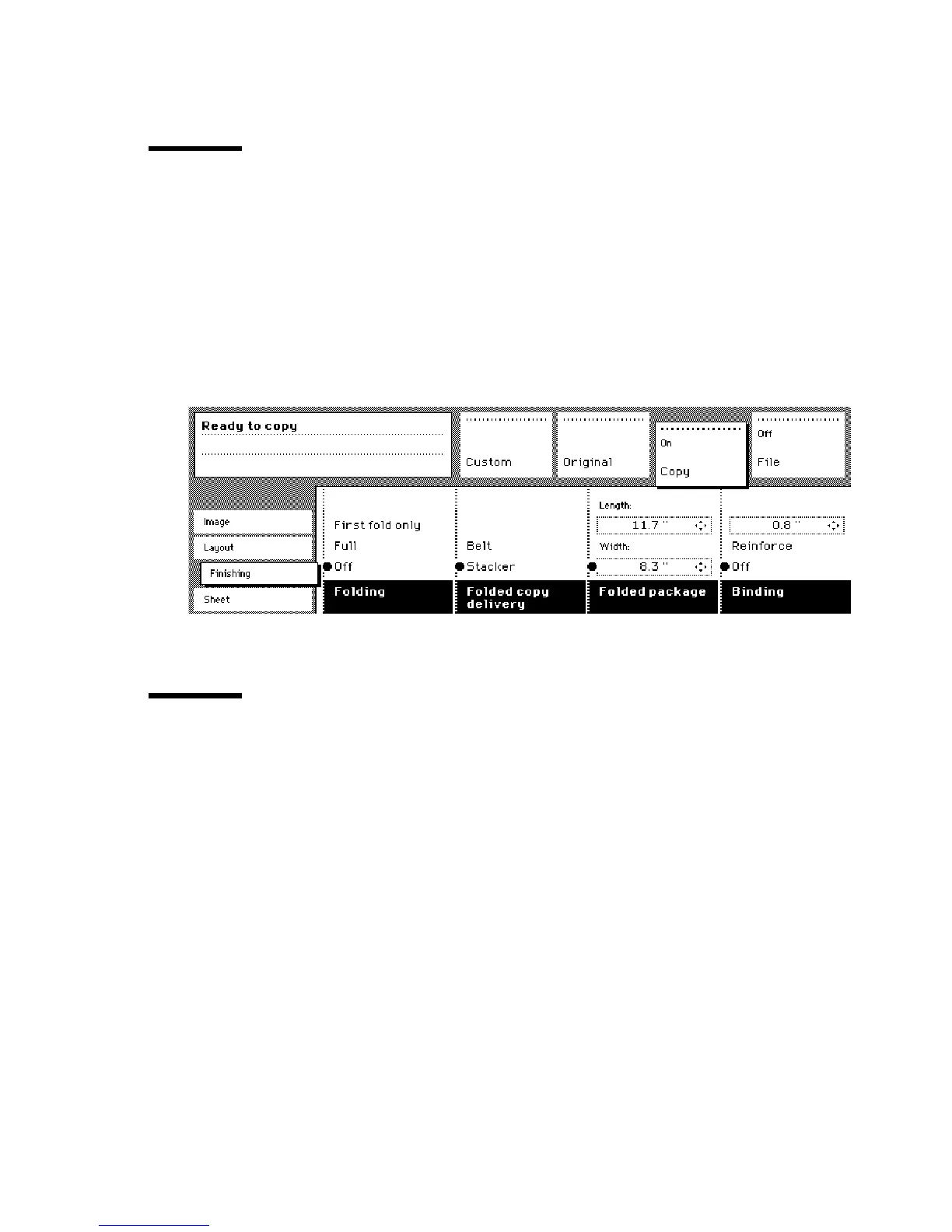
Open the ‘Finishing’ card in the ‘Copy’ section.
2
Use the ‘Copy delivery’ function button to select the ‘Copy deliv. tray’ option.
[23] Delivering copies on the copy delivery tray
Stopping a copy job
Pressing the Stop button interrupts the original transport.
▼
▼▼
▼
Stop a job
1
Press the Stop button.
The original transport is now stopped and you are prompted the open the
scanner cover in order to remove the original.
2
Open the cover, remove the original and close the cover again
You are now ready to start the next copy job.
Access to
ial
Access to
Page
Interrupt
job



 To Next Page