70 Océ 9600 Copier/Printer User Manual
▼
▼▼
▼
Shift the image
1
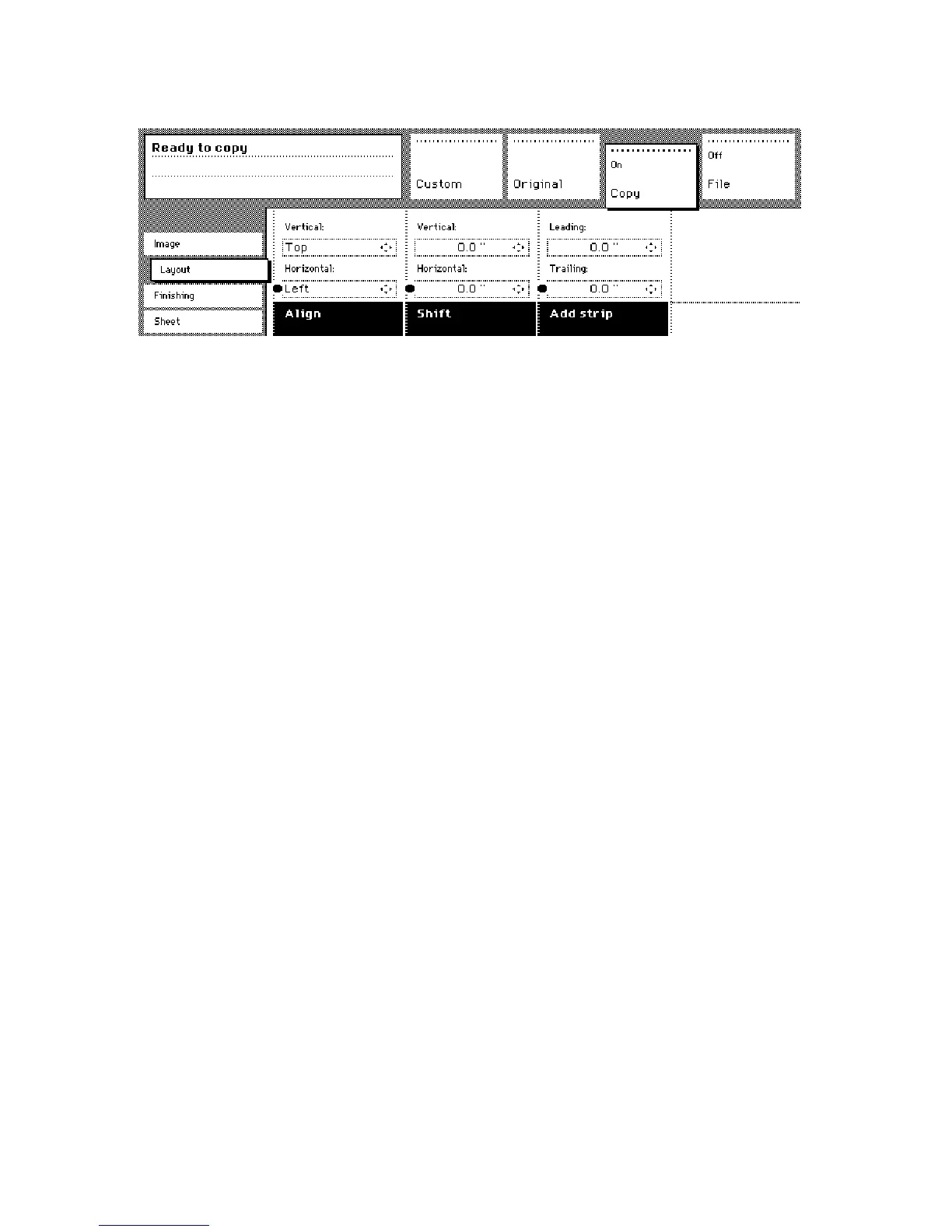
Open the ‘Layout’ card in the ‘Copy’ section.
[37] Image shift
2
Press the ‘Shift’ function button and select a horizontal shift value by pressing
the numeric or arrow buttons until the required distance is set to shift the image
to the left or to the right.
Note:
When you shift the image horizontally, you can only shift to the left or to
the right.
3
Press the ‘Shift’ function button again and select a vertical shift value by
pressing the numeric or arrow buttons until the required distance is set to shift
the image upwards or downwards.
Note:
When you shift the image vertically, you can only shift up or down.
4
Specify other settings as required.
5
Feed in the original.
Note:
You can use horizontal and vertical shift simultaneously.



 To Next Page