118 Océ 9600 Copier/Printer User Manual
6
Accept the proposed destination folder or use the ‘Browse’ button to select a
folder of your own choice.
7
Select the desired components and click the ‘Next’ button.
Note:
By default, all components are selected.
8
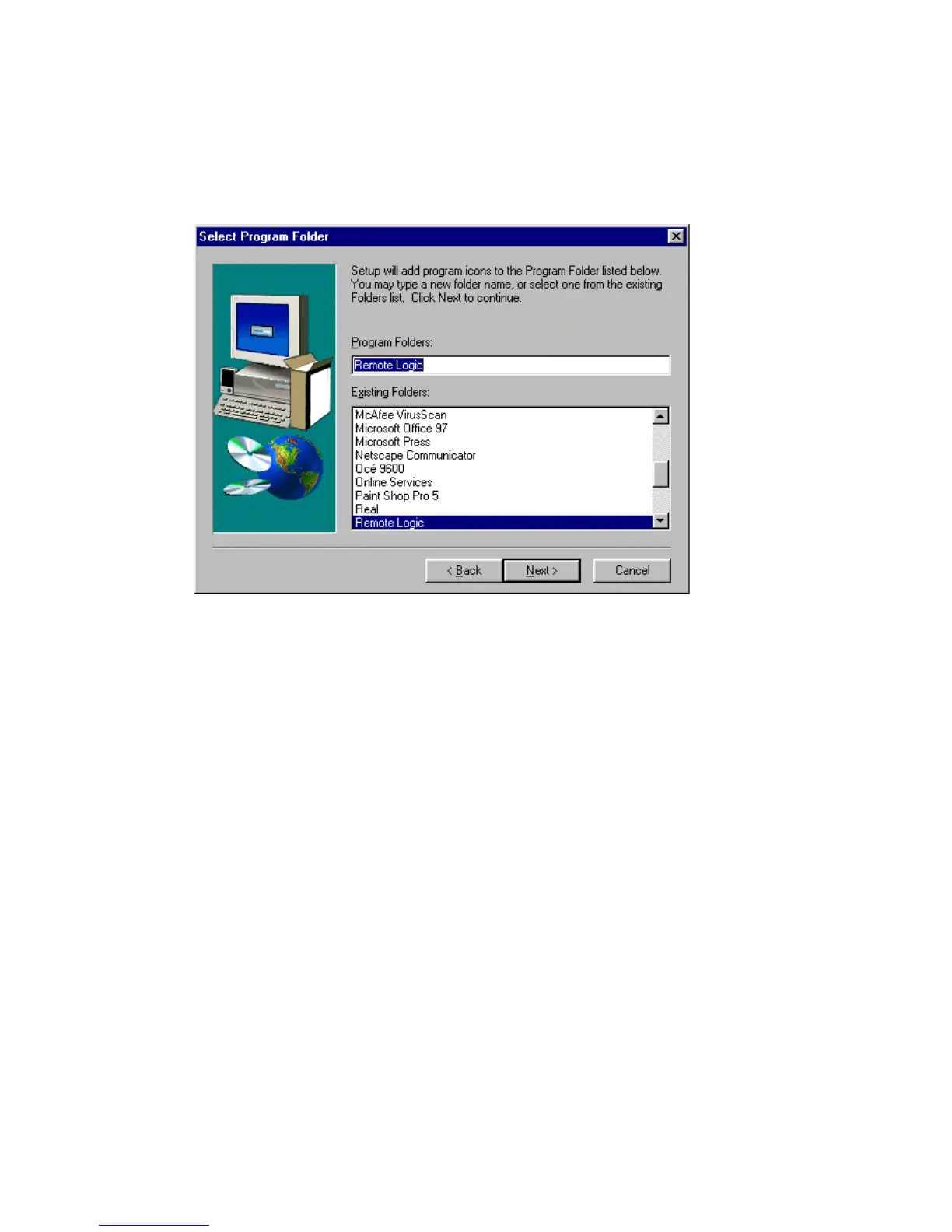
When you click the ‘Next’ button, the ‘Select Program Folder’ window
appears.
[67] ’Select Program Folder’ window
9
Enter the desired program folder name and click on the ‘Next’ button.
The programs are now installed. Each application is installed separately and as
part of a combined version called ‘Applications’.
When the installation is complete, you can start the applications by selecting
them from the specified folder in the ‘Start’ menu.
To work with the applications you first have to connect to an available Océ
9600 machine. How to connect is described in ‘The connection to a controller’
on page 78.
Note:
If you plan to work with more than one of the available remote
applications, you are advised to use the ‘Applications’ version, because this
uses less system resources than the individual applications.



 To Next Page