System administrator settings 207
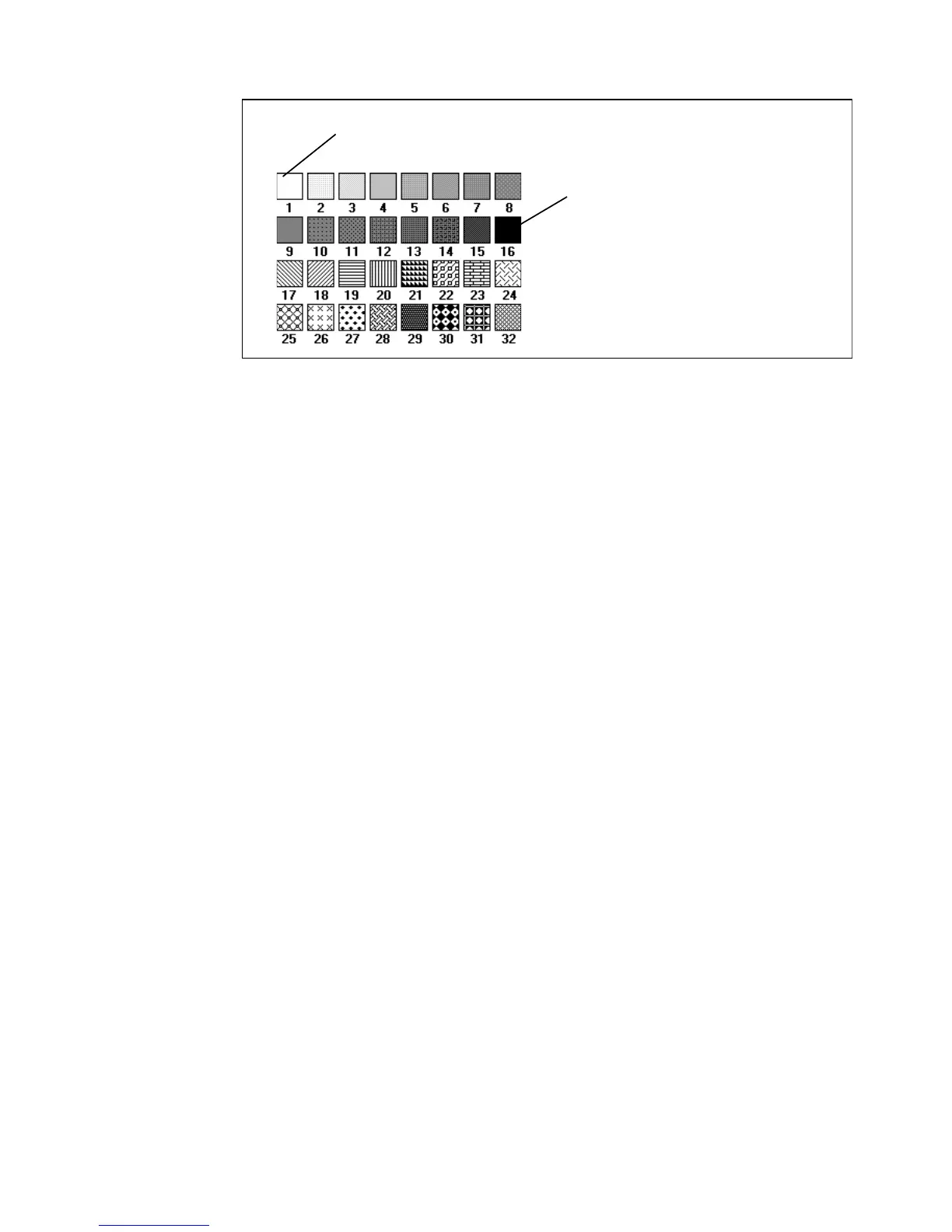
The following pen patterns are available:
[96] Available pen patterns
▼
▼▼
▼
Define pen settings
1
Click on the ‘Printer’ button.
The Printer settings are displayed
2
Click on the ‘Pens’ tab.
The Pen settings are displayed (see figure 95).
3
Type a pen number in the ‘Pen number’ box or select a number with the
selection arrows to the right of the box.
The ‘Pen width’ and ‘Pattern’ boxes now become active.
4
Specify a pen width by typing a value or selecting one with the selection
arrows.
5
Specify a pen pattern by typing a number, selecting one with the selection
arrows or clicking on one of the available patterns in the ‘Pattern overview’
box.
6
Click on the ‘Apply’ button to save the changes you made.
white
black



 To Next Page