Problem solving 251
5
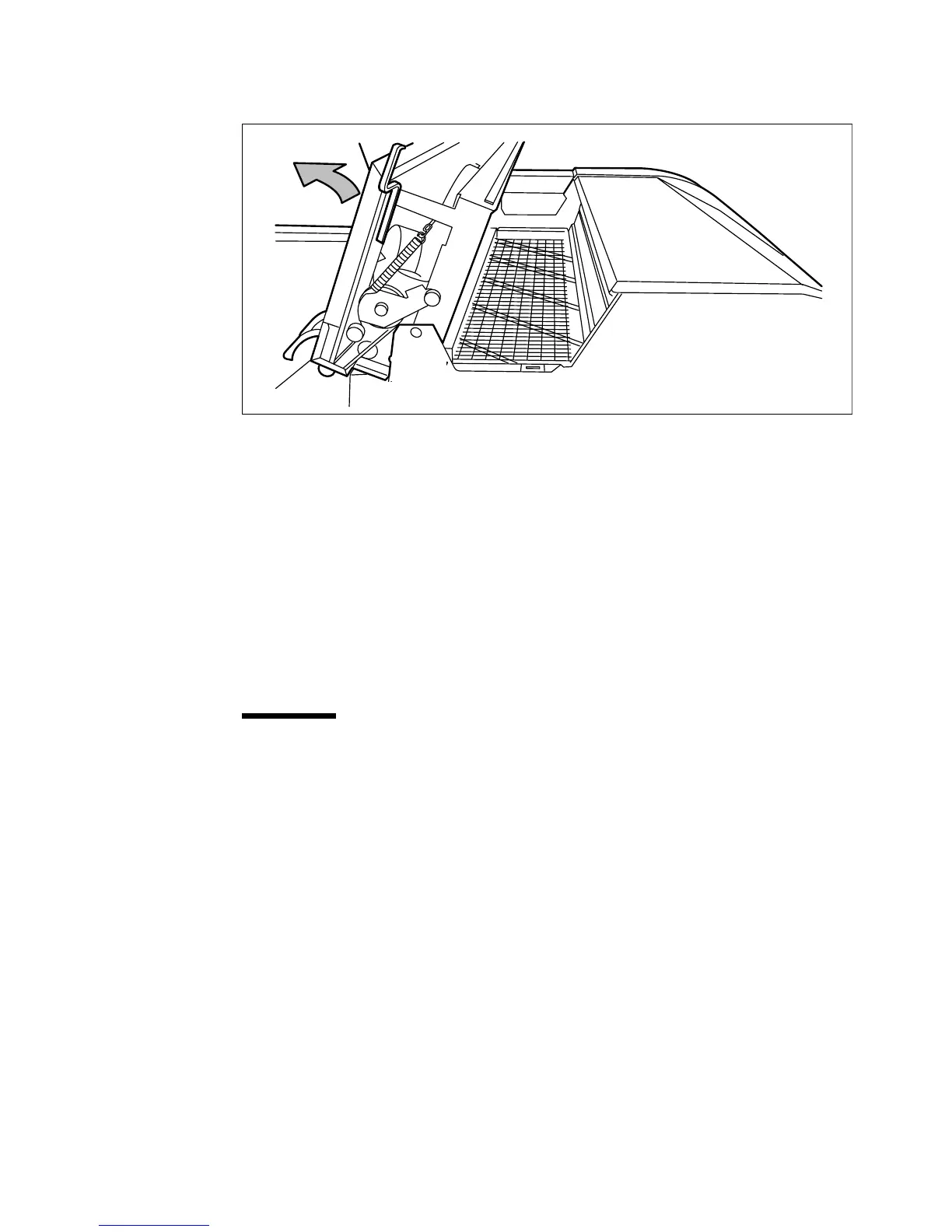
Open the fuser section cover by lifting the cover by the green handle (see
figure 140).
[140] Opening the fuser section cover
6
Remove any jammed printing material from the fuser section.
Note:
If the printing material is visible in the manual feed section, remove
it from the front side of the Océ 9600 Printer.
7
Pull the green knob to release the fuser section cover and close the cover with
the help of the green handle.
8
Close the cover.
9
Turn the printer on again.
▼
▼▼
▼
Clear a jam at the integrated receiving tray
1
Open the manual feeder to release the printing material.
Attention:
If you fail to do so, the OPC drum might get damaged when you
remove jammed material.
2
Open the cover on the left side (see figure 139 on page 250).
3
Open the fuser section cover by lifting the cover by the green handle (see
figure 140).
4
Remove any jammed printing material from the Integrated Receiving Tray.
5
Pull the green knob to release the fuser section cover and close the cover with
the help of the green handle.



 To Next Page