242 Océ 9600 Copier/Printer User Manual
5
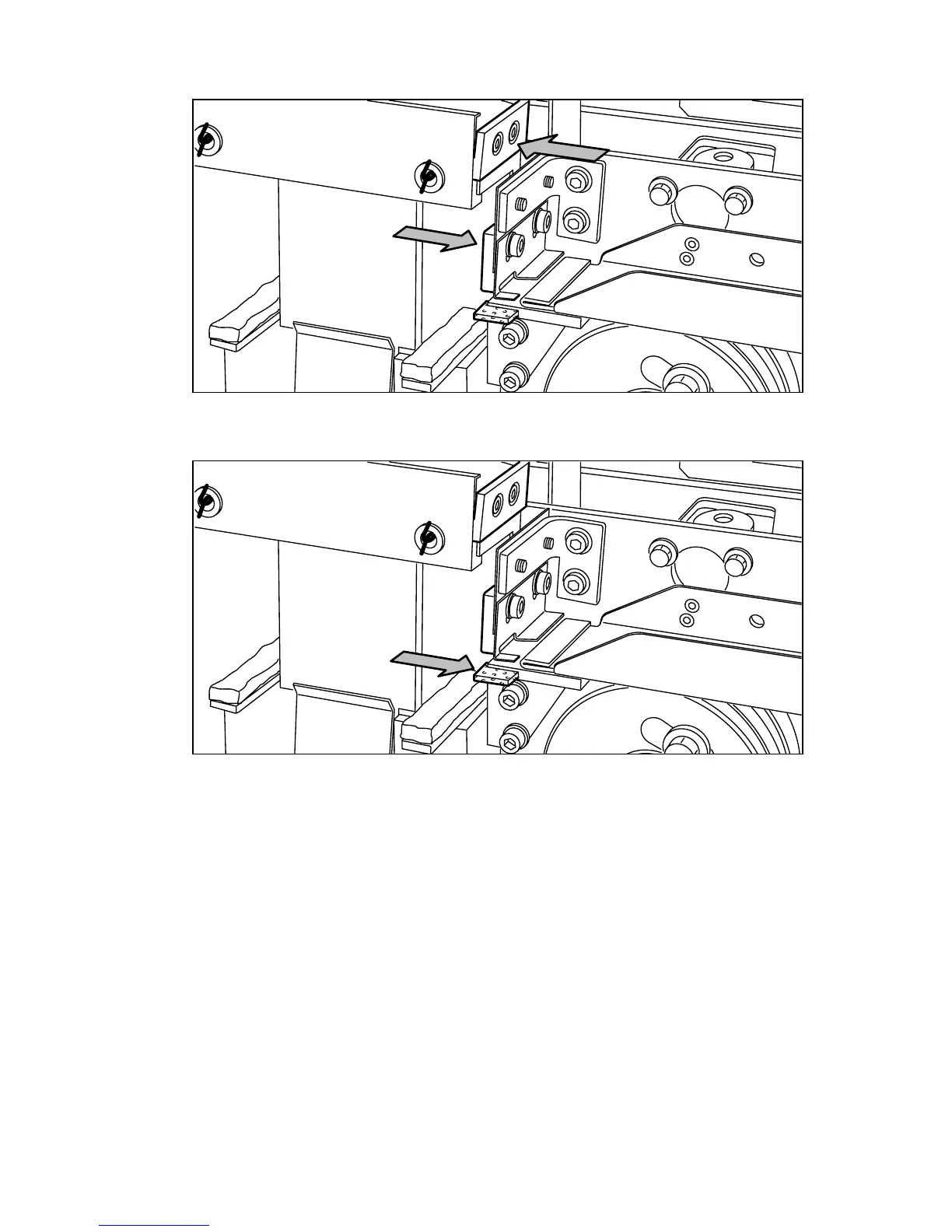
Clean the upper and lower knife using Cleaner K (see figure 132).
[132] Cleaning the upper and lower knife
6
Oil the felt using Fixing Unit Cleaning Oil (silicon oil).
[133] Oiling the felt
Close the side door of the reinforcement unit. The knives are automatically
placed back in their home positions. The picture on the display disappears, and
the ‘Press start to resume job’ or ‘Ready to print’ message appears, depending
on whether or not a job was interrupted to clean the knives.



 To Next Page