254 Océ 9600 Copier/Printer User Manual
▼
▼▼
▼
Clearing a jam in the folder transport section
1
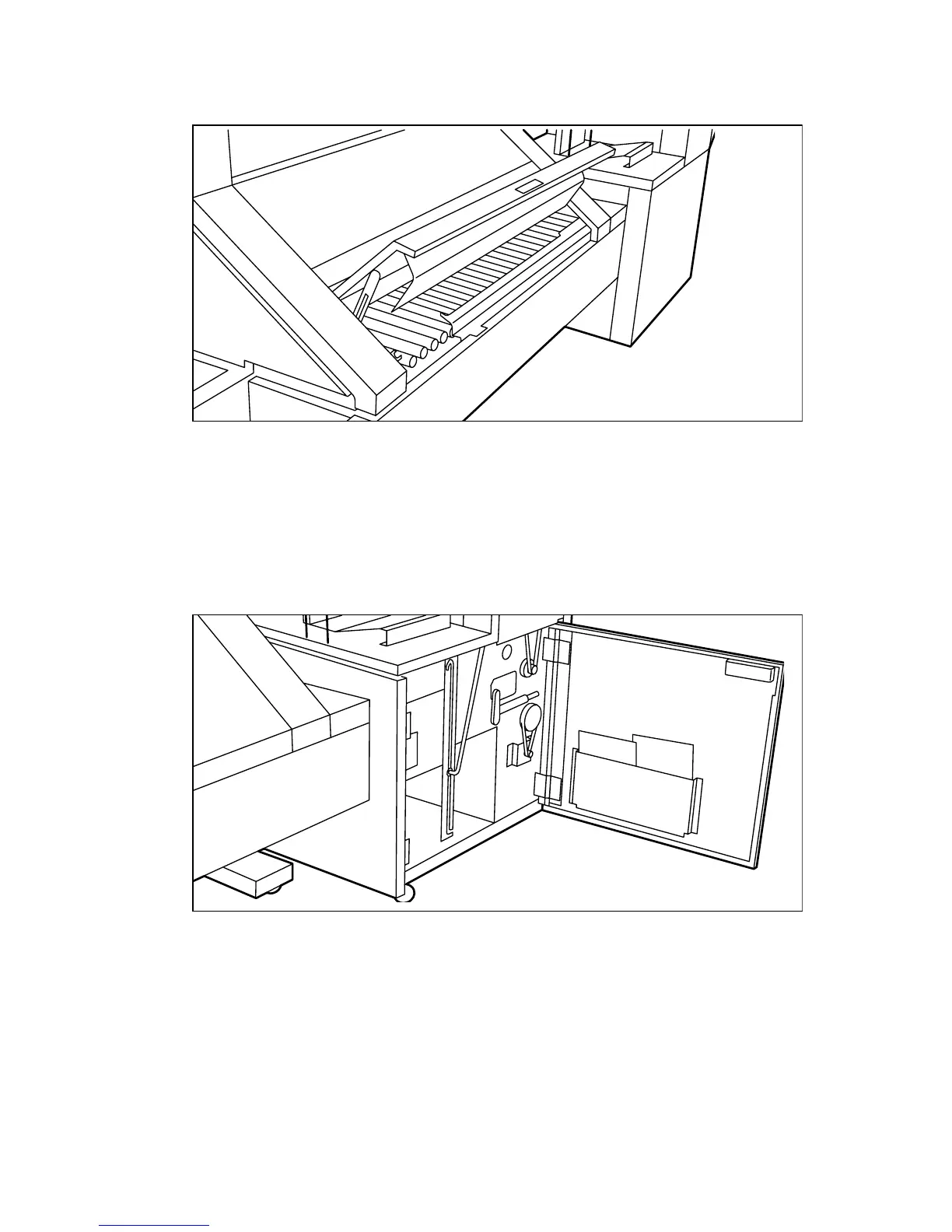
Open the cover of the first fold section (see figure 144).
.
[144] Open the cover of the folder transport section
2
Remove any jammed printing material.
3
Close the folder transport section cover from the left side by lifting it up and
pushing the hinge away from you.
▼
▼▼
▼
Clearing a jam in the second fold section
1
Open the front door of the second fold section (see figure 145).
[145] Opening the front door of the second fold section
2
Remove any jammed printing material at the bottom of the second fold section.
3
Close the front door of the second fold section.



 To Next Page