256 Océ 9600 Copier/Printer User Manual
6
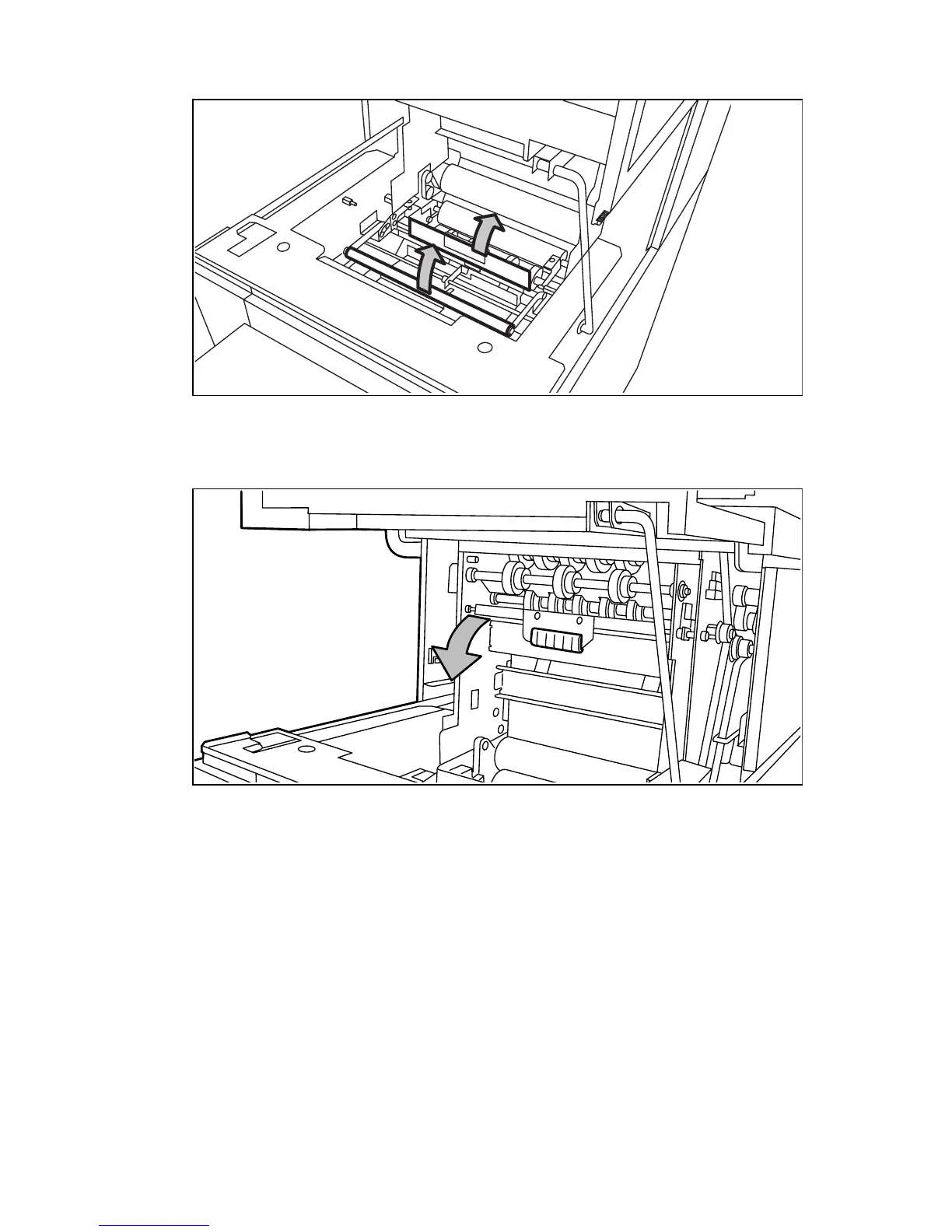
Open the guide plate with the green lever (see figure 148).
[148] Opening the guide plate with the green lever
7
Remove any jammed printing material.
8
Open the vertical transport with the green lever (see figure 149).
[149] Opening the vertical transport
9
Remove any jammed printing material.



 To Next Page