274 Océ 9600 Copier/Printer User Manual
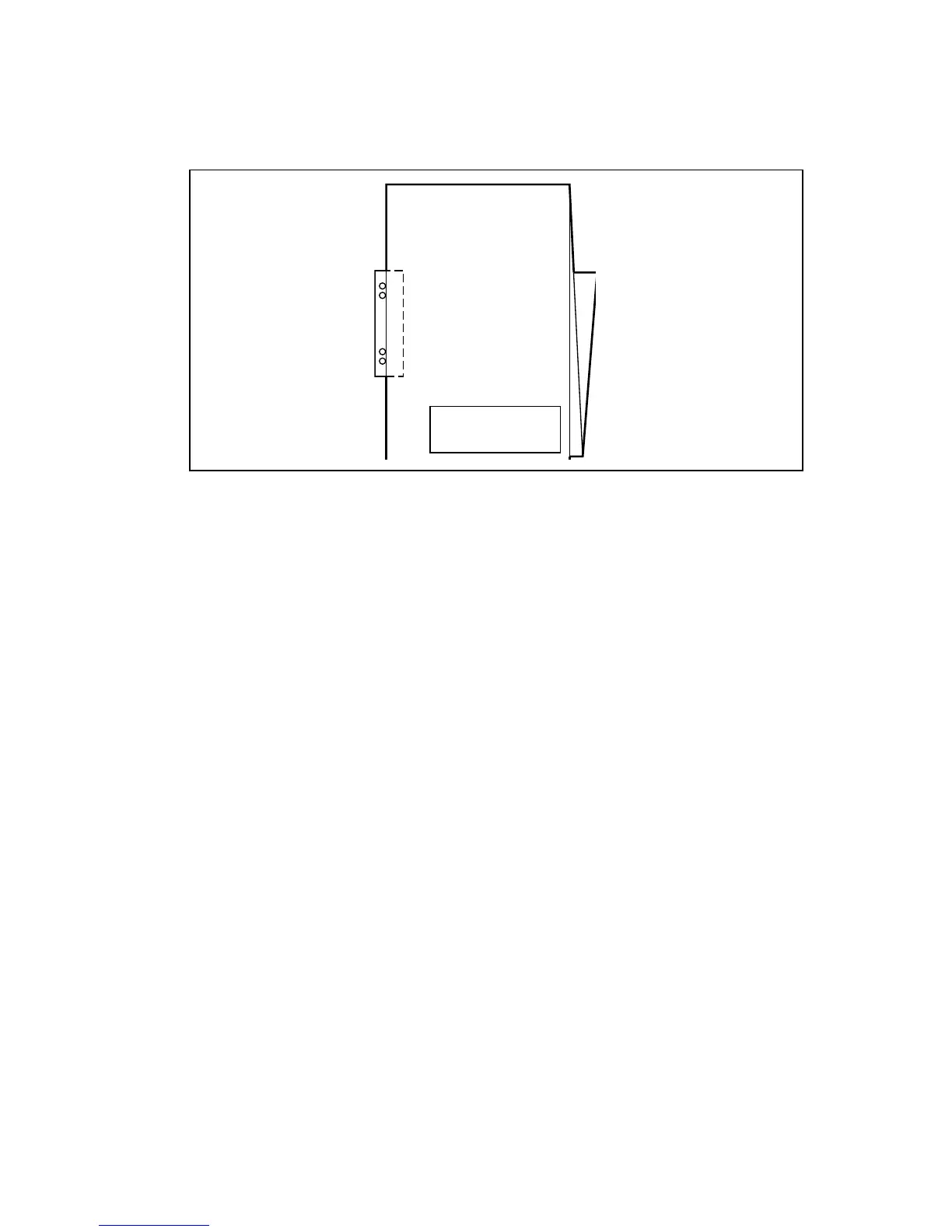
With this strip, the copy can be stored in a binder without running the risk of
having the punching holes tear out. You can unfold a folded map in a binder
without opening the binder mechanism (see figure 171).
[171] Example of a folded map with a reinforcement strip
The optional reinforcement unit supports all media sizes larger than A4.
However, A4 size media can also be reinforced if you enable A4 reinforcement
in the Settings Editor.
Note:
Reinforcement is only possible with the Standard folding method.
See ‘Reinforcement unit’ on page 273 for more information about inserting a
new tape roll and other maintenance issues.
▼
▼▼
▼
Enable reinforcement
1
Click on the ‘Jobs’ button in the Settings editor.
2
Select the ‘Copy’ tab if you want to enable folding reinforcement for copy jobs
or select the ‘Print’ tab if you want to enable folding reinforcement for print
jobs.
3
Open the ‘Defaults’ folder.
4
Open the ‘Finishing’ folder.
5
Select the ‘Folding reinforcement’ option.
6
Enable folding reinforcement in the right-hand part of the window.
7
Click on the ‘Apply’ button to save any changes you have made.



 To Next Page