OMRON APPENDIX F – Obsolete Features
Release 2.0 Page 327
Converting a Package Object
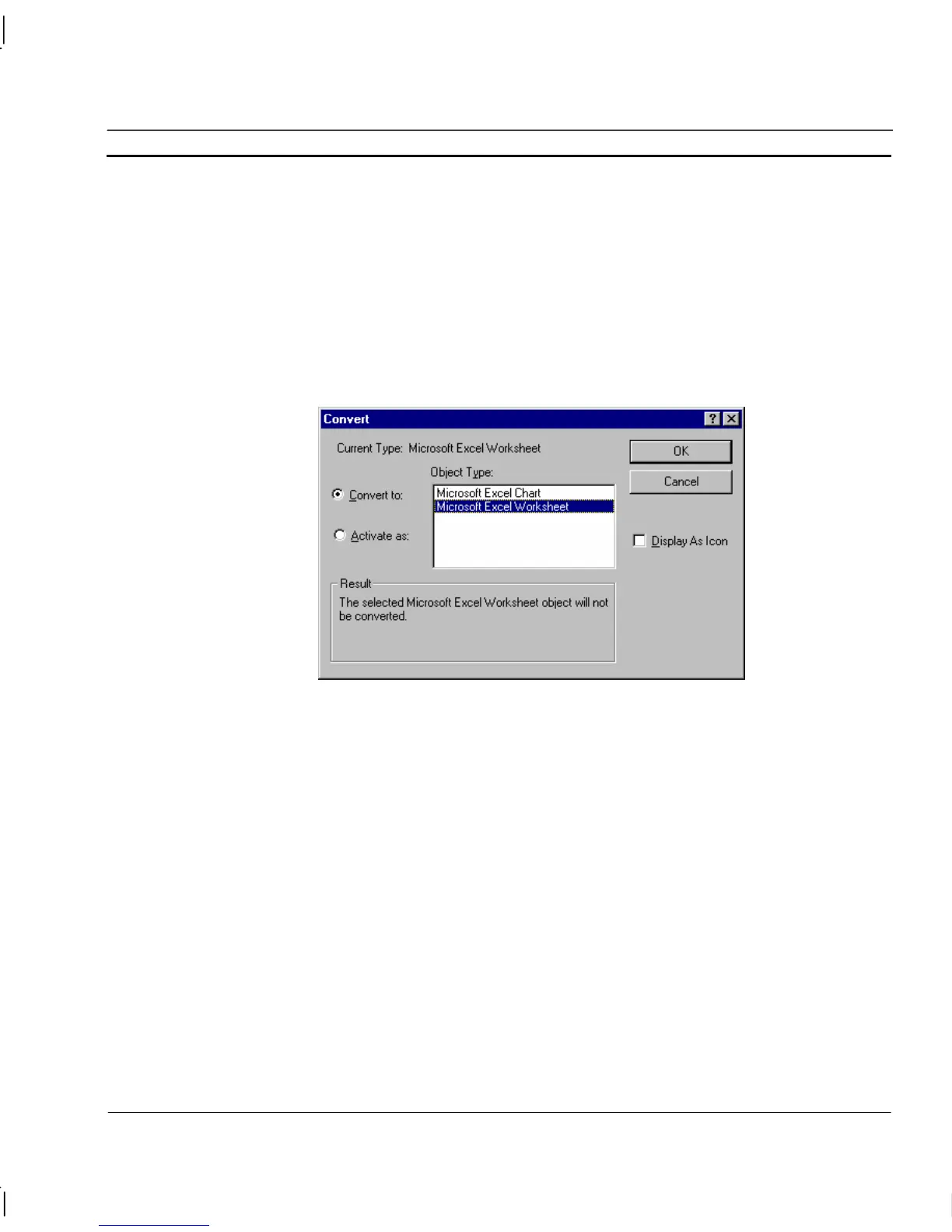
Certain types of object may be converted from one form to another. To initiate conversion:
1, 2, 3…
1. Select the object on the page.
2. Activate the Edit menu and select Package Object (displayed as the last
item on the Edit menu).
3. Select Convert from the sub-menu displayed.
Note: The menu item name varies from application to application but always references
the inserted object.




 To Next Page