87 / 374
SOCT User Manual Version 10.0 rev. A
1) Select one of Wide Anterior scan program. The scanning head has moved back. The built-
in lens will slide out.
2) Prepare the patient as explained in chapter 8.1 Preparation for examination.
3) Press [START] button for Full Auto or Semi Auto acquisition mode.
4) In Semi Auto or Manual verify the position of the OCT signal before pressing [Acquire]
button.
5) Some slight left/right/up/down movements may be needed to find the correct position.
Drag tomograms to optimize scan position.
The lens adapter is attached and removed by a trained operator.
Note: When using the anterior adapter, do not move the head too fast and monitor proximity
to patient in order to avoid incidentally hitting the patient’s eye with the Anterior adapter lens
surface.
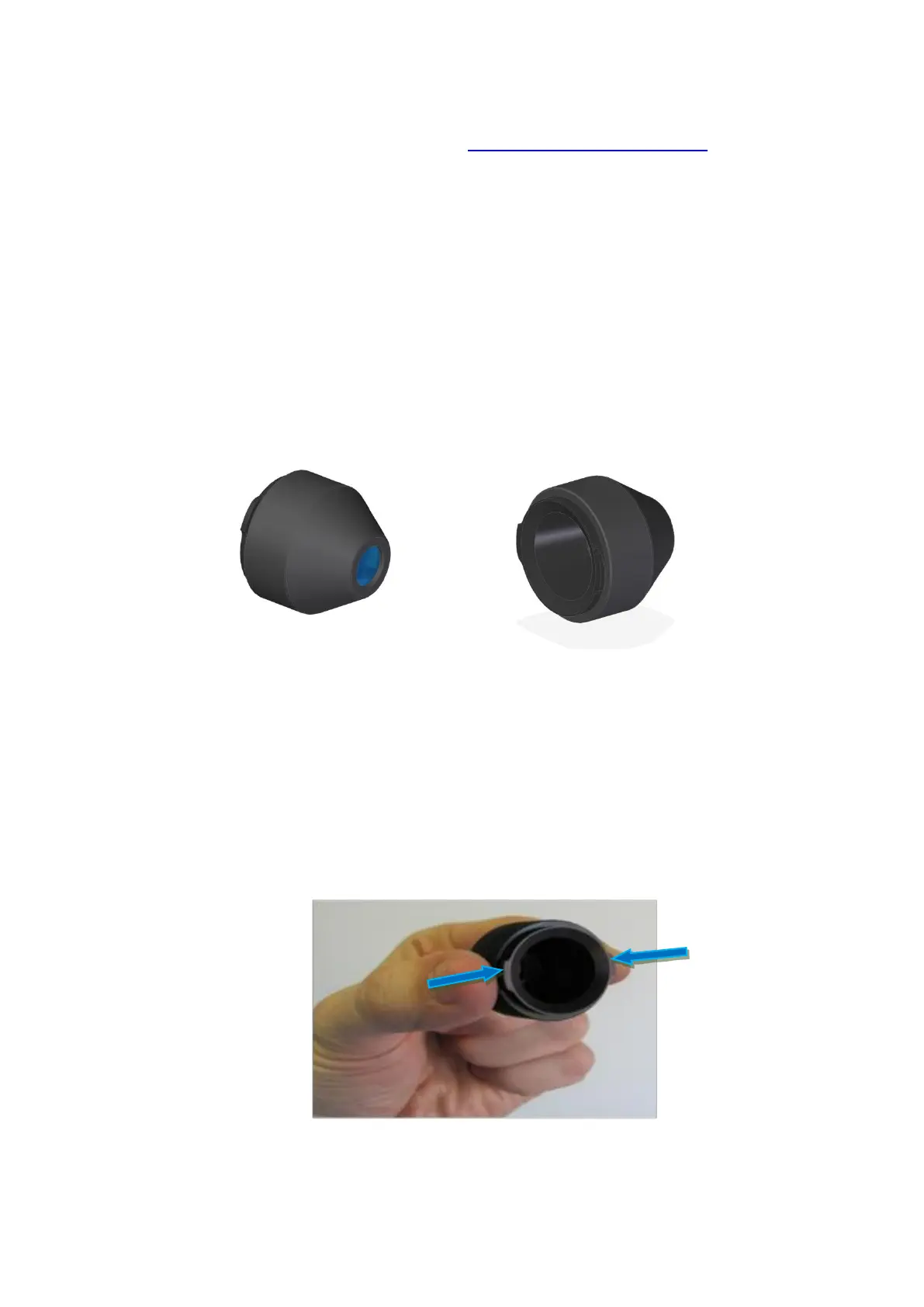
Figure 47.Side views of Anterior Adapter
In order to conduct examination of anterior segment, prepare the anterior adapter and follow
the instructions below:
Select one of Wide Anterior scan program. The scanning head has moved back.
Install Anterior Chamber Adapter on the objective lens.
Grab the Anterior Adapter as shown on the image (two fingers are close to insertions
positioned horizontally.
Figure 48. Anterior adapter mounting



 To Next Page