88 / 374
SOCT User Manual Version 10.0 rev. A
5.1. Get the adapter to the objective and rotate 90
0
clockwise.
Figure 49. Anterior adapter mounting. Rotate to lock.
NOTE: Ensure that scanning head is in maximum backward position and patient will not
incidentally hit the anterior adapter.
CAUTION: Be careful when mounting anterior adapter in order not to scratch the objective
lens.
Prepare the patient as explained in chapter 8.1 Preparation for examination.
6) Press [START] button for Full Auto or Semi Auto acquisition mode.
7) In Semi Auto or Manual verify the position of the OCT signal before pressing [Acquire]
button.
8) Some slight left/right/up/down movements may be needed to find the correct position.
Drag tomograms to optimize scan position.
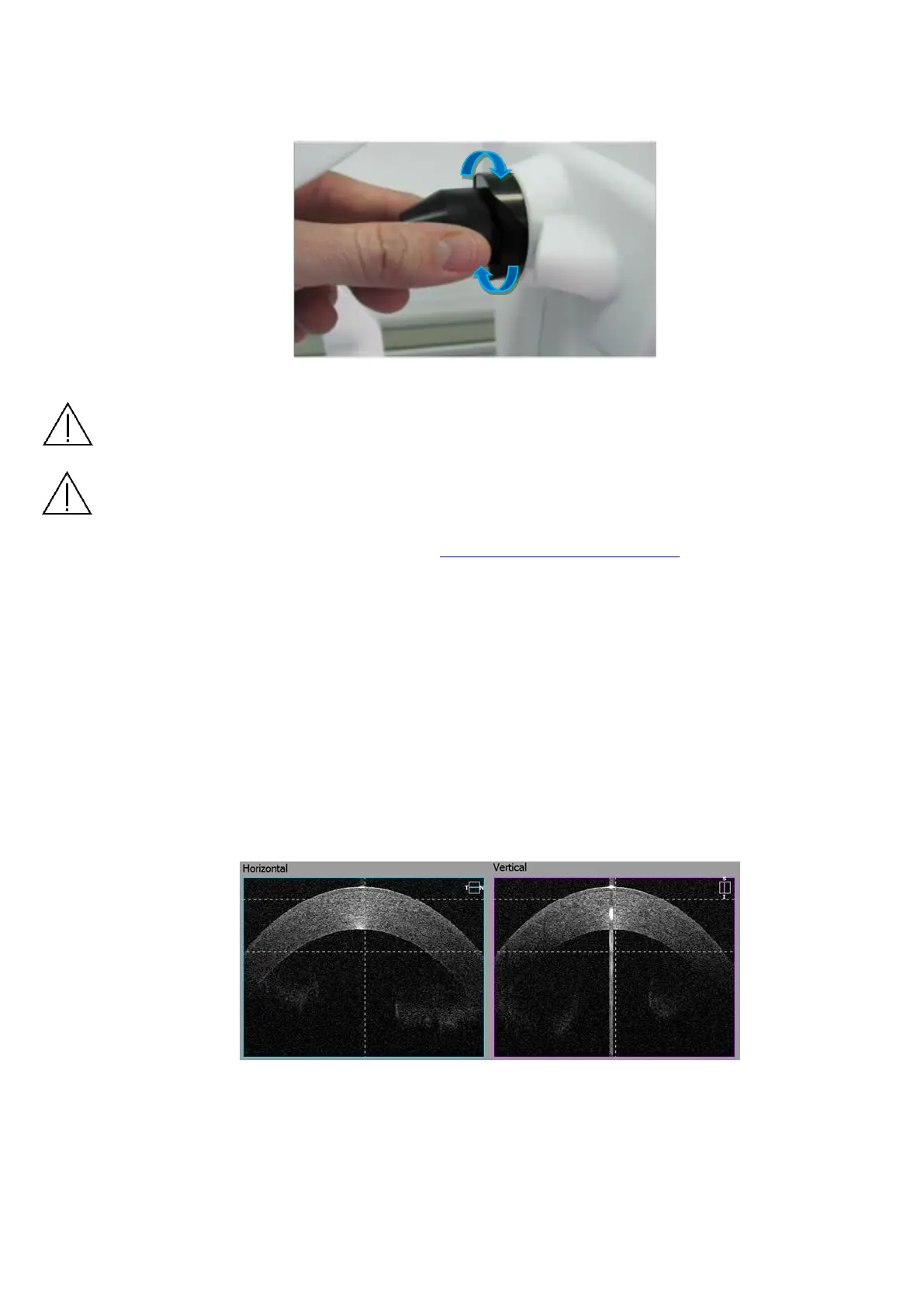
− Wide Cornea scan – For pachymetry map use Anterior Radial scan. Locate the
cornea in between two dashed lines to get the best cornea images. Use center
reflex from cornea to locate the scan in the middle of scanned window. Use vertical
dashed lines as reference.
Figure 50. Wide Cornea scan proper alignment


 To Next Page
 Loading...





