Because RFL™ and Hubbell® have a policy of continuous product improvement, we reserve the right to change designs and specifications without notice.
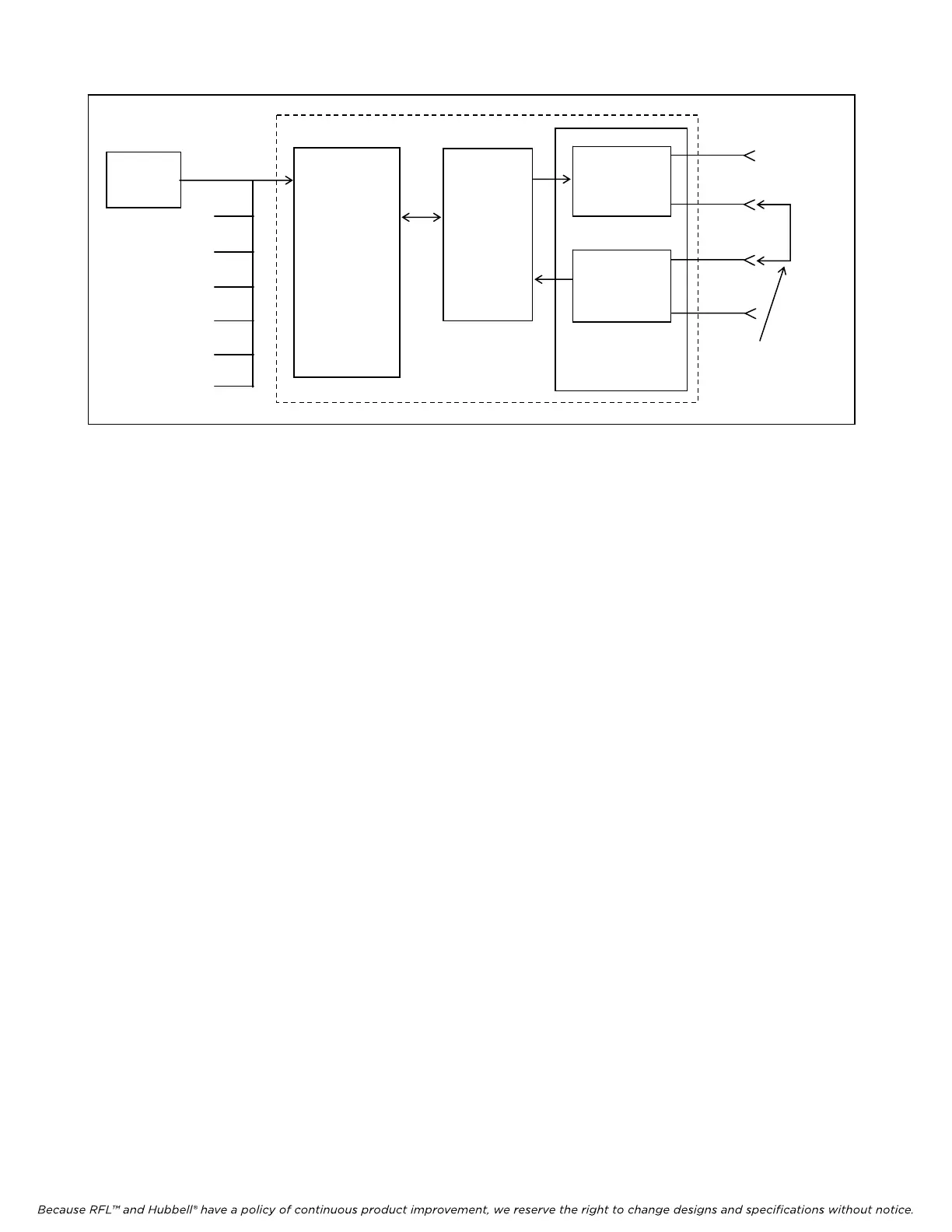
Figure 6. Simplified block diagram, second part of loop test for RFL DA-121I modules
CABLE
ADAPTER
CH1
CH2
CH3
CH4
CH5
CH6
CH7
RS-232
BIT ERROR
TEST SET
MA-405I
MODULE
ADAPTER
IMUX 2000 DROP/INSERT MULTIPLEXER
RFL DA-121I
TRANSMIT
RECEIVE
COMMON
MODULE
DS1-A
EQUIP
OUT
DS1-B
EQUIP
OUT
DS1-A
EQUIP
IN
DS1-B
EQUIP
IN
PAT
CH
CORD
installed in drop/insert multiplexers.
12. With power applied to the IMUX 2000, check the indicator(s) on the front of the power supply
module(s).
The POWER indicator(s) should be lit.
13. Check the CH1 Transmit and CH1 Receive activity LEDs on the front panel of the DA-121I
module. See Figure 2 and Table 1 for locations.
Both activity LEDs should NOT be lit.
14. Connect the BIT Error Test Set to the CH1 RS-232 connector on the cable assembly connected
to the Module Adapter for the RFL DA-121I module under test.
At this point, the equipment should be connected as shown in Figure 6.
15. At the test set, apply power and initialize the Request To Send (RTS) signal, and set its output
to any data rate up to 1.2 kbps. Check the CH1 Transmit and CH1 Receive activity LEDs on
the front of the RFL DS-121I.
Both activity LEDs should be ON.
16. Check the error count on the receive side of the test set.
The error count should be zero.
17. Repeat steps 3 through 7 with the test set connected to the other RS-232 connectors in the cable
assembly.
The results should be the same.
18. Disconnect the patch cord between the DS1-B EQUIP OUT and DS1-A EQUIP IN jacks on the
front of the IMUX 2000 chassis.
If the above test procedure can be successfully completed, the RFL DA-121I module is functioning
properly. If not, use standard troubleshooting procedures to isolate the problem to the module itself,
another module in the IMUX 2000, or the T1 channel. If the problem lies in the RFL DA-121I module,
replace it with a spare.
RFL DA-121I RFL Electronics Inc.
February 10, 2000 19 (973)
334-3100



 To Next Page