Because RFL™ and Hubbell® have a policy of continuous product improvement, we reserve the right to change designs and specifications without notice.
Connecting the MA-428 Enhanced LAN Bridge to Your LAN
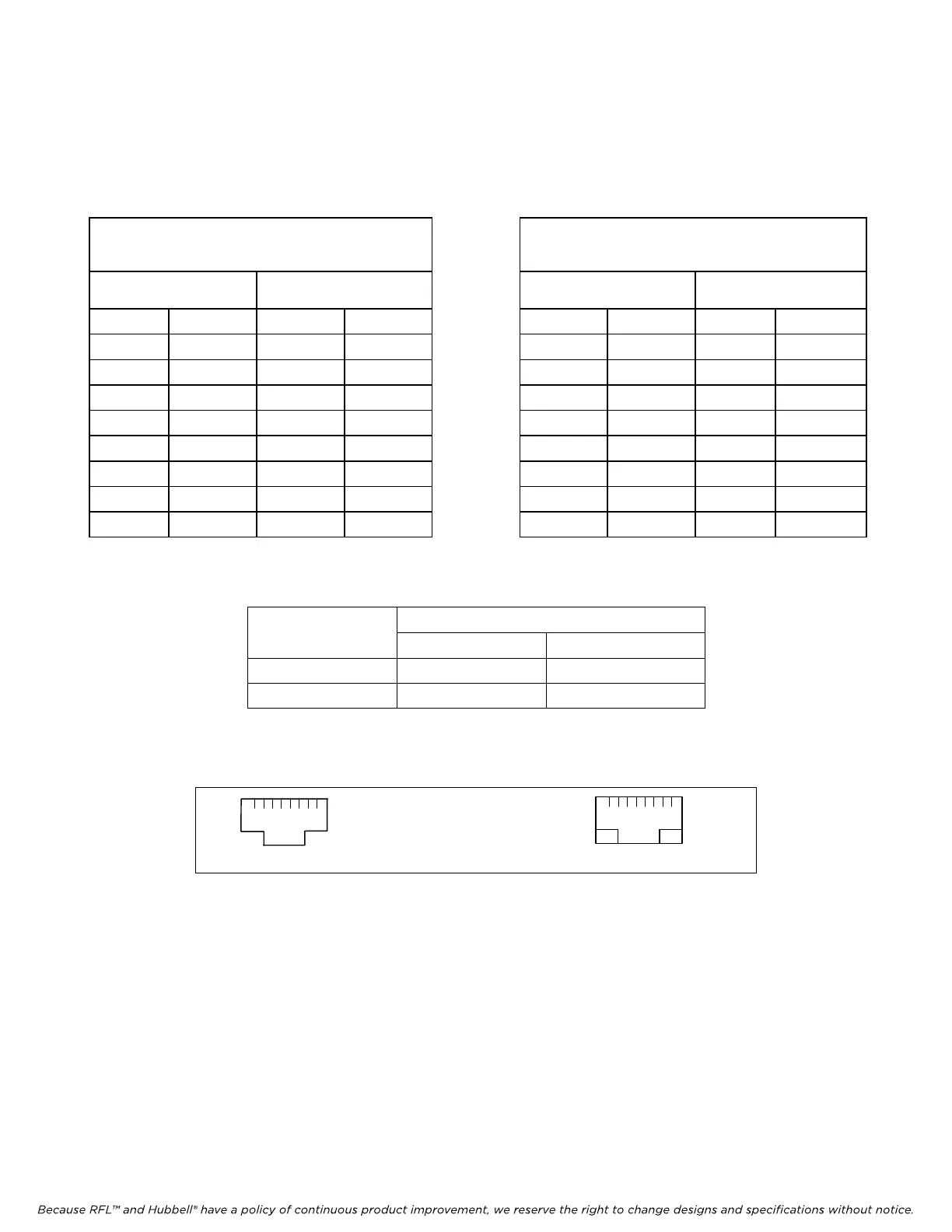
Table 25 provides information for straight-through and crossover cable pin connections. Figure 15
shows the locations of pins 1 and 8 on the RJ-45 connector and on the MA-428. Table 26 shows the
cables supported by the MA-428.
Table 25. Straight-Through and Crossover RJ-45 UTP Cable Pin Connections
Straight-Through RJ-45 UTP
Cable Pin Connections
Crossover RJ-45 UTP
Cable Pin Connections
MA-428
HUB or
Ethernet switch
MA-428 PC or NIC
Pin Function Pin Function Pin Function Pin Function
1 TX+ 1 TX+ 1 TX+ 1 RX+
2 TX- 2 TX- 2 TX- 2 RX-
3 RX+ 3 RX+ 3 RX+ 3 TX+
4 Not Used 4 Not Used 4 Not Used 4 Not Used
5 Not Used 5 Not Used 5 Not Used 5 Not Used
6 RX- 6 RX- 6 RX- 6 TX-
7 Not Used 7 Not Used 7 Not Used 7 Not Used
8 Not Used 8 Not Used 8 Not Used 8 Not Used
Table 26. Cables supported by the MA-428 Module Adapter
MA-428 to PC
Mode
Cross Straight
Auto-negotiation Yes Yes
Forced mode Yes No
8
1
8
1
LINK LED
LAN TX/RX
LED
RJ-45 Connector
MA-428
Figure 15. Pins 1 and 8 on RJ-45 connector and on MA-428 LAN Bridge
RFL DS-562NC RFL Electronics Inc.
July 5, 2012 35 (973)
334-3100



 To Next Page