Because RFL™ and Hubbell® have a policy of continuous product improvement, we reserve the right to change designs and specifications without notice.
6. Chan 1 Busy/ Not Busy
The “Busy” parameter allows the user to activate or deactivate the Busy function. This is identical in
function to the trunk circuit activating the M lead. Use this setting to force the off-hook condition as
follows:
When set to Busy, the parameter is active (Busy).
When set to Not Busy the parameter is inactive (Not Busy).
7. Chan 1 FX Mode Enable
The “FX Mode Enable” parameter can be set to enabled or disabled.
When set to enabled, the “FX Mode Enable” parameter is active (enabled).
When set to disabled, the “FX Mode Enable” parameter is inactive (disabled).
8. Chan 1 FXS/FXO
The “FXS/FXO” parameter allows the user to select either FXS or FXO mode.
9. Chan 1 Signaling
If the Addressing parameter is disabled, the Signaling parameter can be enabled or disabled. If
Addressing is enabled, the Signaling parameter is automatically disabled.
When set to enabled, the Signaling parameter is active (in use).
When set to disabled, the Signaling parameter is inactive (not in use).
Channel 2 is configured in a similar manner.
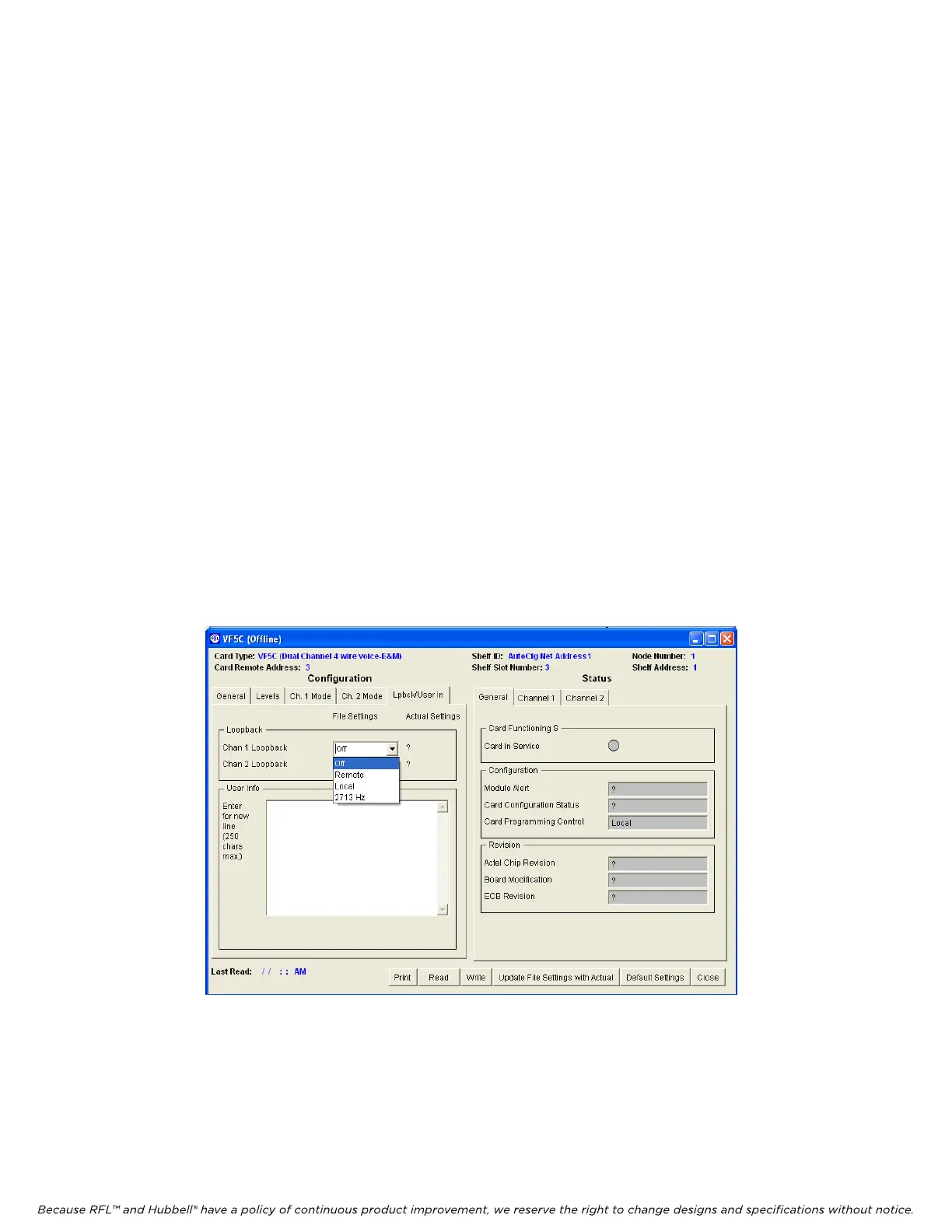
The following describes the settings when the “Loopback” tab is clicked.
RFL VF-5C RFL Electronics Inc.
October 8, 2012 34 (973) 334-3100



 To Next Page