Because RFL™ and Hubbell® have a policy of continuous product improvement, we reserve the right to change designs and specifications without notice.
RTU/MTU APPLICATION
This section describes how to configure the VF-6I for an RTU/MTU application. Signaling is not
supported in Bridge Mode.
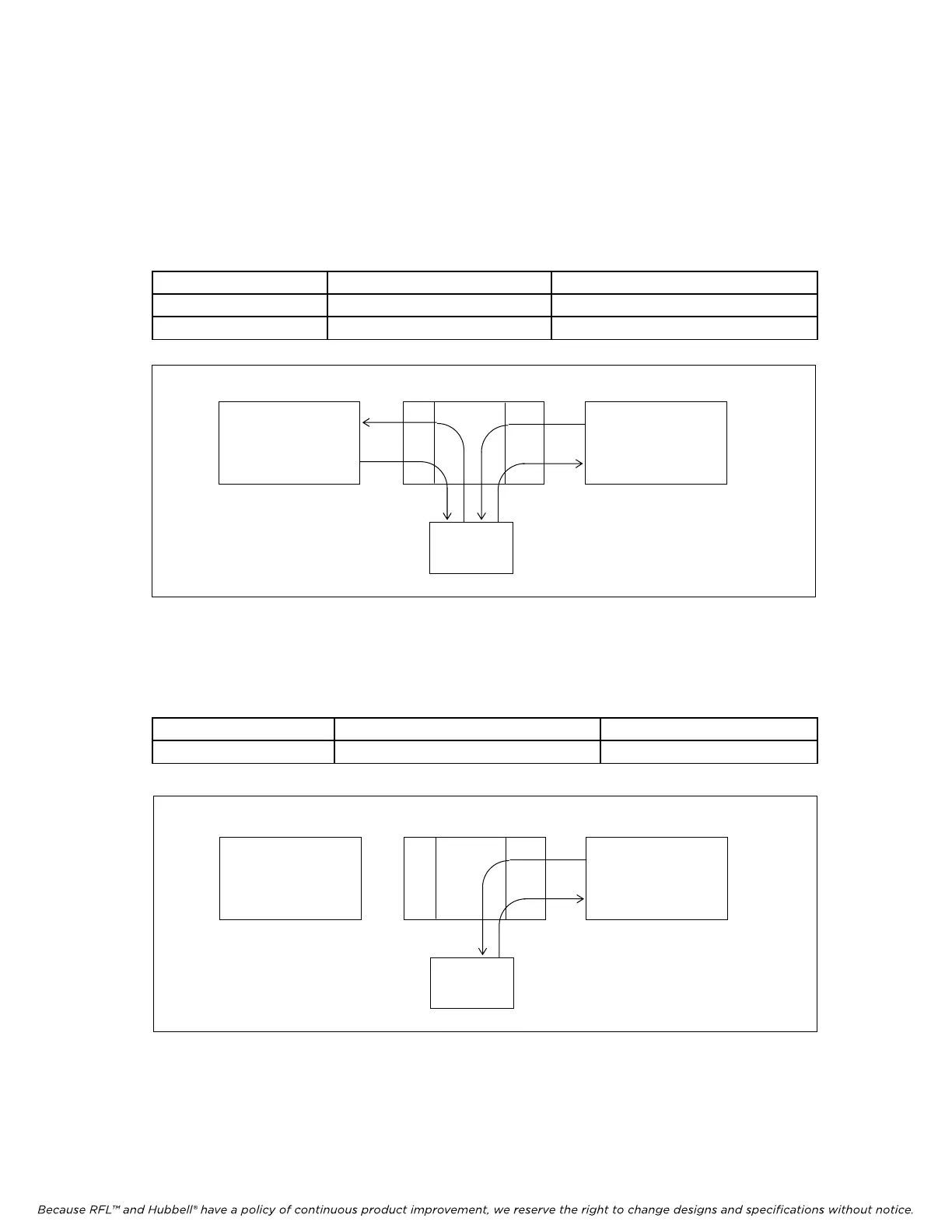
1. VF6I operating with an MTU.
a. The VF-6I transmits and receives data from both bus directions. The VF6I only
transmits local data and does not pass data thru from either direction.
BUS A ENABLED SW2-6 DOWN (ON)
BUS B ENABLED SW2-7 DOWN (ON)
BRIDGE MODE BRIDGE MODE ENABLED SW3-5 UP (OFF)
RFL VF-6I RFL Electronics Inc.
December 15, 2011 16 (973) 334-3100
TERMINAL OR D&I D&I TERMINAL OR D&I
VF6I
BUS A BUS B
MTU
Figure 7. VF6I configured for MTU operation in both bus directions (Bus A and Bus B enabled)
b. The VF-6I transmits only local data from the Terminal end (or D&I end) in one bus
direction only.
BUS A or BUS B ENABLED SW2-6 or SW2-7 DOWN (ON)
MULTI-DROP MODE MULTI-DROP MODE ENABLED SW3-5 DOWN (ON)
TERMINAL OR D&I D&I TERMINAL OR D&I
VF6I
BUS A BUS B
MTU
Figure 8. VF6I configured for MTU operation in one bus direction (Bus B enabled)



 To Next Page