4-13
PDW-700/V1 (E)
MARKER 1 Display (Setting the MARKER)
Item Setting Function
MARKER OFF/ON Turns ON/OFF all the MARKER display functions
CENTER OFF/ON Turns ON/OFF the CENTER MARKER display
CENTER MARK 1/2/3/4 Selects the types of CENTER MARKER when the
above CENTER MARKER display is ON
*1
SAFETY ZONE OFF/ON Turns ON/OFF the SAFETY ZONE MARKER
display
SAFETY AREA 80/90/92.5/95% Selects the ranges of the SAFETY ZONE
MARKER display (80%/90%/92.5%/95%)
ASPECT
*2
OFF/ON Turns ON/OFF the ASPECT MARKER display
ASPECT SELECT
*2
15 : 9/14 : 9/13 : 9/4 : 3/1.85/2.35 Selects the aspect ratio
ASPECT MASK OFF/ON Turns ON/OFF the function to darken the outside
(4 : 3)
*2 *3
of the specified aspect
ASPECT MASK LVL
*2
0 to 15 Selects the darkness level of the outside of the
specified aspect when ASPECT MASK is ON
100% MARKER OFF/ON Selects the MARKER display function to display
the 100% (effective picture elements) area
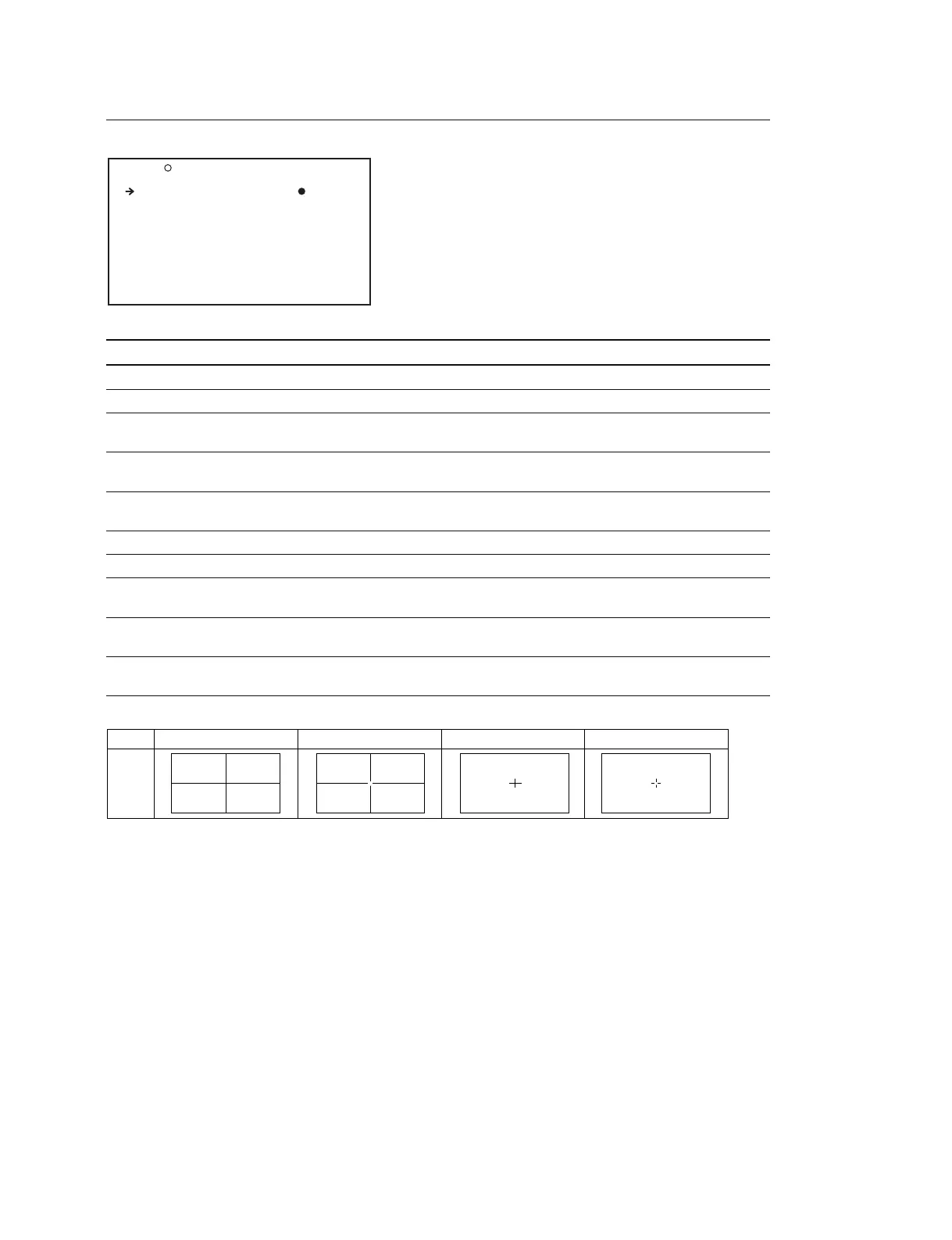
*1 : The CENTER MARKER is displayed as shown below.
*2 : This item is ignored when the recording format is IMX50/40/30 or DVCAM and the aspect ratio is 4:3.
*3 : The ASPECT MASK item is for processing the signal to be output to the viewfinder. When R, G, or B is selected for the TEST OUT
SELECT item in the menu, the masked video signal is output to the TEST OUT connector.
ASPECT MASK is ignored for displays in the viewfinder when the following are true.
• TEST OUT SELECT on the OUTPUT 1 page is set to HD-Y, and a cable is connected to the TEST OUT connector
• TEST OUT SELECT on the OUTPUT 1 page is set to HD-Y, and TEST OUT SAVE on the POWER SAVE page is set to OFF
O12 MARKER 1 TOP
MARKER : OFF
CENTER : OFF
CENTER MARK : 3
SAFETY ZONE : OFF
SAFETY AREA : 90%
ASPECT : ON
ASPECT SELECT : 4:3
ASPECT MASK : ON
ASPECT MASK LVL : 12
100%MARKER : OFF
Setting
1234
VF
screen



 To Next Page