4-23
PDW-700/V1 (E)
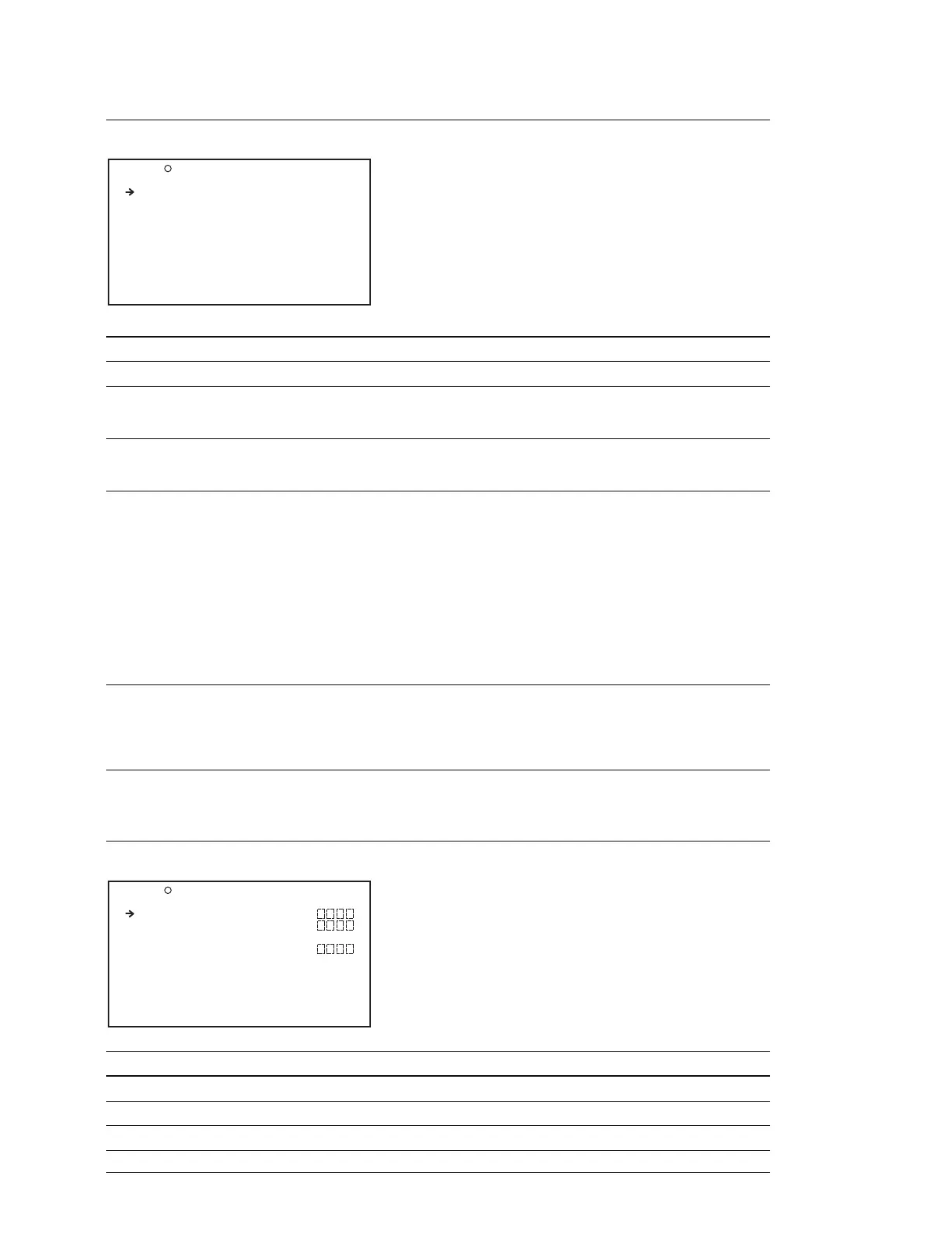
SOURCE SEL Display (Setting to make the front microphone monaural or stereo)
Item Setting Function
FRONT MIC SELECT MONO/STREO Selects MONO/STEREO when stereo microphone is connected
REC VIDEO SOURCE
*1
CAM/EXT Switches the recording target video between the video shot by
the camera and the video input from an external device (VBS or
SD-SDI/HD-SDI)
EXT VIDEO SOURCE
*1
VBS/HDSDI/SDSDI Selects input signal to be recorded by this equipment, among
the input signals supplied from external equipment when EXT is
selected by REC VIDEO SOURCE
WIDE MODE(EXT)
*1
AUTO/16:9 When the input signal is SD, select the method that determines
whether the signal is treated as a wide signal
AUTO : When wide picture information is detected in the input
signal, treat the signal as a wide signal and set the
up-converter operating mode to squeeze mode. Record
wide picture information when recording SD. When
wide picture information is not detected, set the
upconverter operating mode to edge crop mode and do
not record wide picture information
16:9 : Always treat the signal as a wide signal and set the
upconverter operating mode to squeeze mode. Record
wide picture information when recording SD
SETUP REMOVE
*2
0.0%/7.5% Selects whether to modify the setup level of input video signals
7.5% : Remove the setup (Select when signals with 7.5% setup
are input)
0.0% : Do not remove the setup (Select when signals without
setup are input)
*1 : Displayed only when the CBK-HD01 or CBK-SC02 option board is installed.
*2 : Displayed only when COUNTRY is set to “NTSC(J)AREA” or “NTSC AREA” and the CBK-SC02 option board is installed.
UMID SET Display (Setting the UMID)
Item Setting Function
COUNTRY CODE 4 characters (alphanumeric characters) Setting the country code
ORGANIZATION 4 characters (alphanumeric characters) Setting the organization code
USER CODE 4 characters (alphanumeric characters) Setting the user code
TIME ZONE 00 to 3F Setting TIME ZONE (time difference)
O25 SOURCE SEL TOP
FRONT MIC SELECT: STREO
REC VIDEO SOURCE: CAM
EXT VIDEO SOURCE: HDSDI
WIDE MODE(EXT) : AUTO
SETUP REMOVE : 7.5%
O26 UMID SET TOP
COUNTRY CODE :
ORGANIZATION :
USER CODE :
TIME ZONE :00 :+00:00



 To Next Page