4-24
PDW-700/V1 (E)
CLIP TITLE Display (Setting whether to create the clip title)
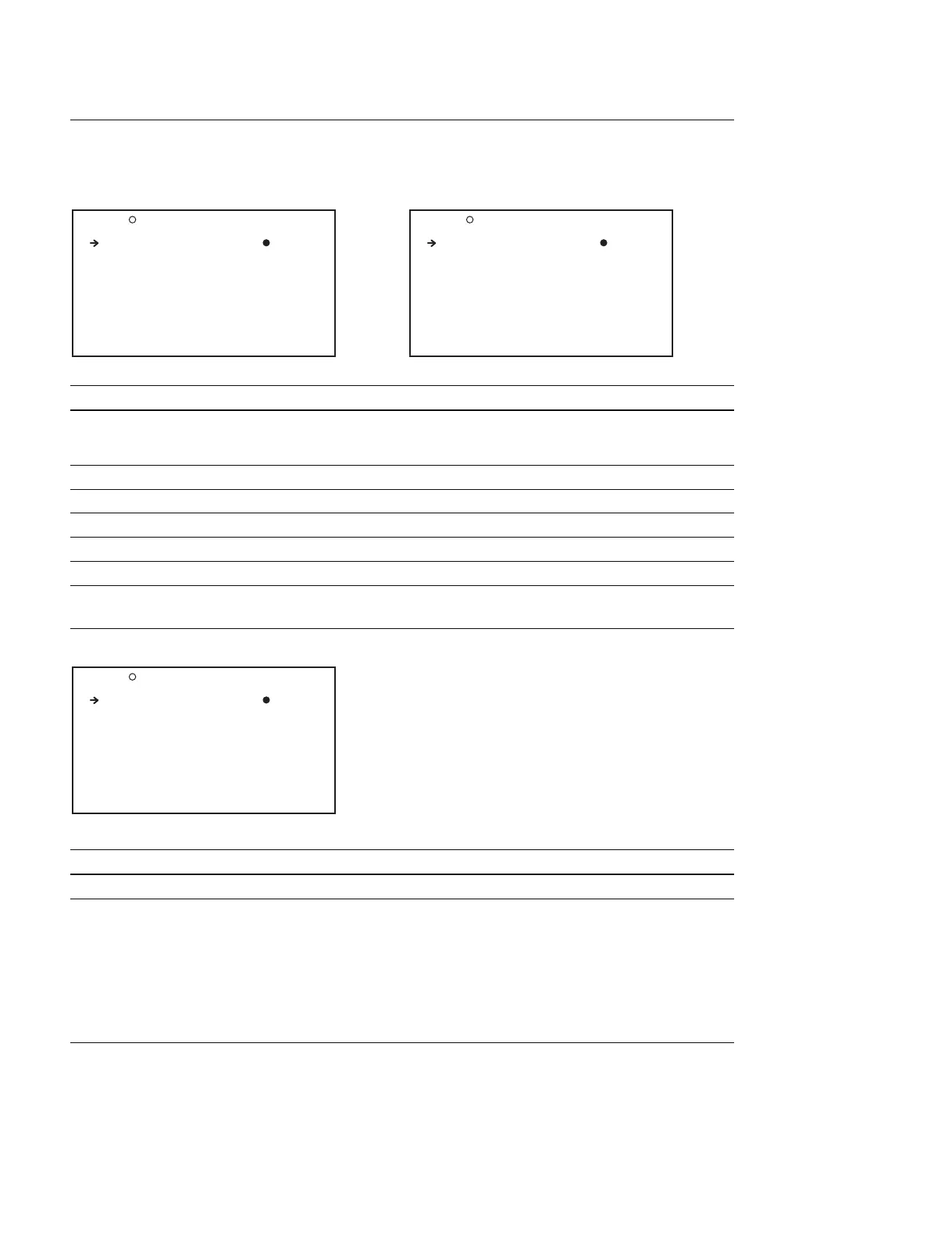
When the title is selected and set to DSABL When the title is selected and set to ENABL
Item Setting Function
TITLE DSABL/ENABL DSABL : Not automatically created
ENABL : Sets the clip title to be automatically created
when recording
SELECT PREFIX _ Select from maximum of 20 titles, or enter a prefix
CLEAR NUMERIC _ Sets the start number of the title name
LOAD PREFIX DATA _ Loads the file from the memory stick to the unit
PREFIX TITLE/up to 10 characters Enters a title prefix
NUMERIC 00001 to 99999 Sets the initial value of the clip title serial
FILE NAMING Display (Assigns the user-defined names to clips and clip lists)
Item Setting Function
NAMING FORM C****/FREE Assigns user-defined names to clips and clip lists
*1
AUTO NAMING C****/TITLE/PLAN Assigns clip name on this unit, when the NAMING
FORM item is set to “FREE”
C**** : Assigns clip names in the default naming
format
TITLE : Assigns the name that is given when the title
is set to ENABL in the CLIP TITLE page, as
the clip name
PLAN
*2
:Assigns the title that is described in the
readout planning Metadata, as the clip name
*1 : A user-defined name can be given to the clip list via FAM/FTP.
*2 : The title display on the VF DISP screen can be switched from Settings of the Disc Menu → Planning Clip Name in Clip Info. Area
setting.
O27 CLIP TITLE TOP
TITLE : DSABL
O27 CLIP TITLE TOP
TITLE : ENABL
SELECT PREFIX : EXEC
CLEAR NUMERIC : EXEC
LOAD PREFIX DATA: EXEC
PREFIX : TITLE
NUMERIC : 00001
O28 FILE NAMING TOP
NAMING FORM : FREE
AUTO NAMING : Cxxxx



 To Next Page