4-34
PDW-700/V1 (E)
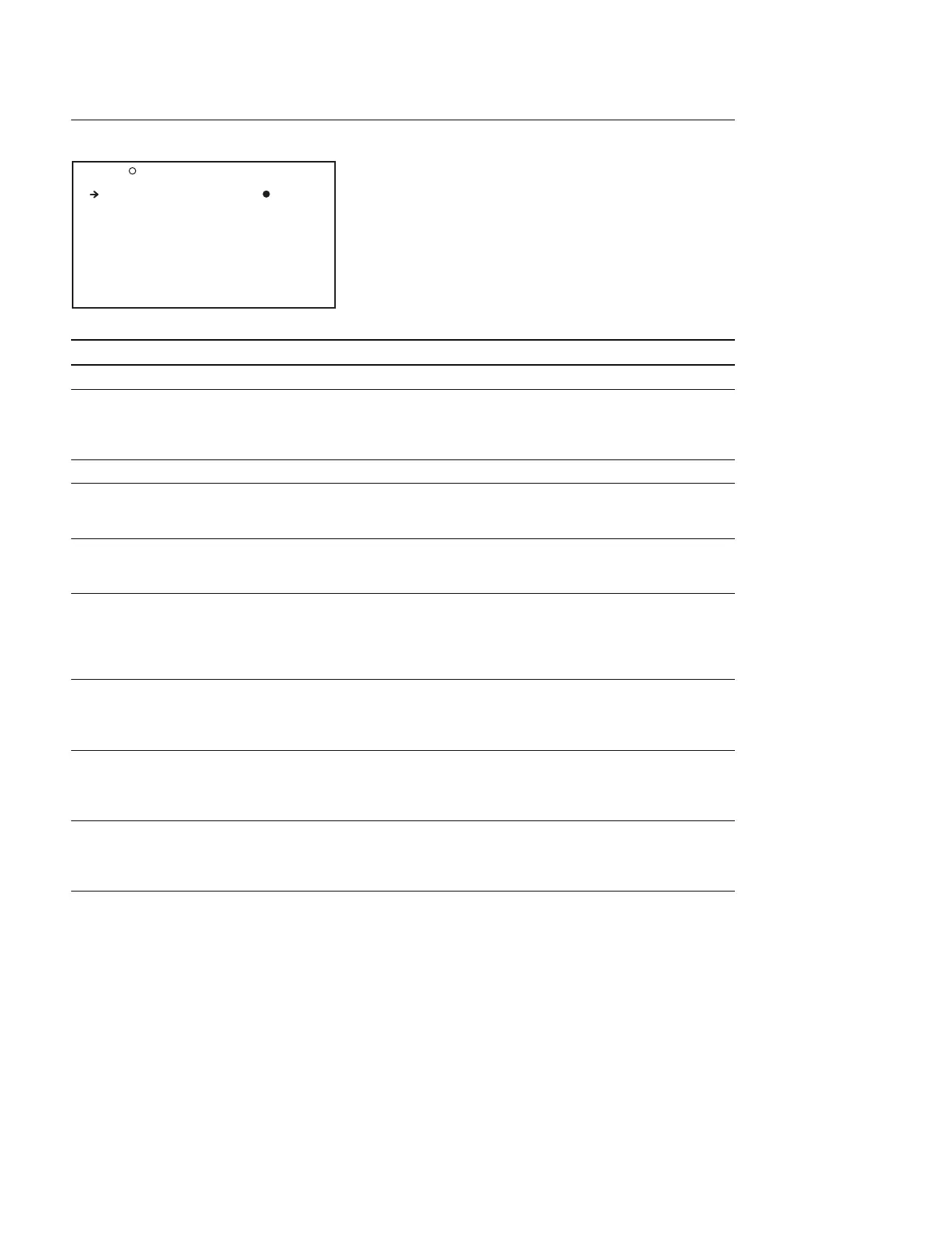
SKIN DETAIL Display (Controlling DETAIL of specific color such as skin tone)
Item Setting Function
SKIN DETAIL ALL OFF/ON Turns ON/OFF the skin detail function
SKIN DETECT Moves to color Automatic color detection function
detection page Move the cursor to the desired object color and press the
MENU knob. Then the SKIN DTL SAT. and the SKIN
DTL HUE will be set automatically
SKIN AREA IND OFF/ON Turns ON/OFF the zebra display to the target area
SKIN DTL SELECT 1/2/3 Selects the skin detail BANK
(When BANK is switched, the lower 5 lines of display are
switched at the same time)
SKIN DETAIL OFF/ON Turns ON/OFF skin detail CH1/2/3 individually
The ON/OFF settings can be set for each selection of
SKIN DTL SELECT above (three settings)
SKIN DETAIL LVL (_99 to 99) Sets the skin detail signal level
(Increasing this value increases the skin detail signal
amplitude)
This item can be set to each BANK (3 different settings) of
the above SKIN DTL SELECT
SKIN DTL SAT (_99 to 99) Sets the range of (saturation) of chroma signal in which
the skin detail signal is effective
This item can be set to each BANK (3 different settings) of
the above SKIN DTL SELECT
SKIN DTL HUE 0 to 359 Sets the center phase of the chroma phase (HUE) in
which the skin detail functions (Unit : Degrees)
This item can be set to each BANK (3 different settings) of
the above SKIN DTL SELECT
SKIN DTL WIDTH 0 to 359 Sets the width of the chroma phase (HUE) in which the
skin detail functions (Unit : Degrees)
This item can be set to each BANK (3 different settings) of
the above SKIN DTL SELECT
P10 SKIN DETAIL TOP
SKIN DETAIL ALL : OFF
SKIN DETECT : EXEC
SKIN AREA IND : OFF
SKIN DTL SELECT : 1
SKIN DETAIL : ON
SKIN DETAIL LVL : 0
SKIN DTL SAT : 0
SKIN DTL HUE : 0
SKIN DTL WIDTH : 39



 To Next Page