4-50
PDW-700/V1 (E)
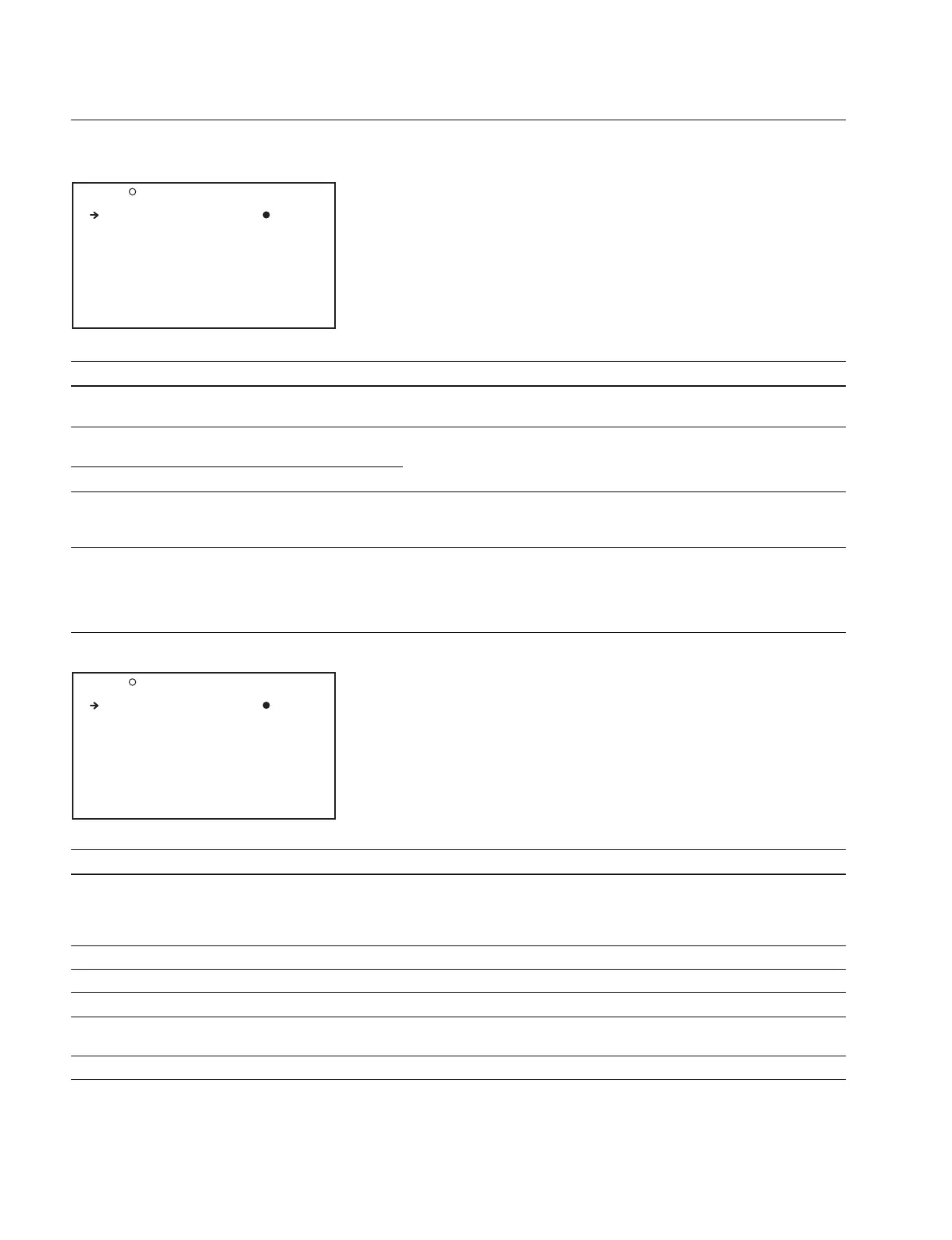
WHITE FILTER Display (Setting the color temperatures to assign to the electrical color correction (CC)
filters)
Item Setting Function
ND FILTER CTEMP OFF/ON Selects whether to assign electrical CC filters to neutral density (ND)
filters, or to switch by using the COLOR TEMP button
ND FLT CTEMP <1> 3200K/4300K/5600K/6300K Select the color temperatures when the electrical CC filters are assigned
to the ND filters
ND FLT CTEMP 2-4 3200K/4300K/5600K/6300K
ELECTRICAL CC
*
3200K/4300K/5600K/6300K Select the color temperatures selected by electrical CC filter switching,
A/B/C/D /----- when the electrical CC filter switching function is assigned to an ASSIGN
switch
* : At the C and D items, the positions to which the dash marks ----- are set can be selected. When the dash marks ----- is selected, the filter position cannot be
selected.
(These items are skipped C and D items when operated from the ASSIGNABLE switch.)
DCC ADJUST Display (Setting the DCC function)
Item Setting Function
DCC FUNCTION SEL DCC/FIX Selects the DCC function modes when the DCC switch is ON
DCC : Automatically makes adjustments according to the knee point and
the luminance of the object
FIX : Executes knee correction by fixing the knee point at 600%
DCC D RANGE 400/450/500/550/600 (%) Sets the dynamic range when the DCC switch is set to ON
DCC POINT (_99 to 99) Sets the minimum knee point when the DCC switch is set to ON
DCC GAIN (_99 to 99) Adjusts the gain to DCC detected value when the DCC switch is set to ON
DCC DELAY TIME (_99 to 99) Sets the response speed of DCC (Increasing the data slows down the
response speed)
DCC PEAK FILTER (0 to 15) Adjust the response sensitivity to the peak of the DCC detected value
M17 DCC ADJUST TOP
DCC FUNCTION SEL: DCC
DCC D RANGE : 600%
DCC POINT : 0
DCC GAIN : 0
DCC DELAY TIME : 0
DCC PEAK FILTER : -
M16 WHITE FILTER TOP
ND FILTER CTEMP : OFF
ND FLT CTEMP <1>: 3200K
ND FLT CTEMP 2-4: 5600K
ELECTRICAL CC<A>: 3200K
ELECTRICAL CC<B>: 4300K
ELECTRICAL CC<C>: 5600K
ELECTRICAL CC<D>: 6300K



 To Next Page